


Ailunce HA1G GMRS Radio, GMRS Handheld Radio, IP67 Waterproof, NOAA, 2800mAh USB-C Charging Long Range Walkie Talkies for Outdoor(2 Pack)
Price range: $56.99 through $106.24
ACASIS 16-Port Powered USB 3.1 Hub - 10Gbps High-Speed Data Hub with Aluminum Housing & 96W Power Adapter, for PC, Laptop, Printer, Camera and More
Original price was: $64.99.$54.99Current price is: $54.99.







Related Products
-27%Hot
Select options
This product has multiple variants. The options may be chosen on the product page
 Black - MS3320W
 Titan Gray
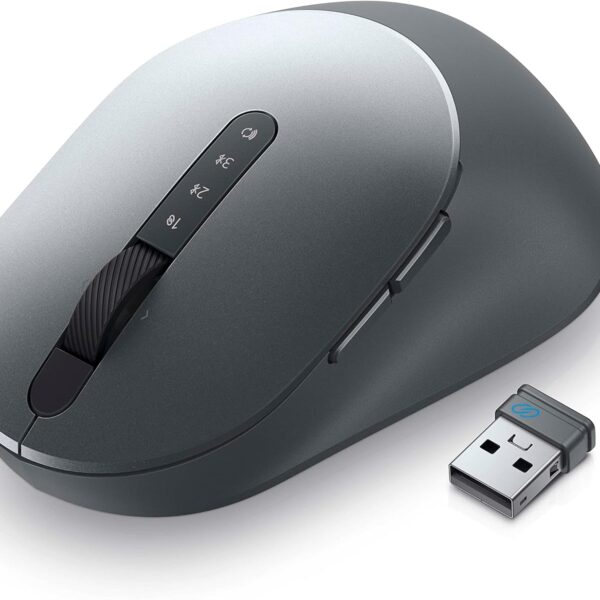 Titan Gray - MS5320W
Black
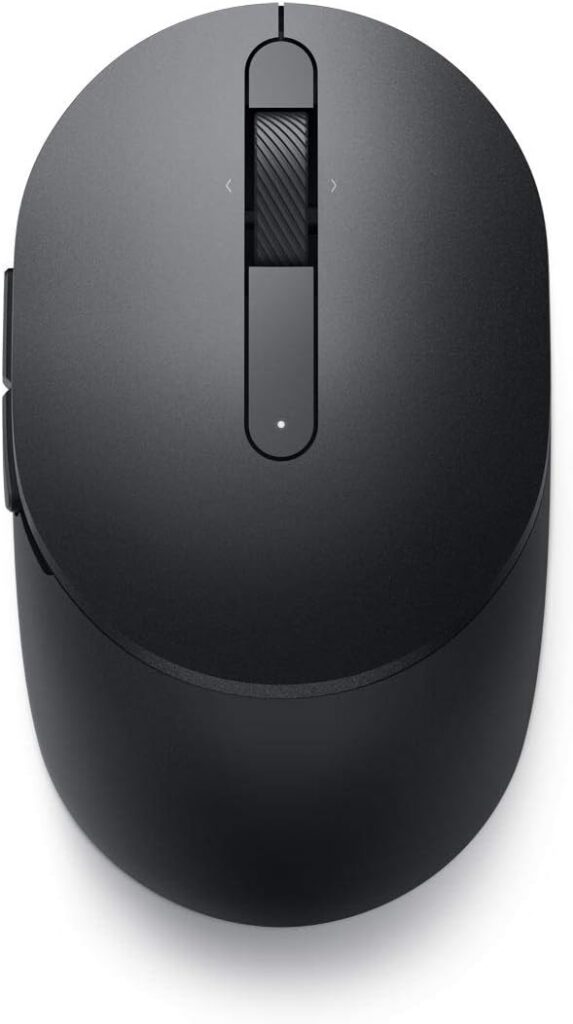
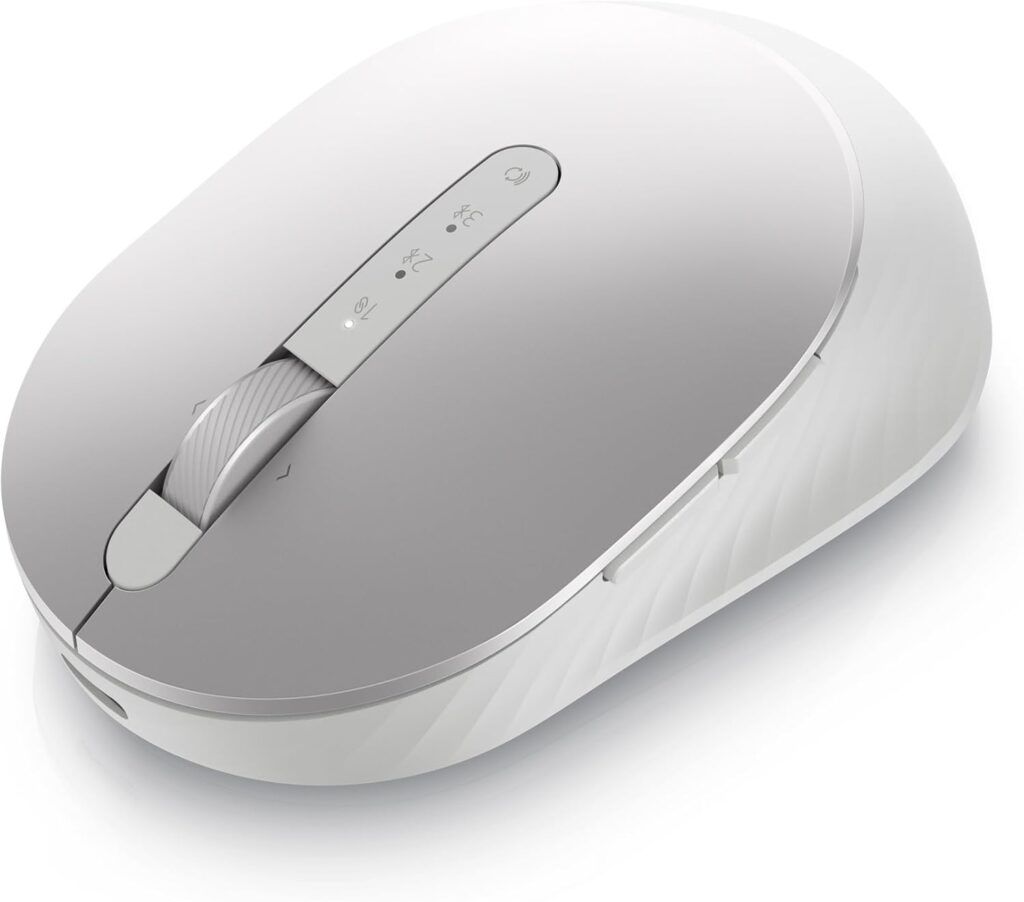
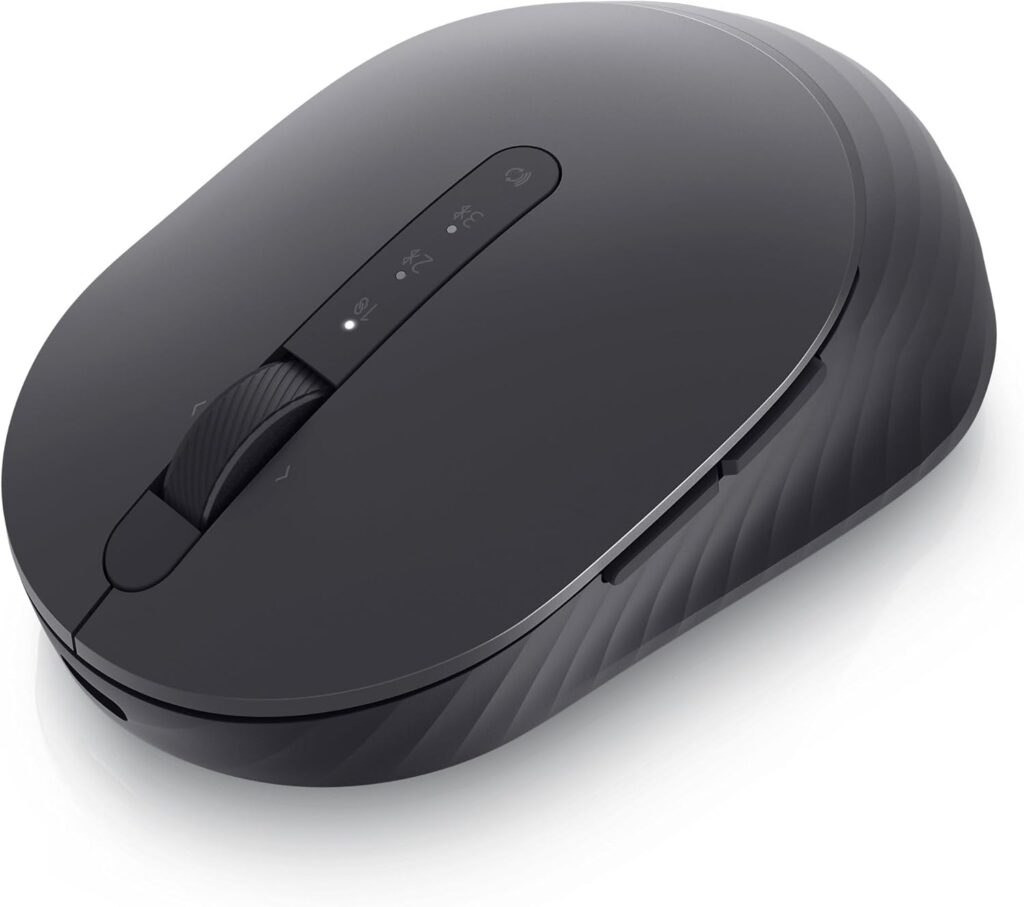
Dell MS5120W Mobile Pro Wireless Mouse – Wireless 2.4GHz, Bluetooth 5.0, Microsoft Swift Pair/Dell Pair (Windows 10 & 11 only), Optical LED Sensor – Gray
Price range: $24.97 through $39.99-9%
Select options
This product has multiple variants. The options may be chosen on the product page
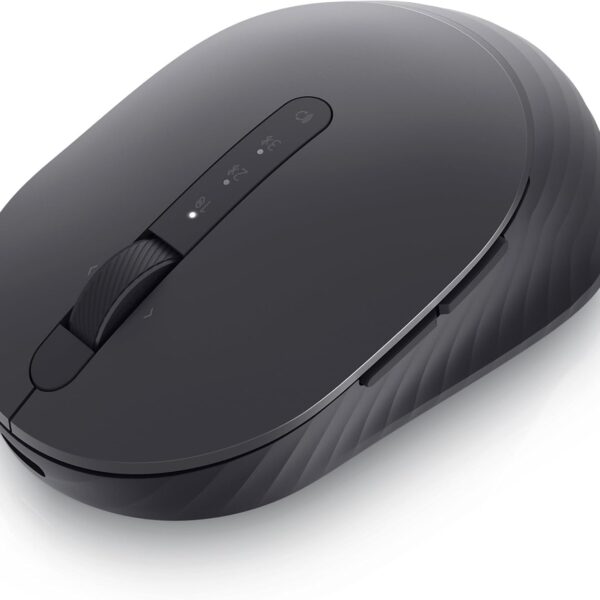 Graphite Black
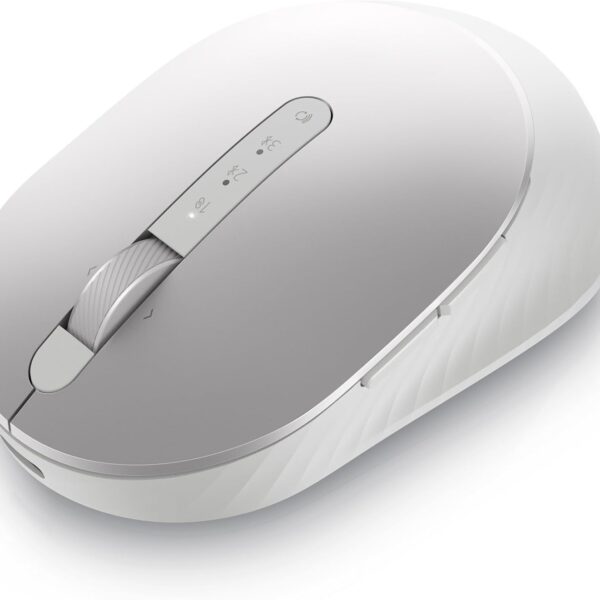 Platinum Silver
Black
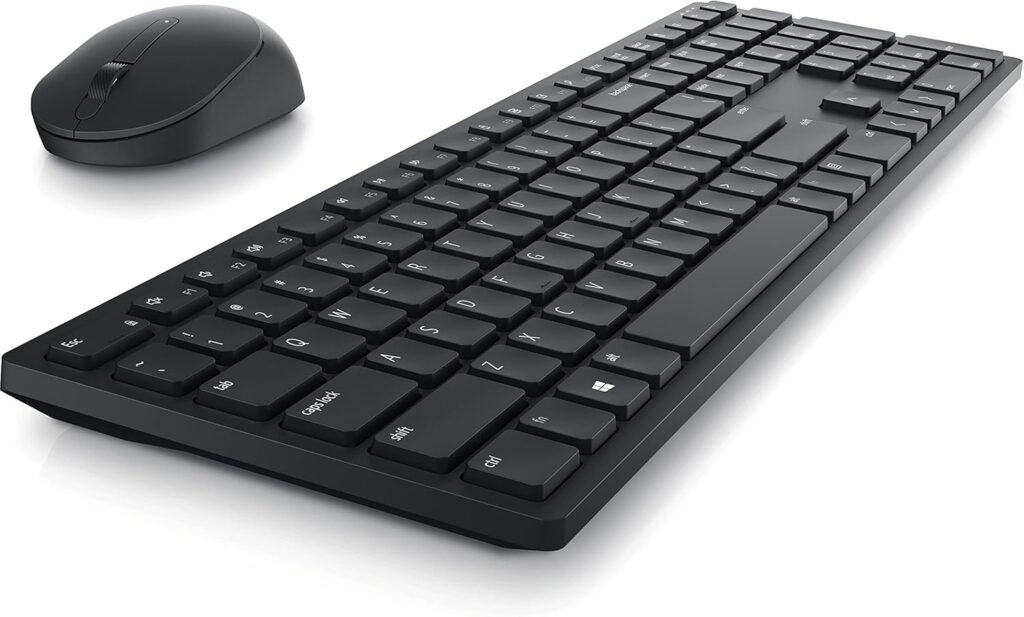
Dell Premier MS7421W Mouse silver
Price range: $45.50 through $59.18-27%Hot
Select options
This product has multiple variants. The options may be chosen on the product page
 white
white
Black
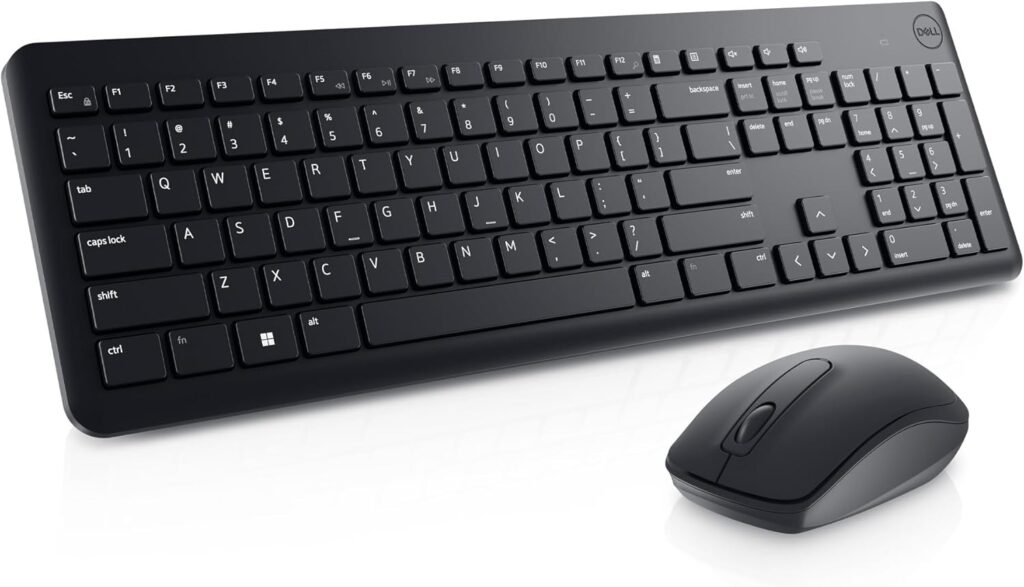
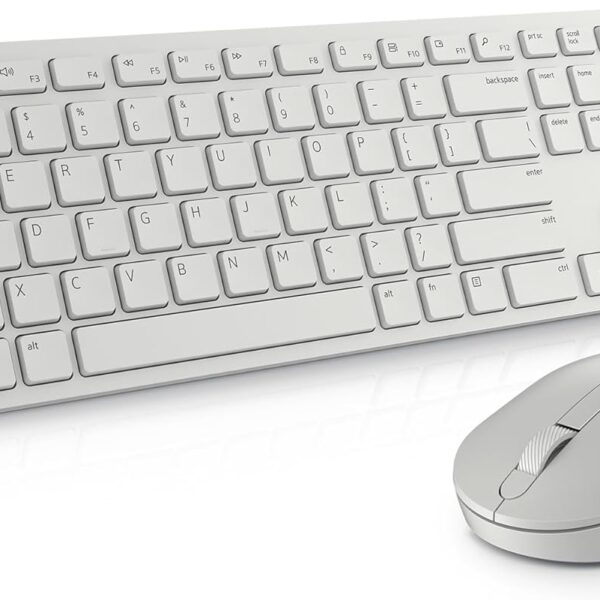
Dell Pro KM5221W Keyboard & Mouse
Price range: $34.99 through $36.40-29%
Select options
This product has multiple variants. The options may be chosen on the product page
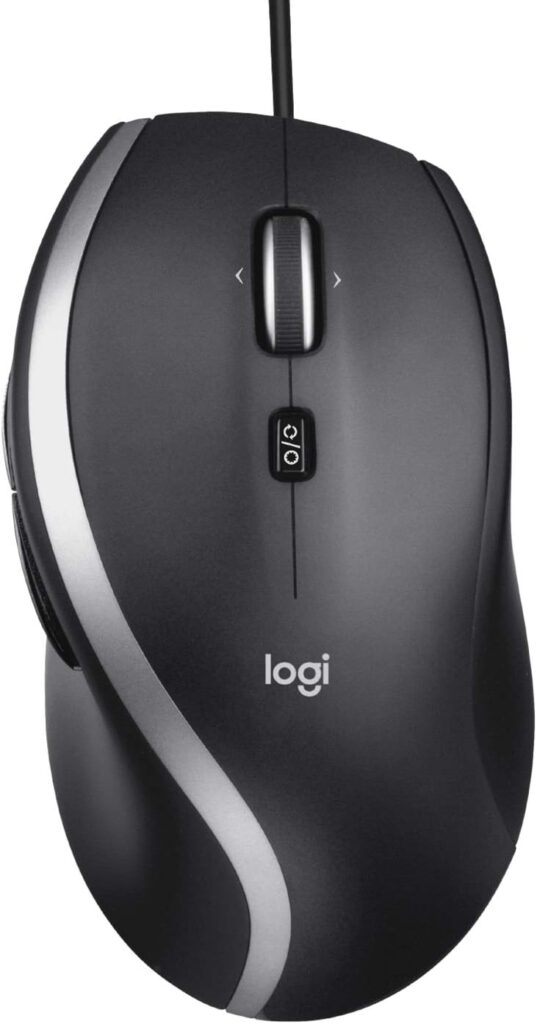
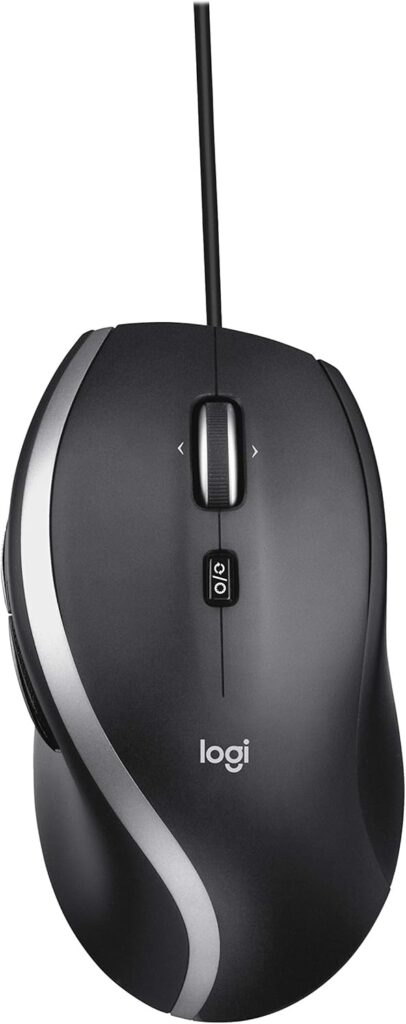
Logitech M500s Advanced Corded Mouse with Advanced Hyper-Fast Scrolling & Tilt, Customizable Buttons, High Precision Tracking with DPI Switch, USB Plug & Play
$31.99-11%Hot

Select options
This product has multiple variants. The options may be chosen on the product page
 white
white
 White/Black
Black
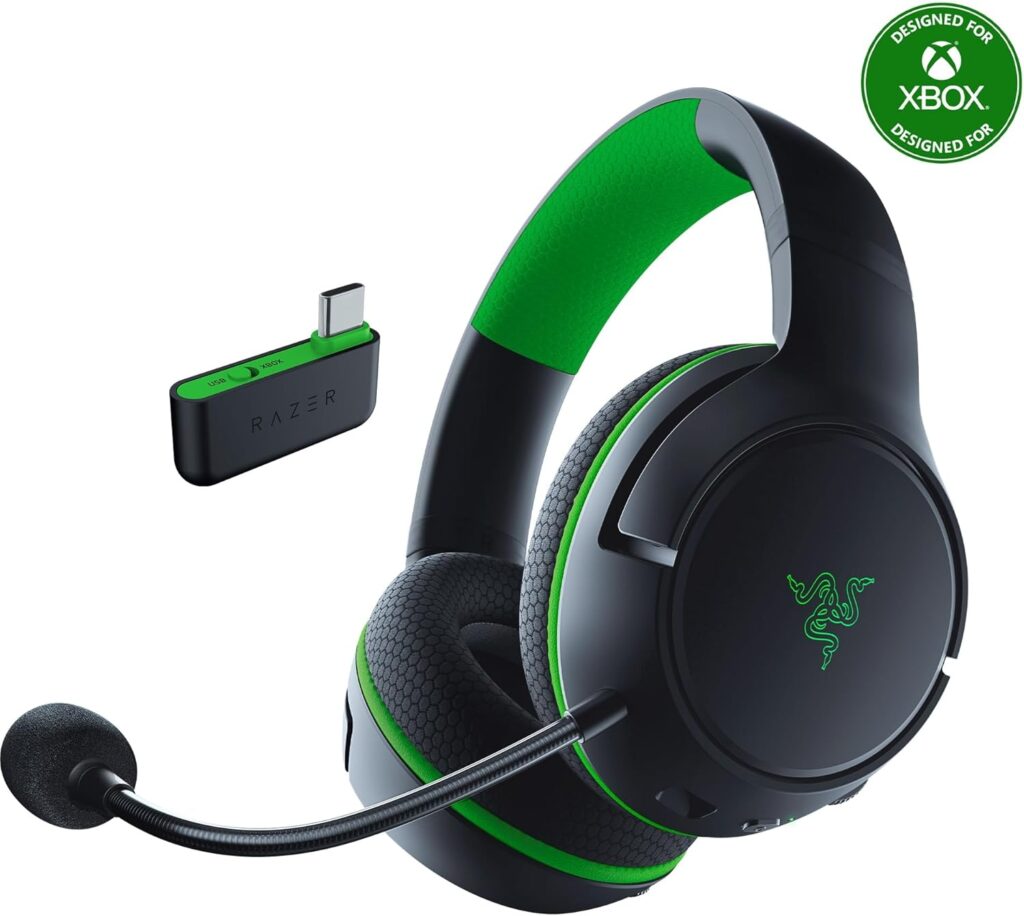
Razer Kaira HyperSpeed Wireless Gaming Headset for PlayStation 5 / PS5, PS4, PC, Mobile: 50mm Drivers – HyperClear Cardioid Mic – Memory Foam Cushions – Bluetooth – 30 Hr Battery – White & Black
Price range: $71.99 through $115.99-36%
Select options
This product has multiple variants. The options may be chosen on the product page
Robert –
Fast external Gard Drive
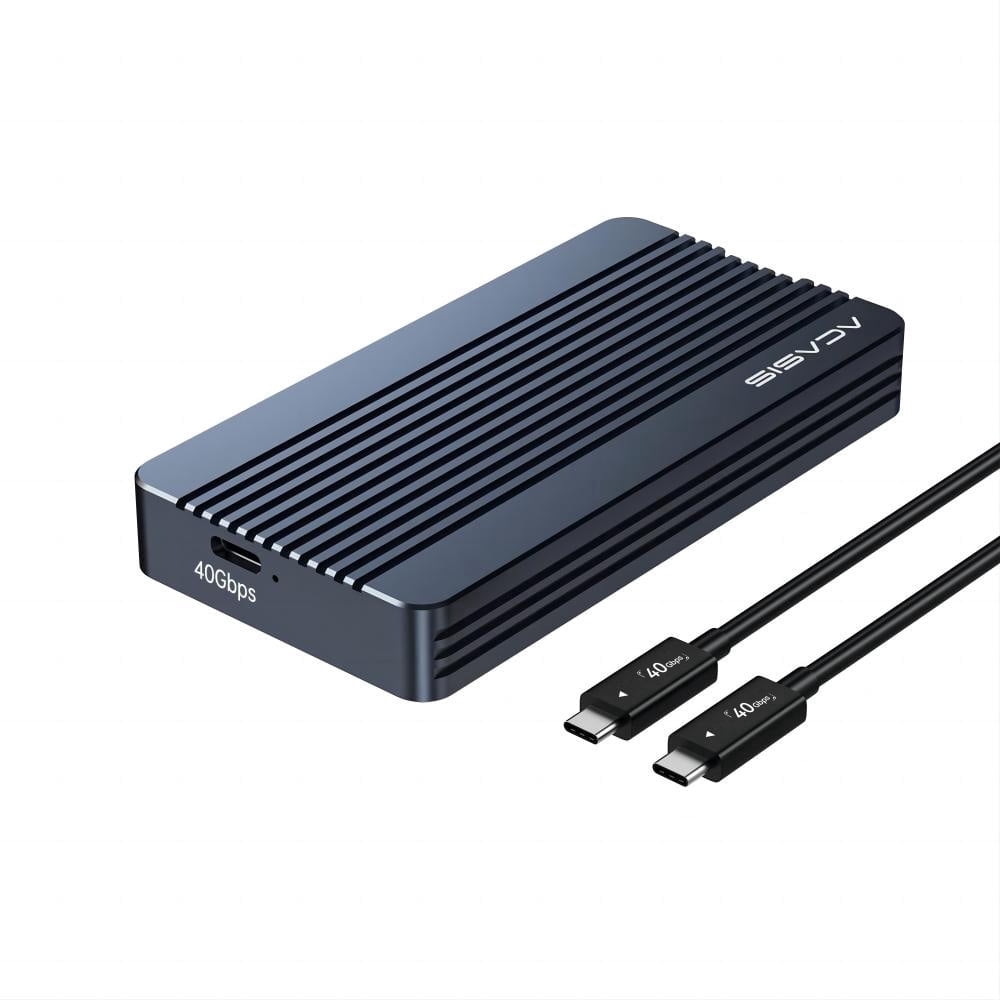
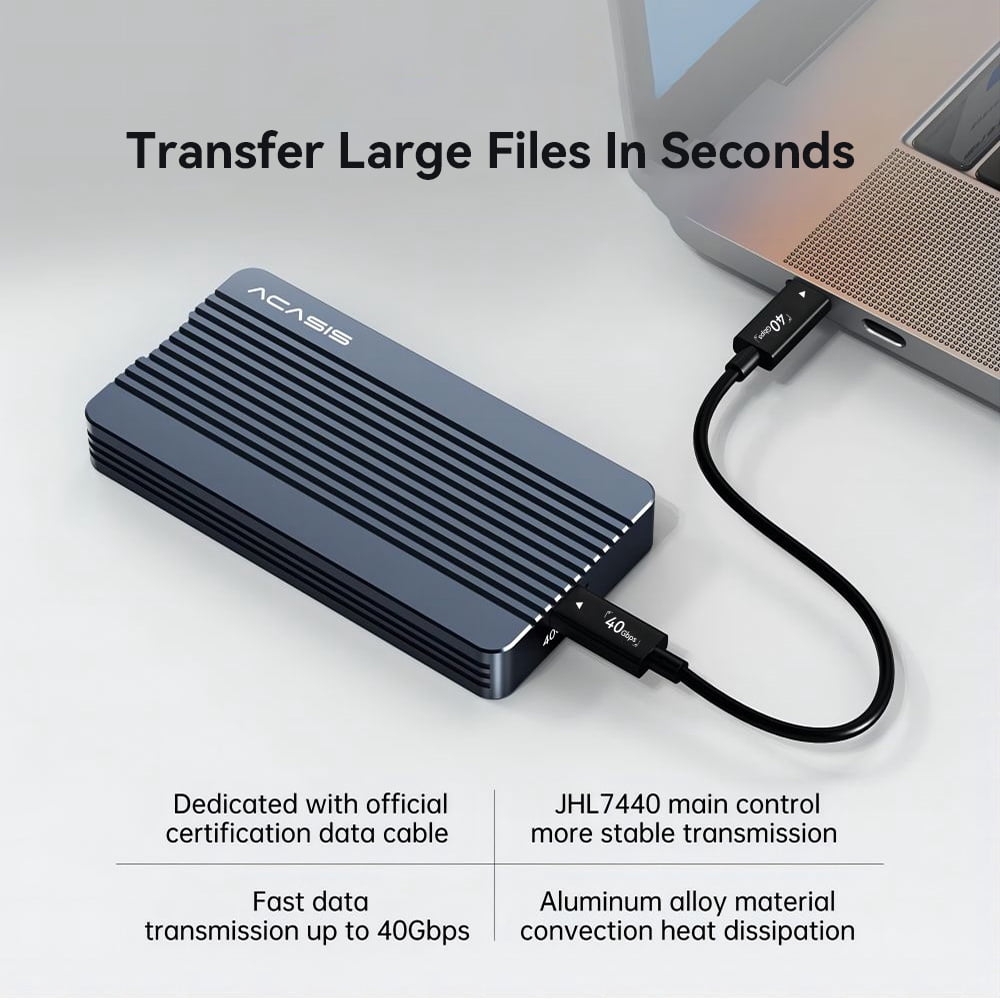
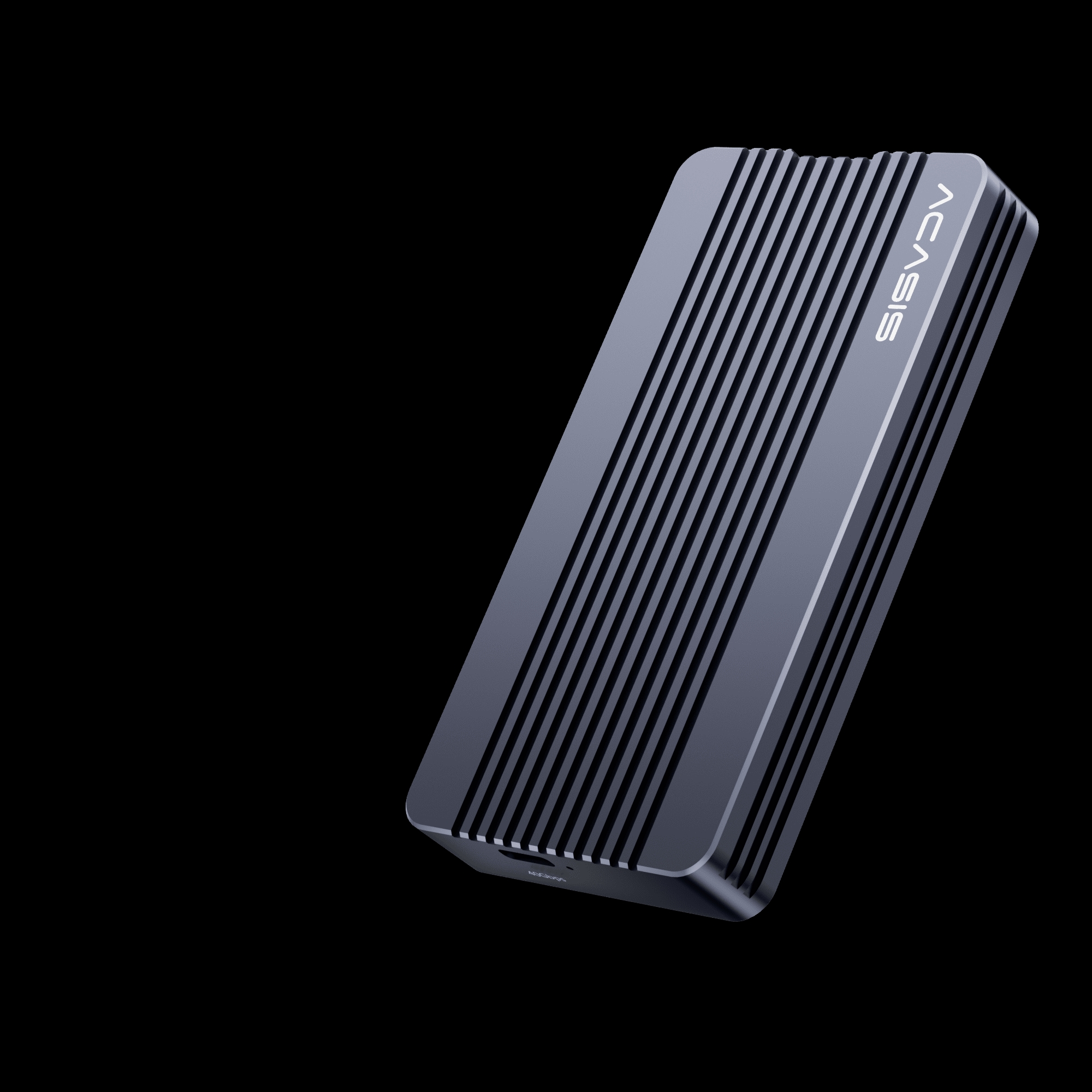
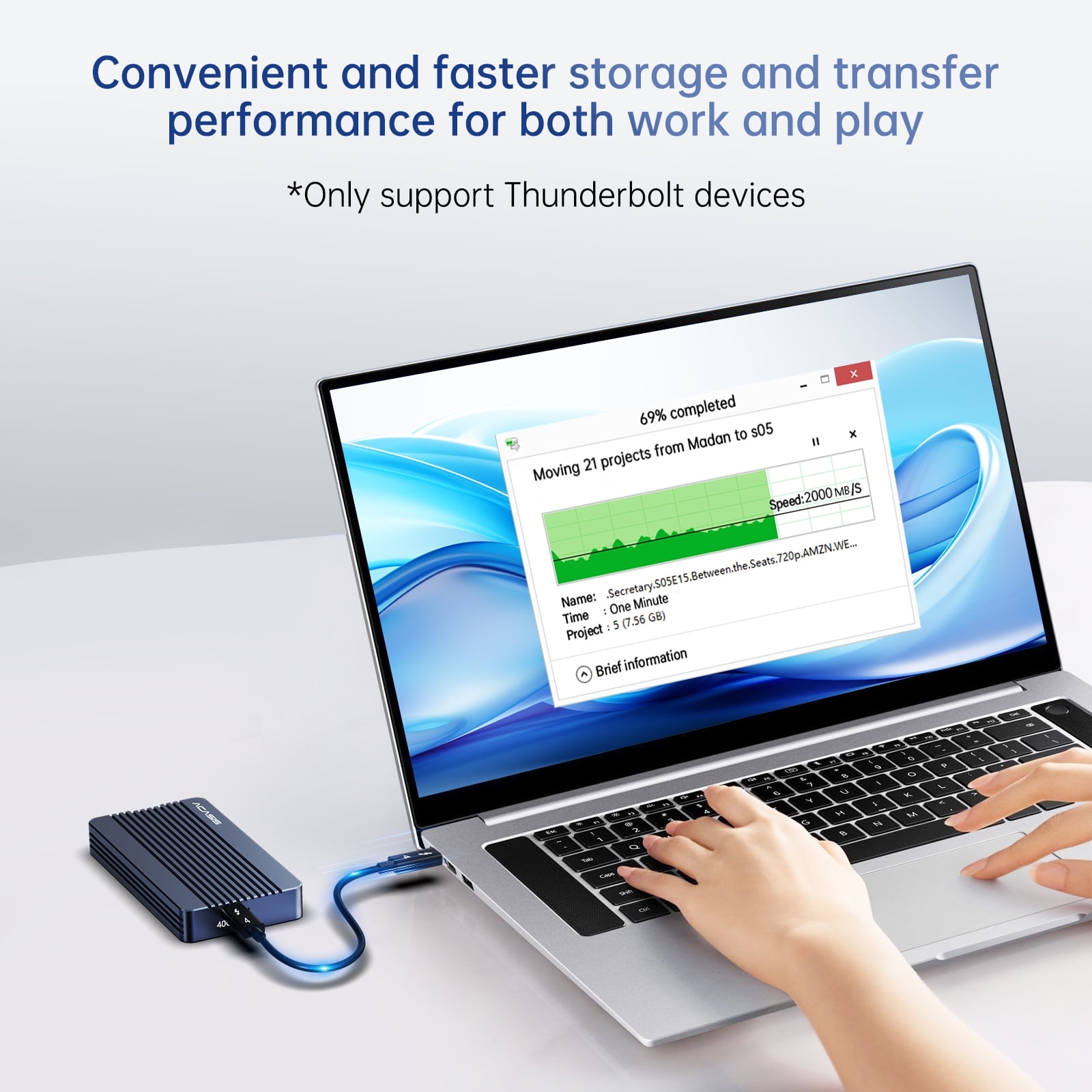
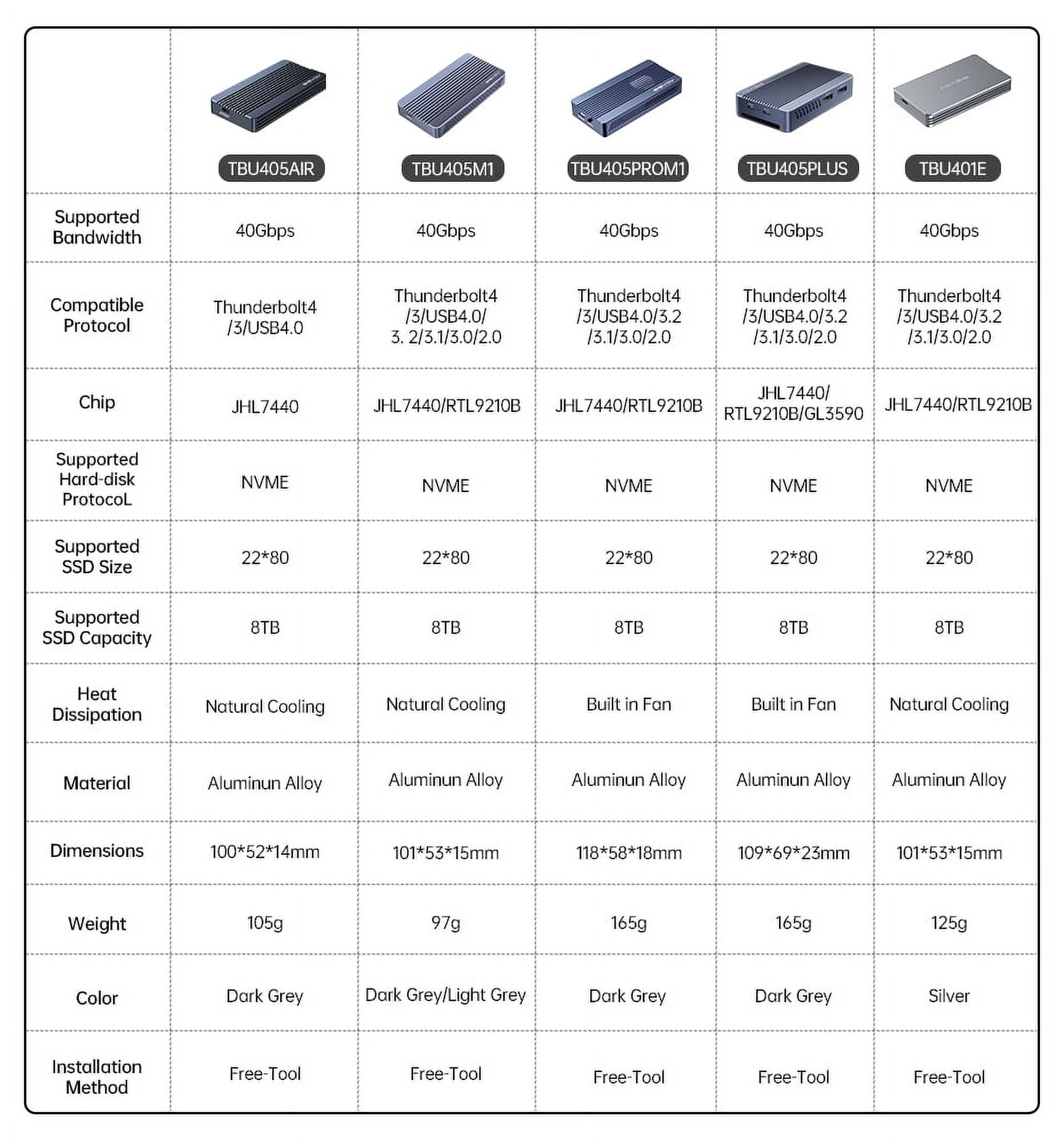
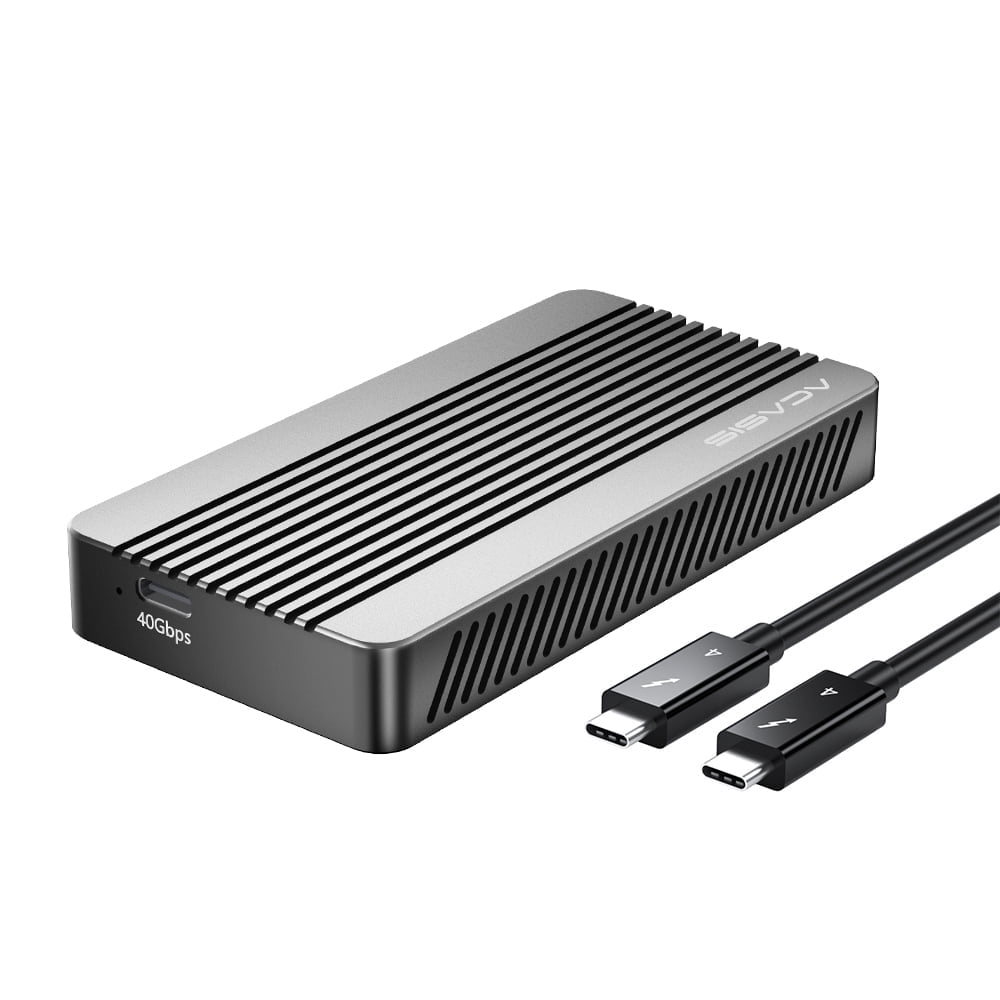
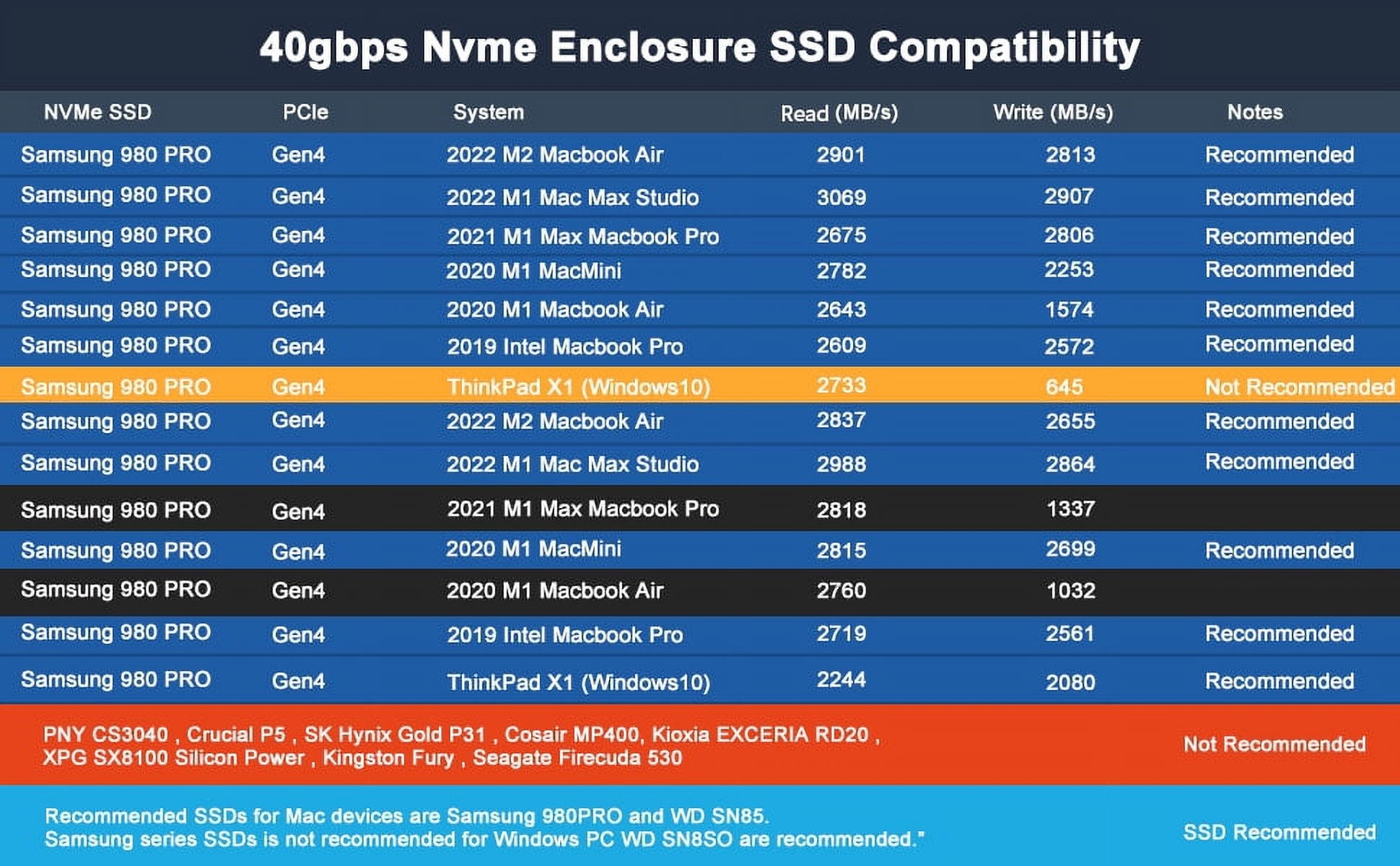
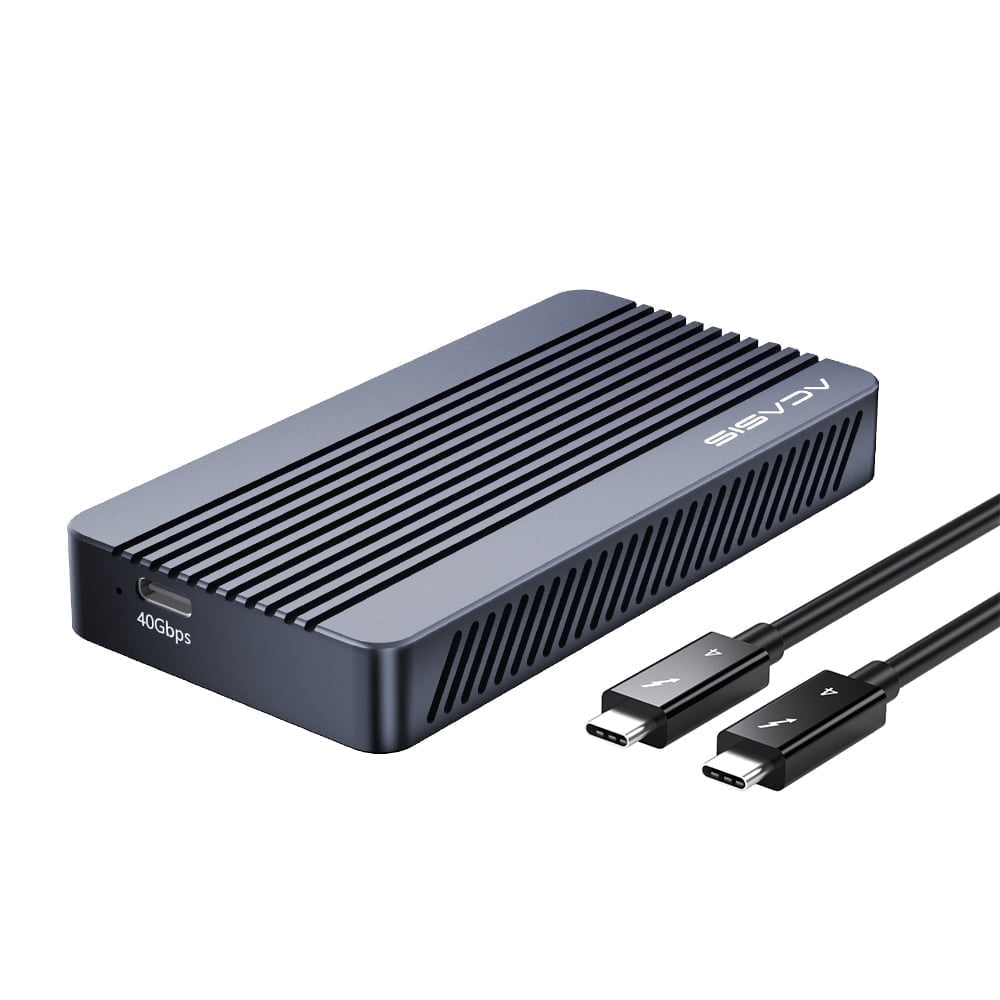
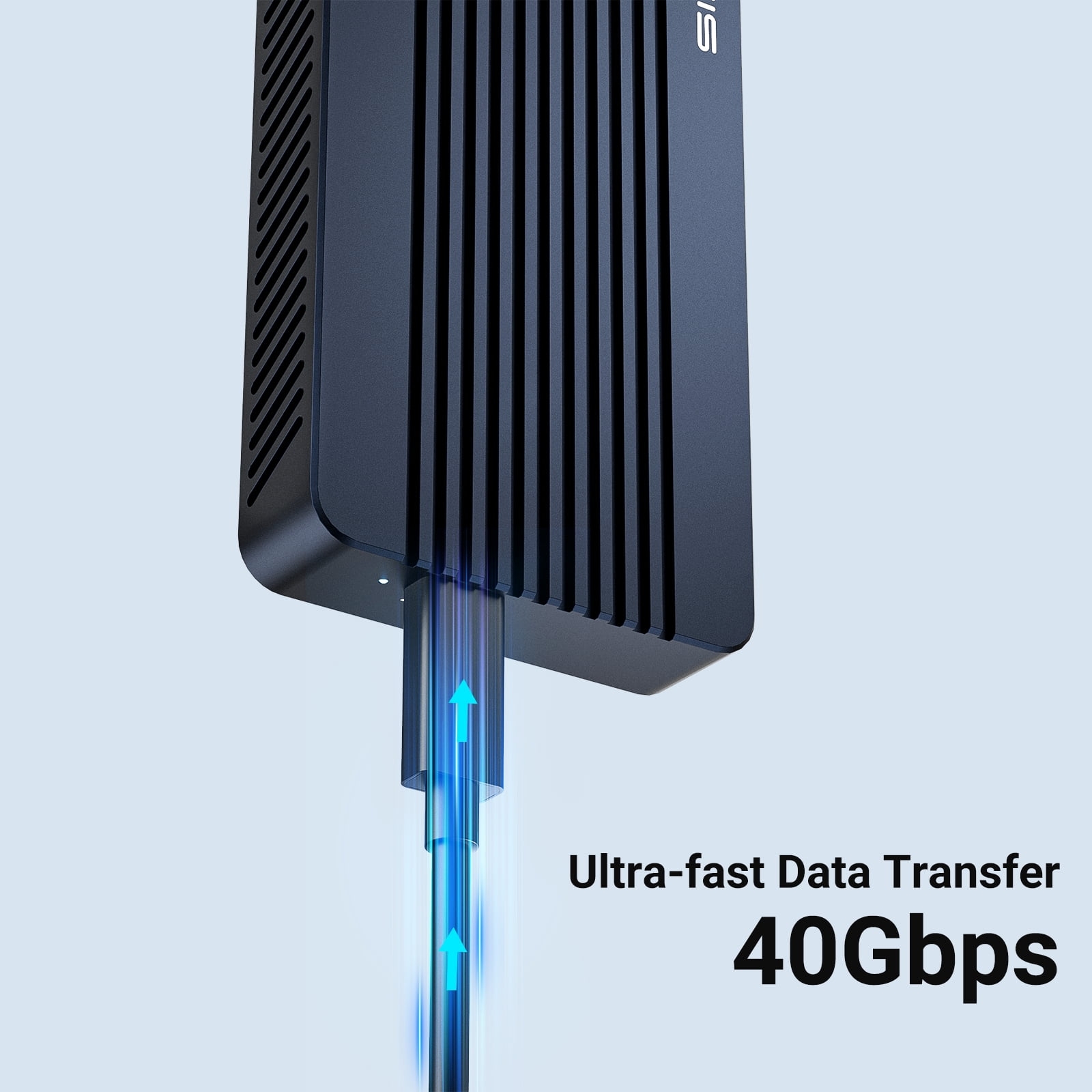
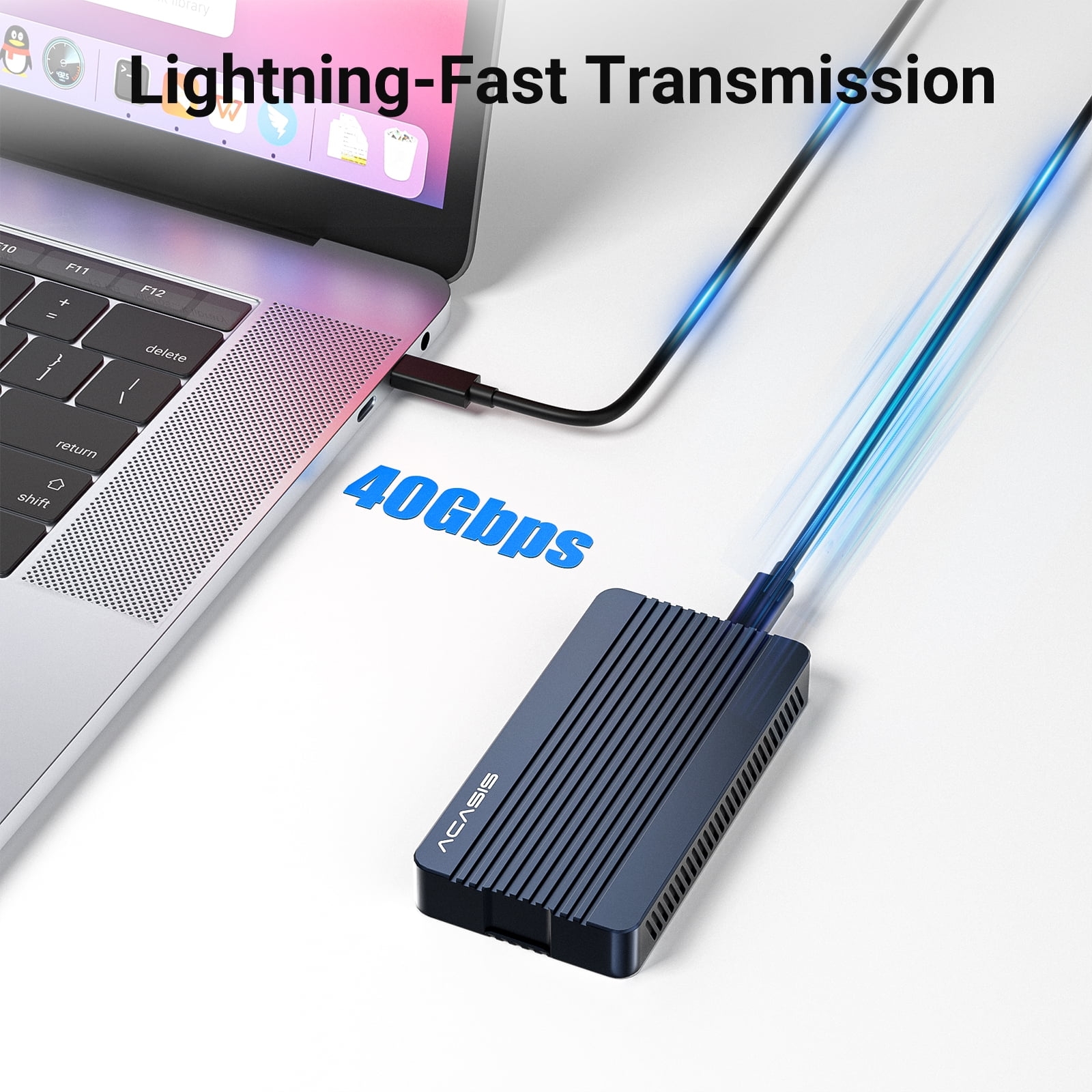
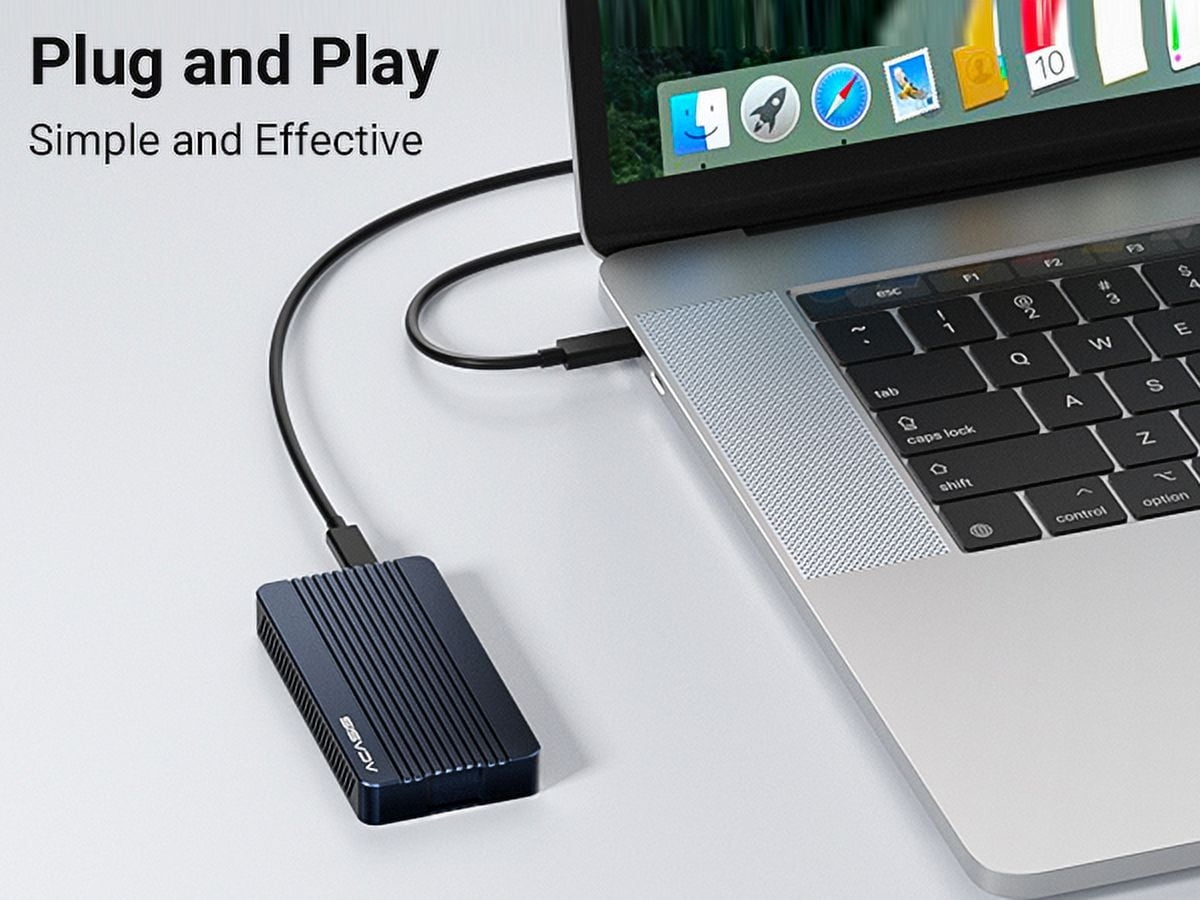
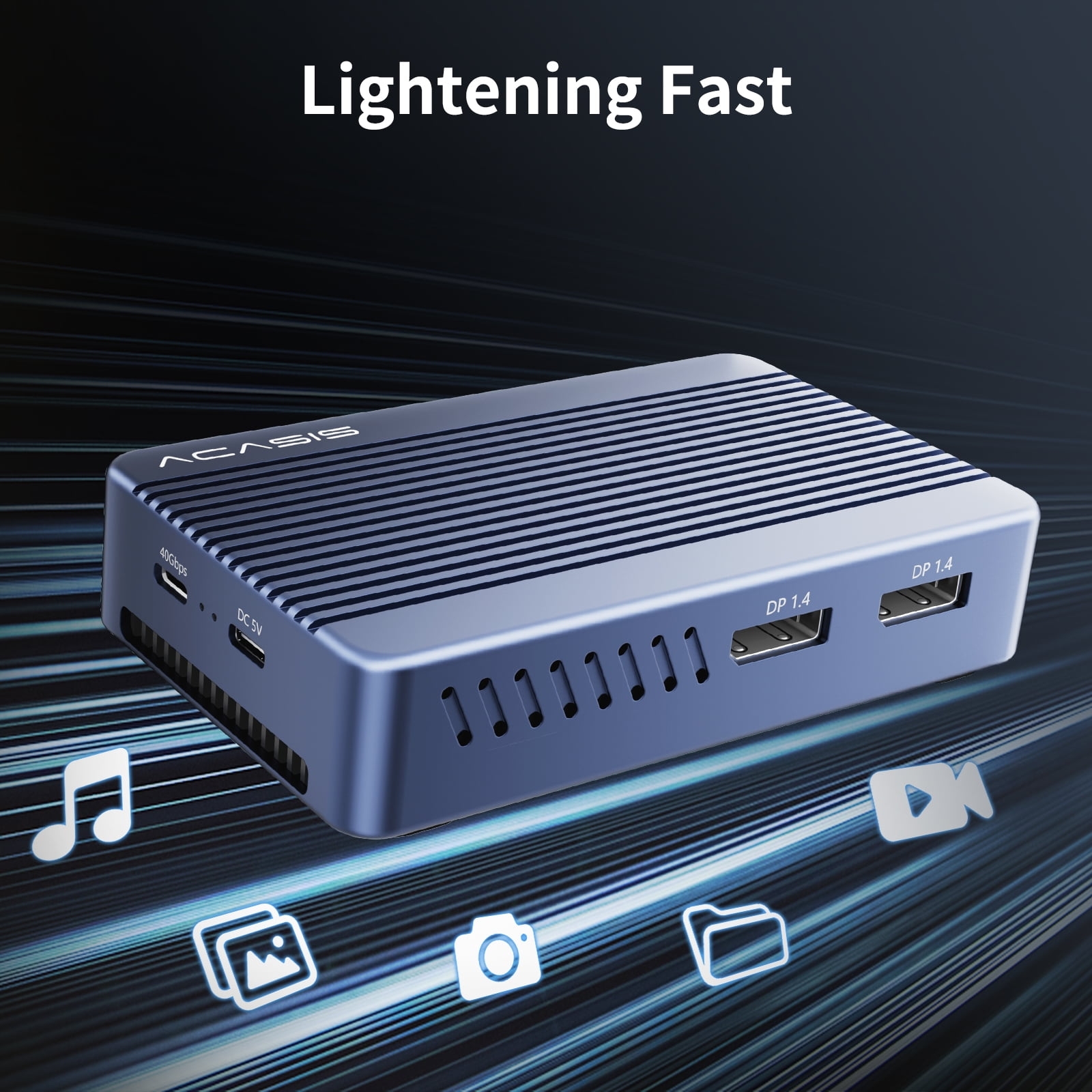
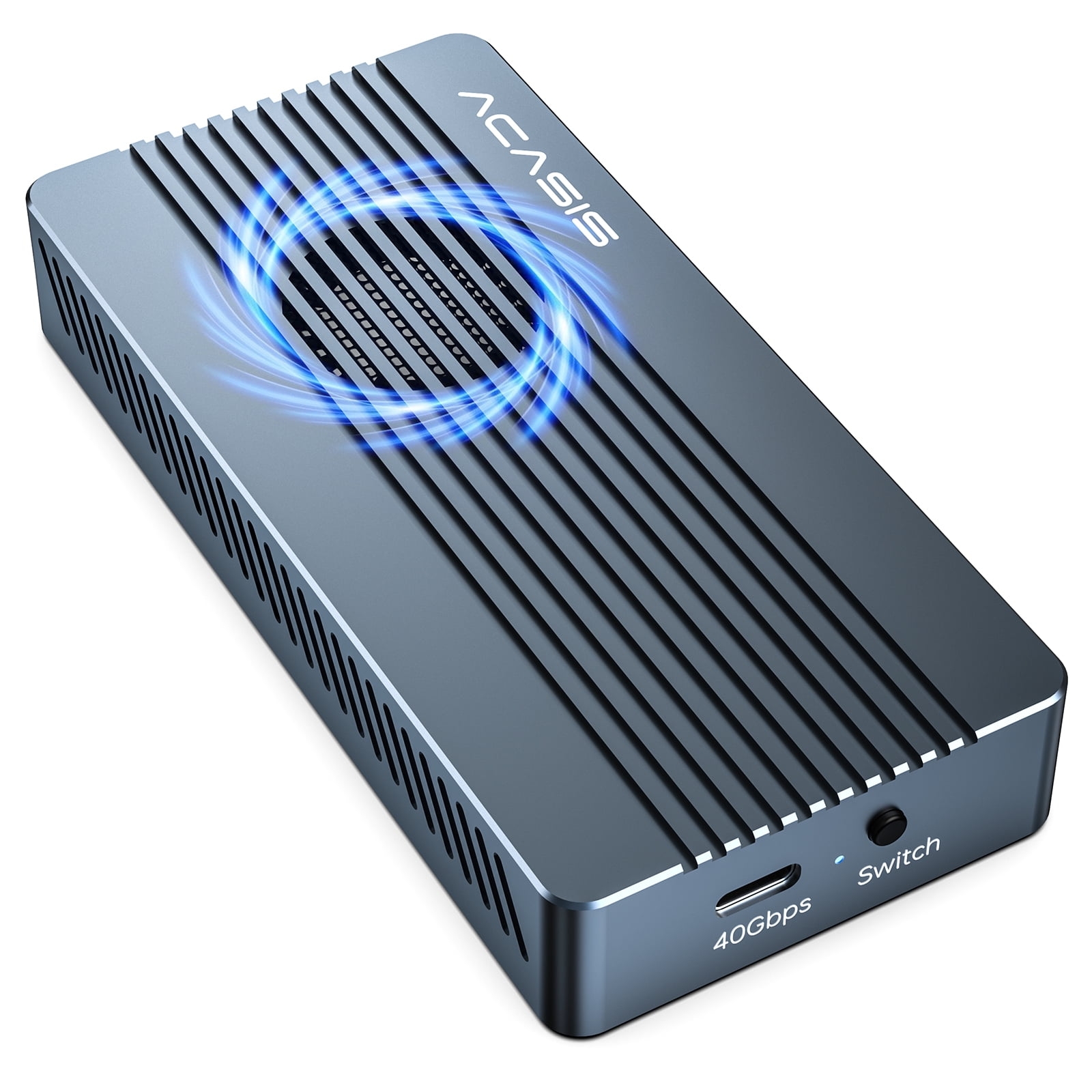
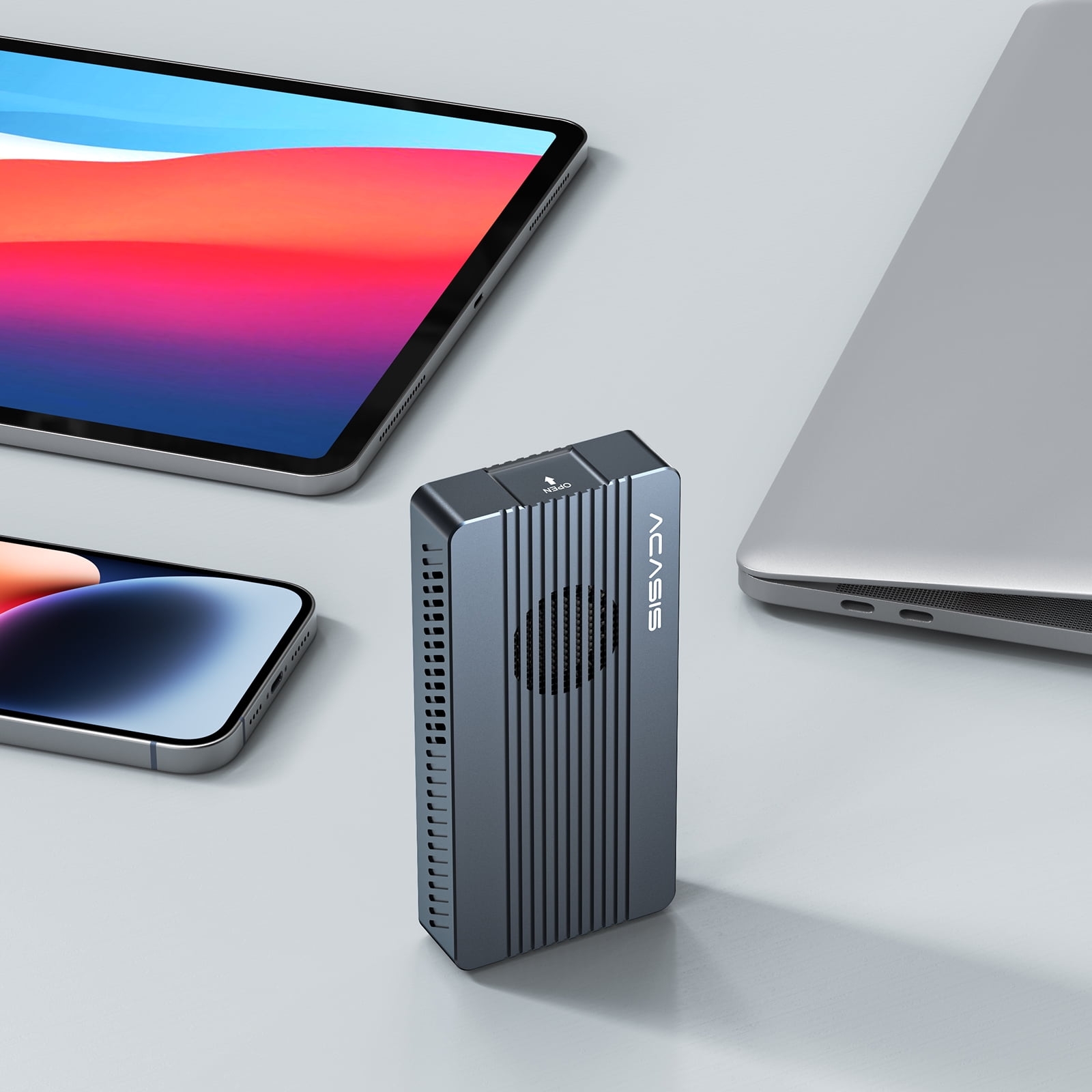
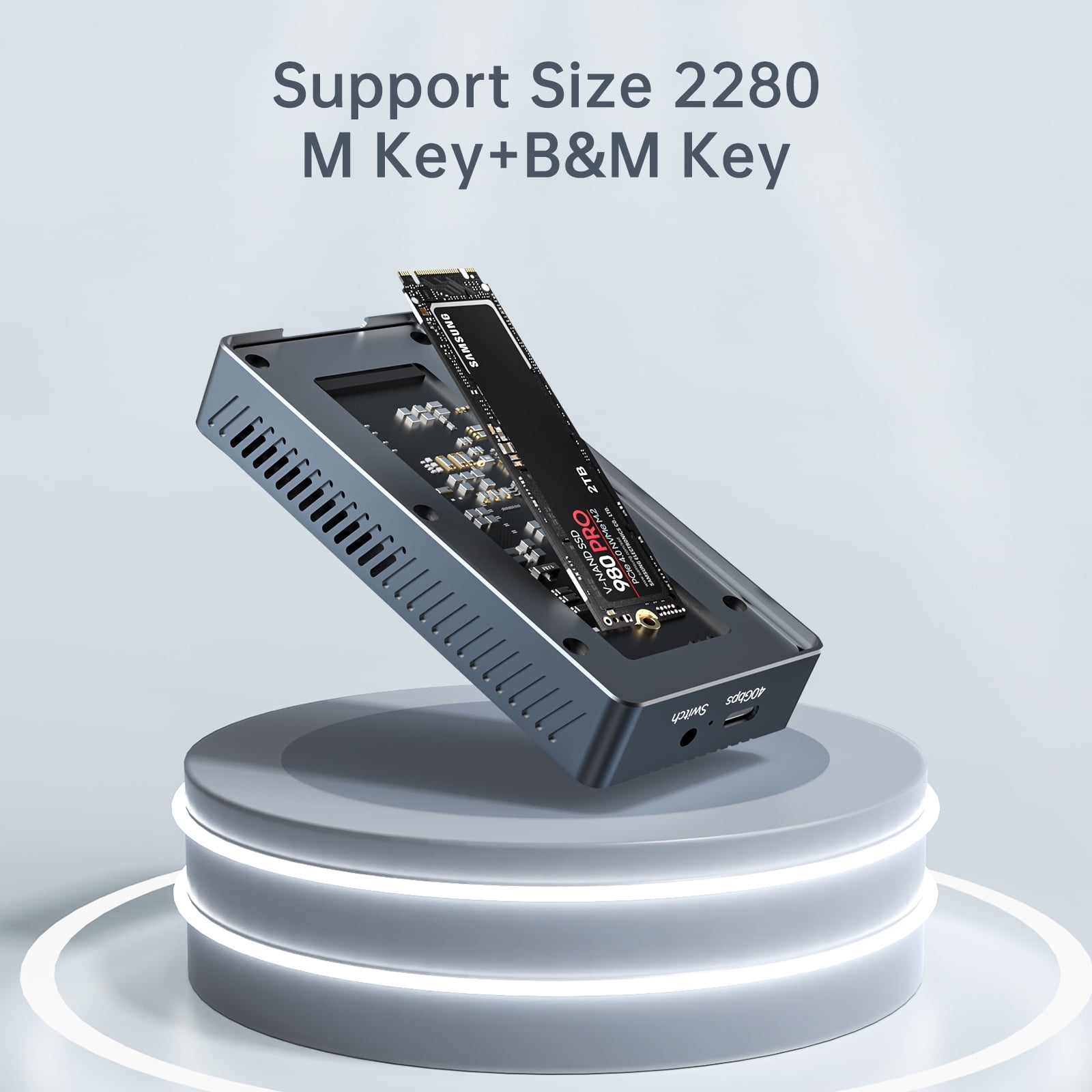
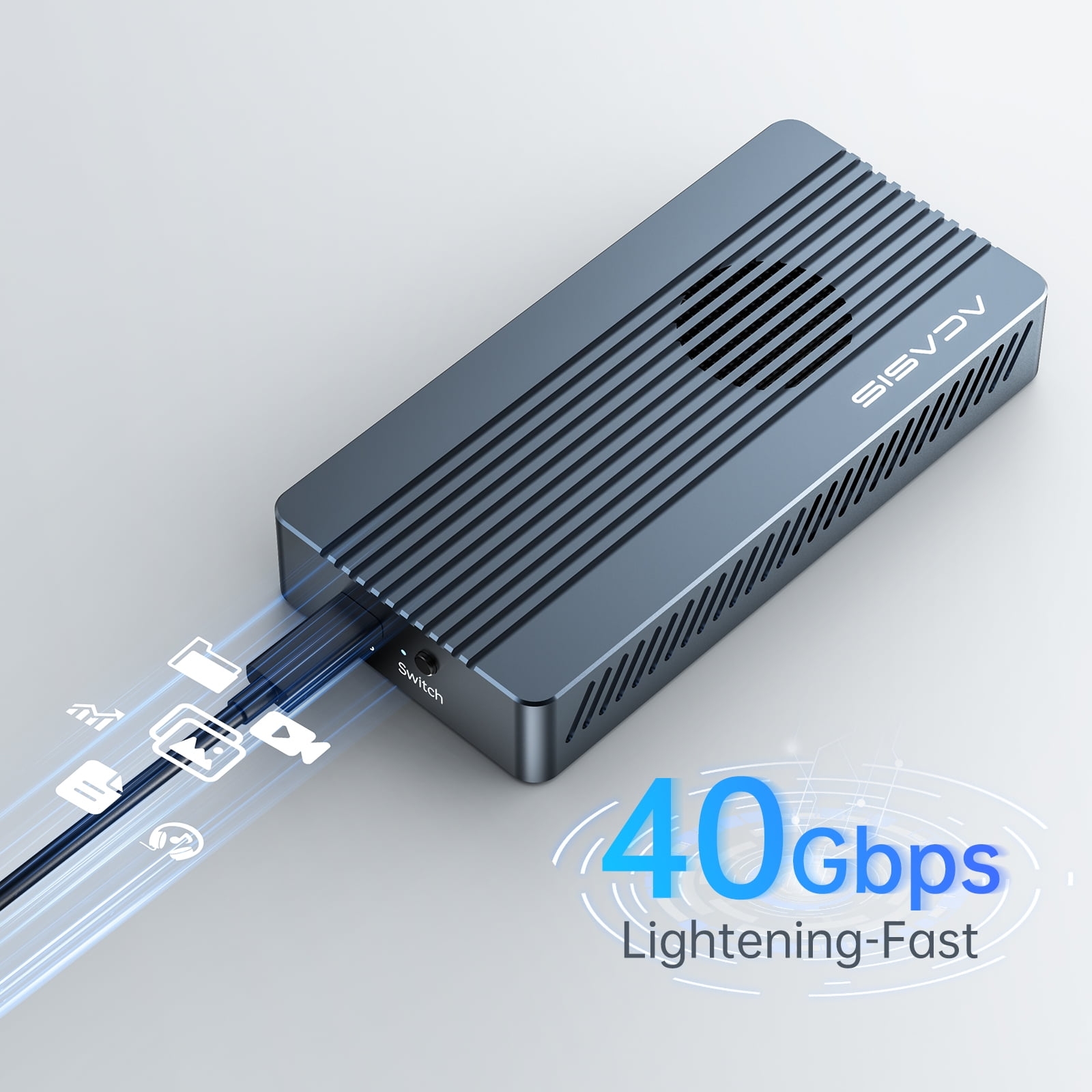
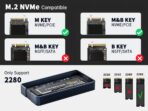
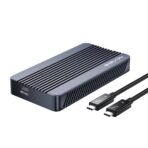
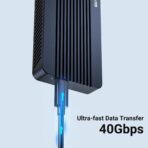
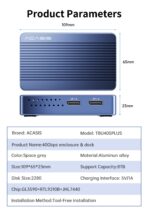
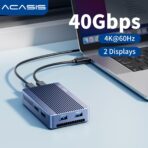
At the price point of $45 this works very well, I added a 2tb SSD NVME and I get speeds in an external drive as fast as my internal drive on my Mac Mini M4. You must use the ; 40GPS port on the computer by a great way to expand your computers memory with out paying Apples insane pricing.
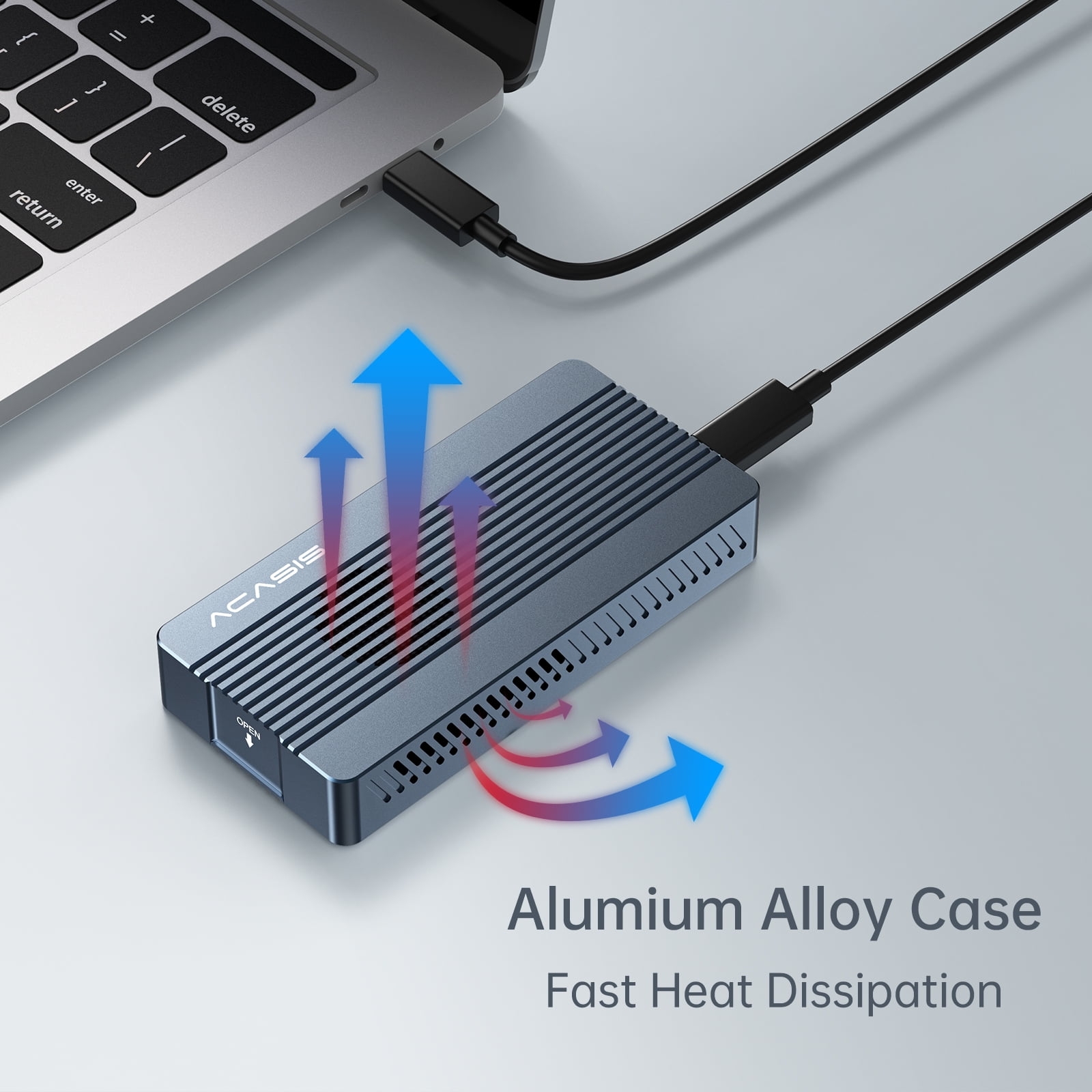
It does get a bit warm while intensive use but works well.
HonestReview –
Make sure you do not plug this into one of the front ports on a Mac Studio they are USB only. This is an exceptional value and it is absolutely silent.
Robert –
The specs check out – this is a great value.
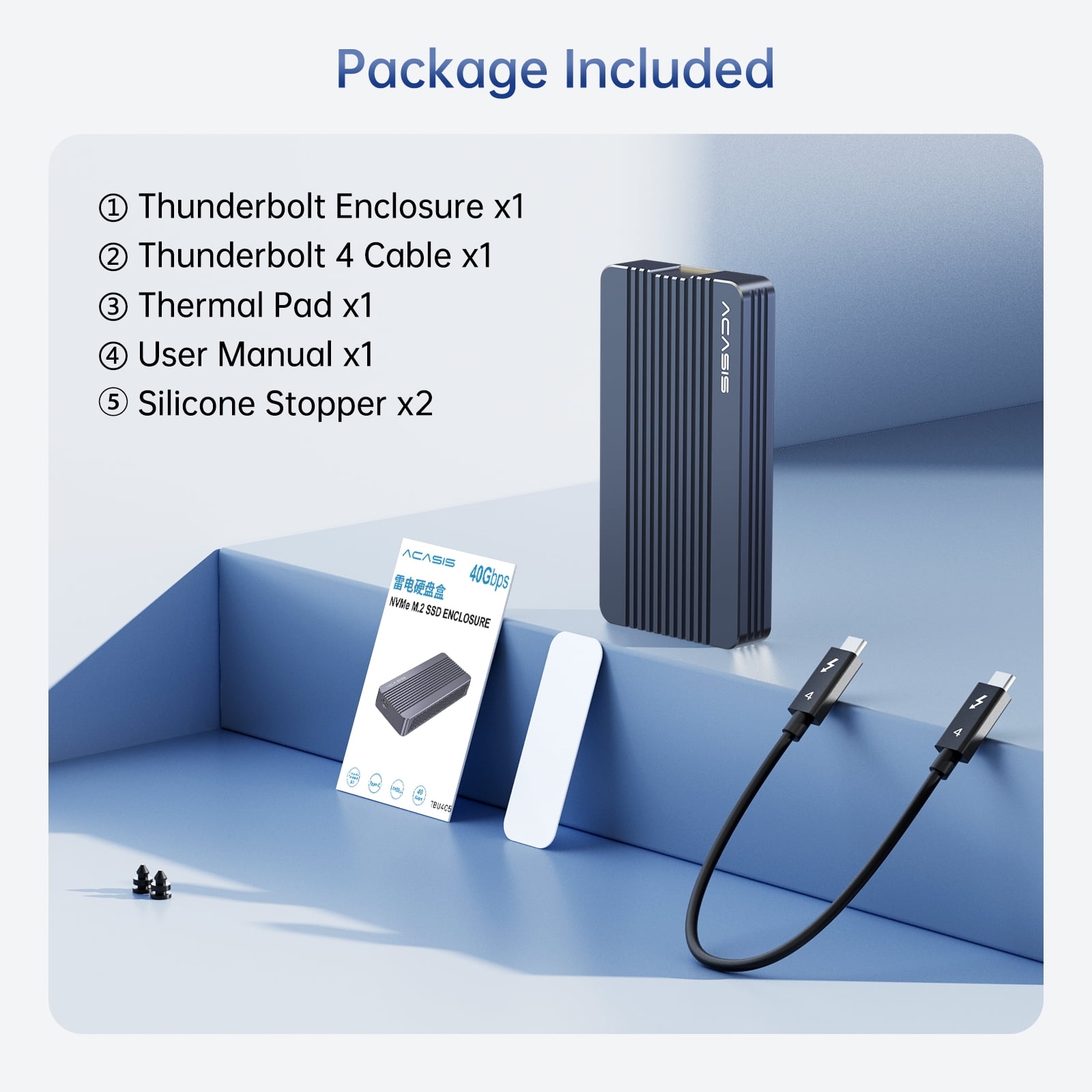
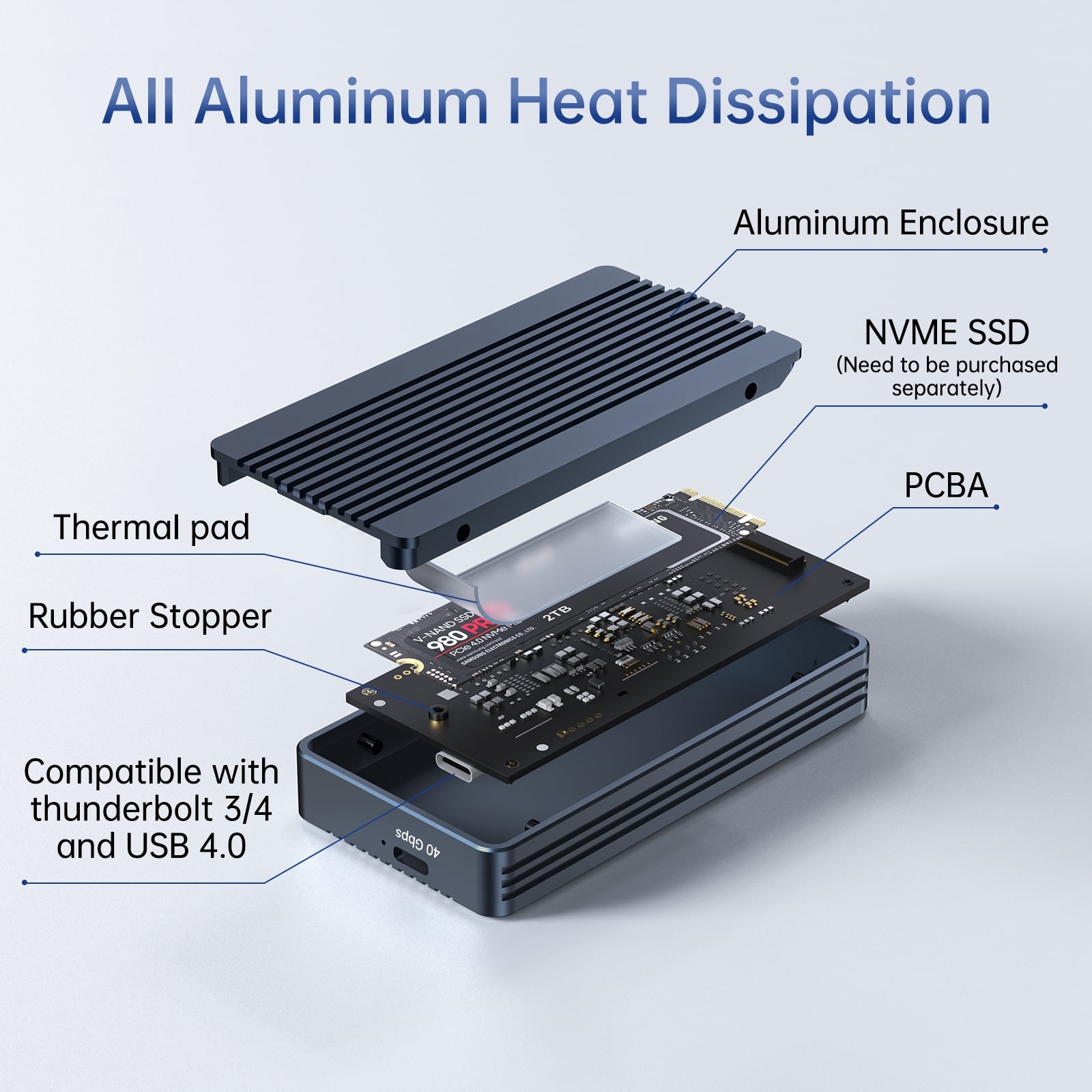
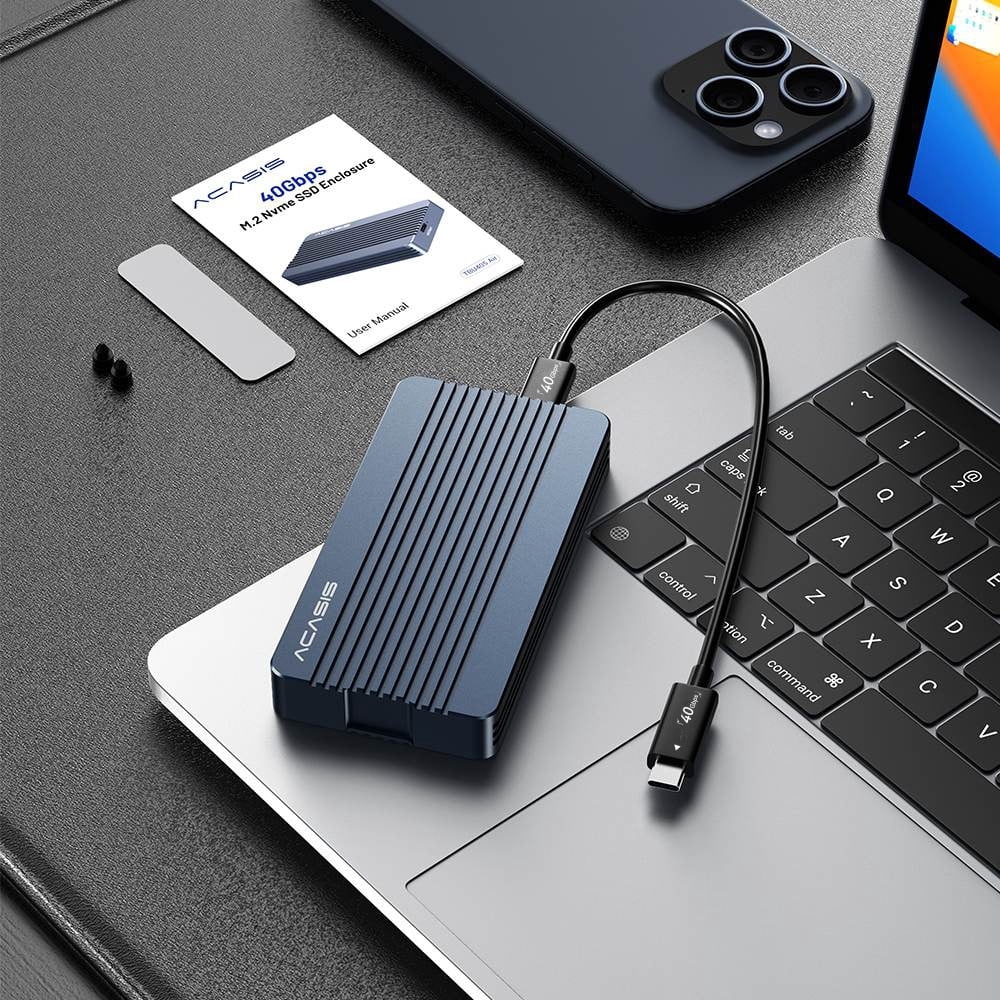
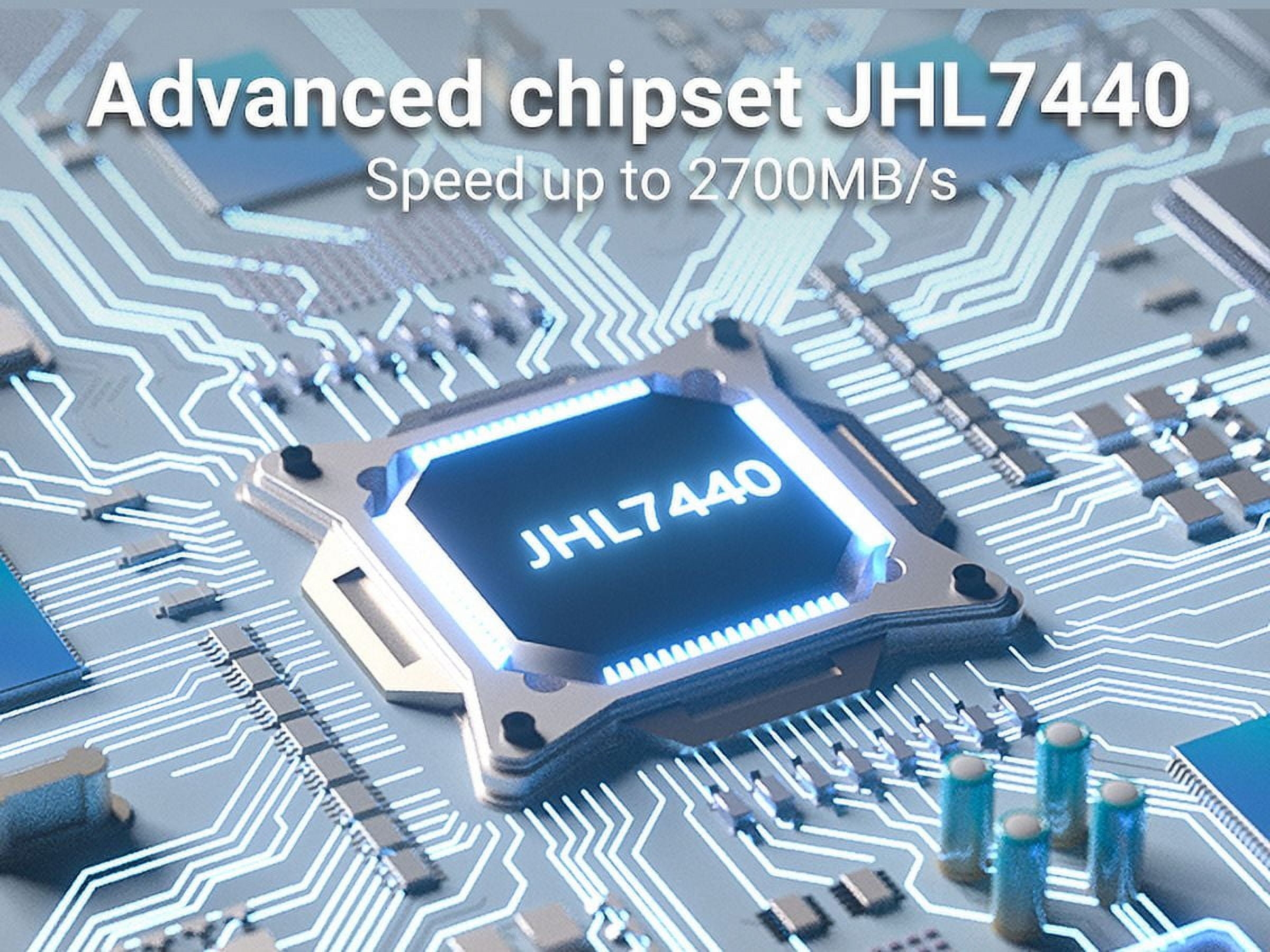
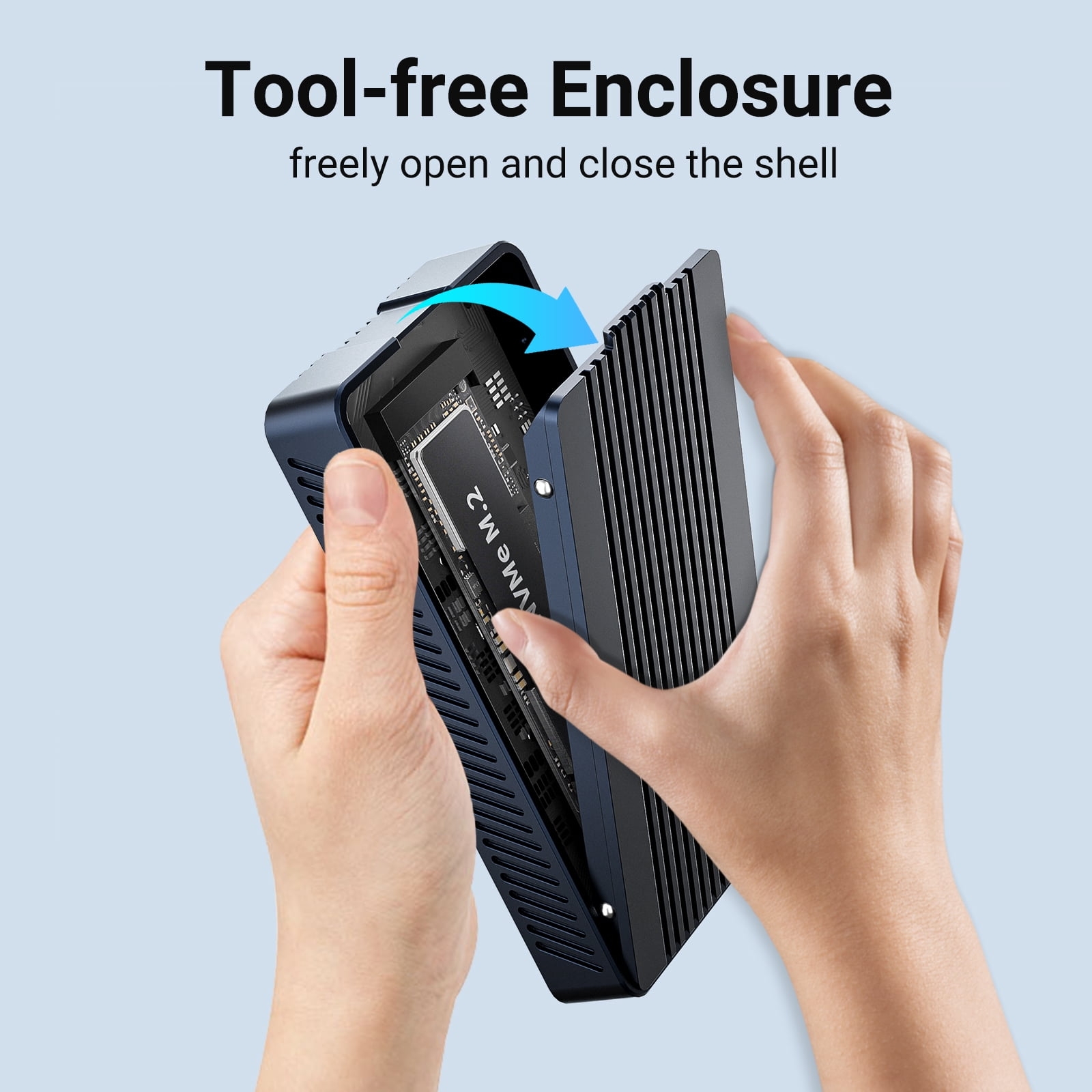
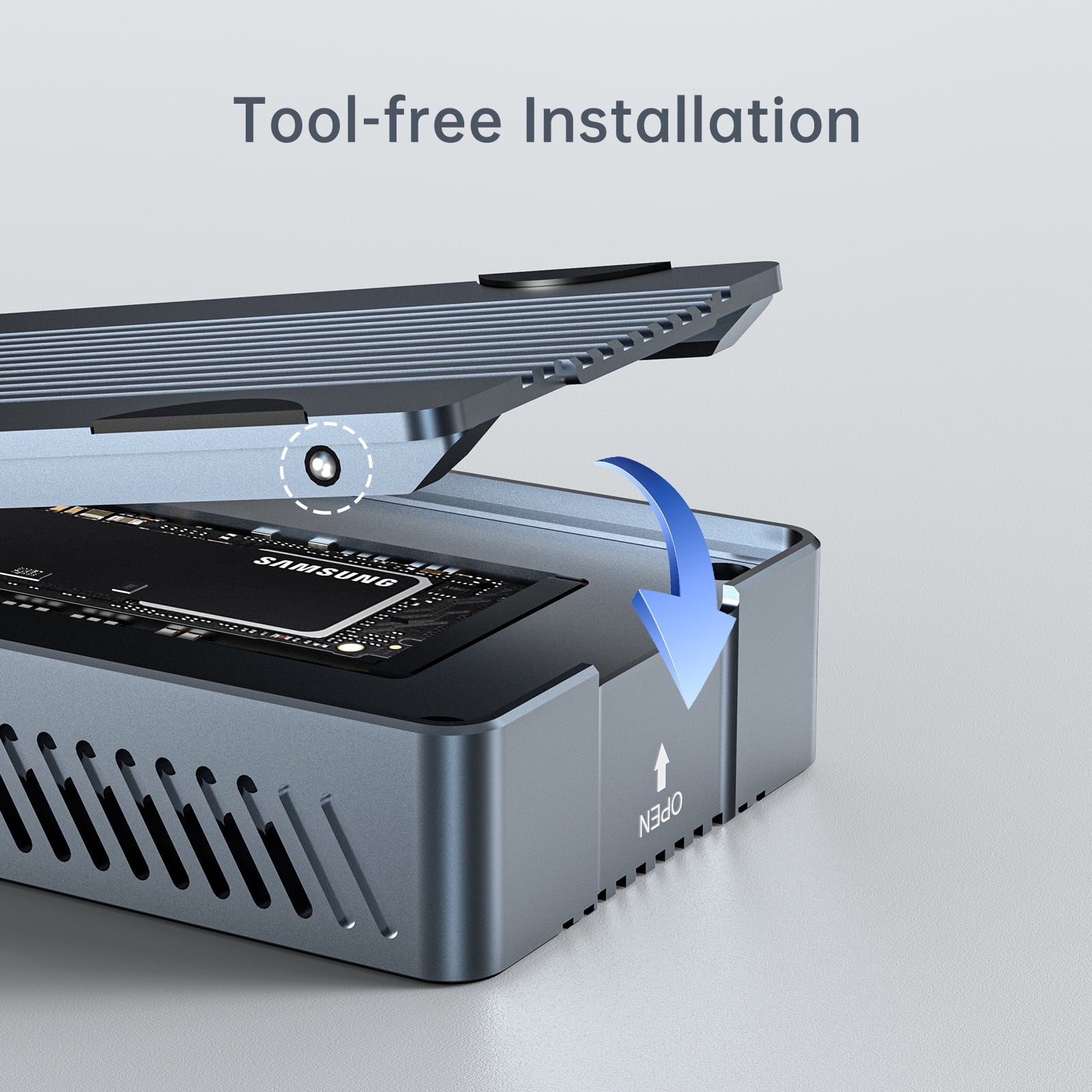
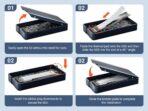
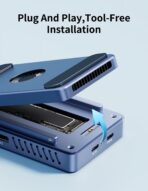
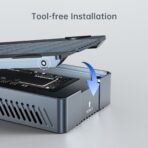
On my M2 MacBook Air, with a 2TB WD Black NVMe drive installed, I am seeing excellent speeds – close to 2800MB/s on both read %26 write, exactly what I was hoping for. The tool-less install procedure couldn’t be simpler. One thing to be aware of is that they include two thermal pads, a .5mm and a 1 mm. For these to work they need to contact both the SSD’s chips AND the case – that’s how heat gets transferred to the outside. My SSD’s chips barely protruded above the board and it looked like I would need an extra pad to make contact with both surfaces. I stacked both the included thermal pads and things seem to be working great, so I’m relieved. You’ll need software to access the SMART data from the SSD, which reports temperatures (among other things), but even during large transfers my drive stays around 42 celcius – a perfectly safe figure. The case does get warm – which is a good thing, that means it’s doing its job!
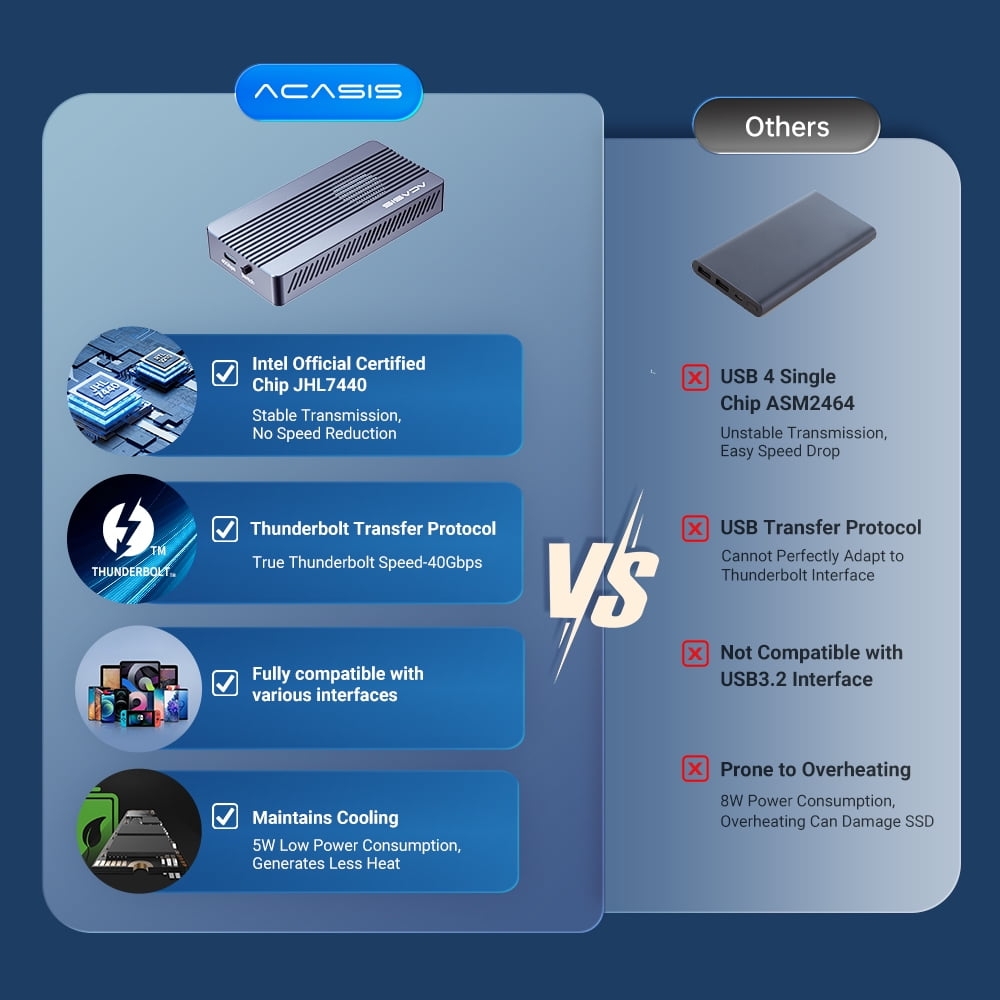
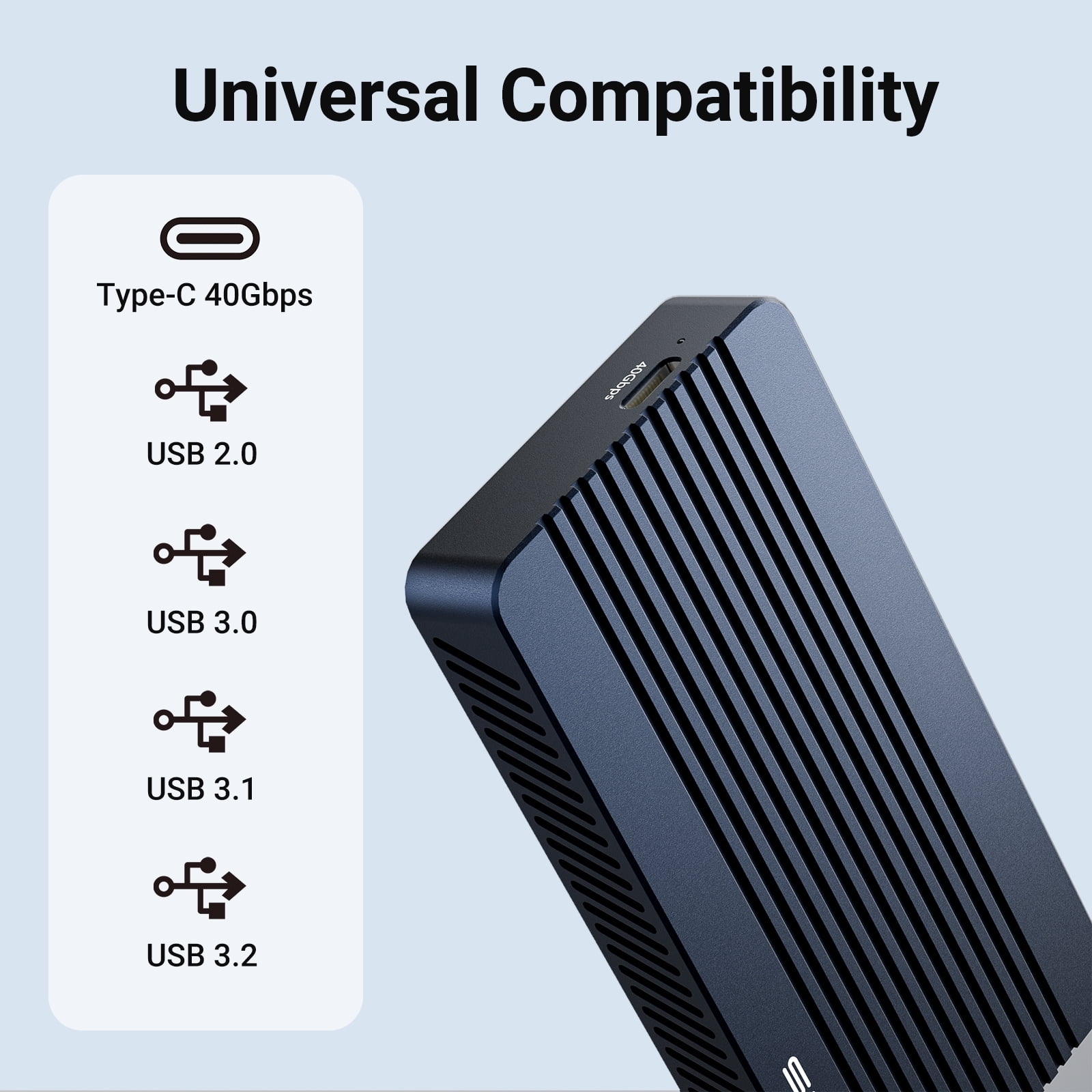
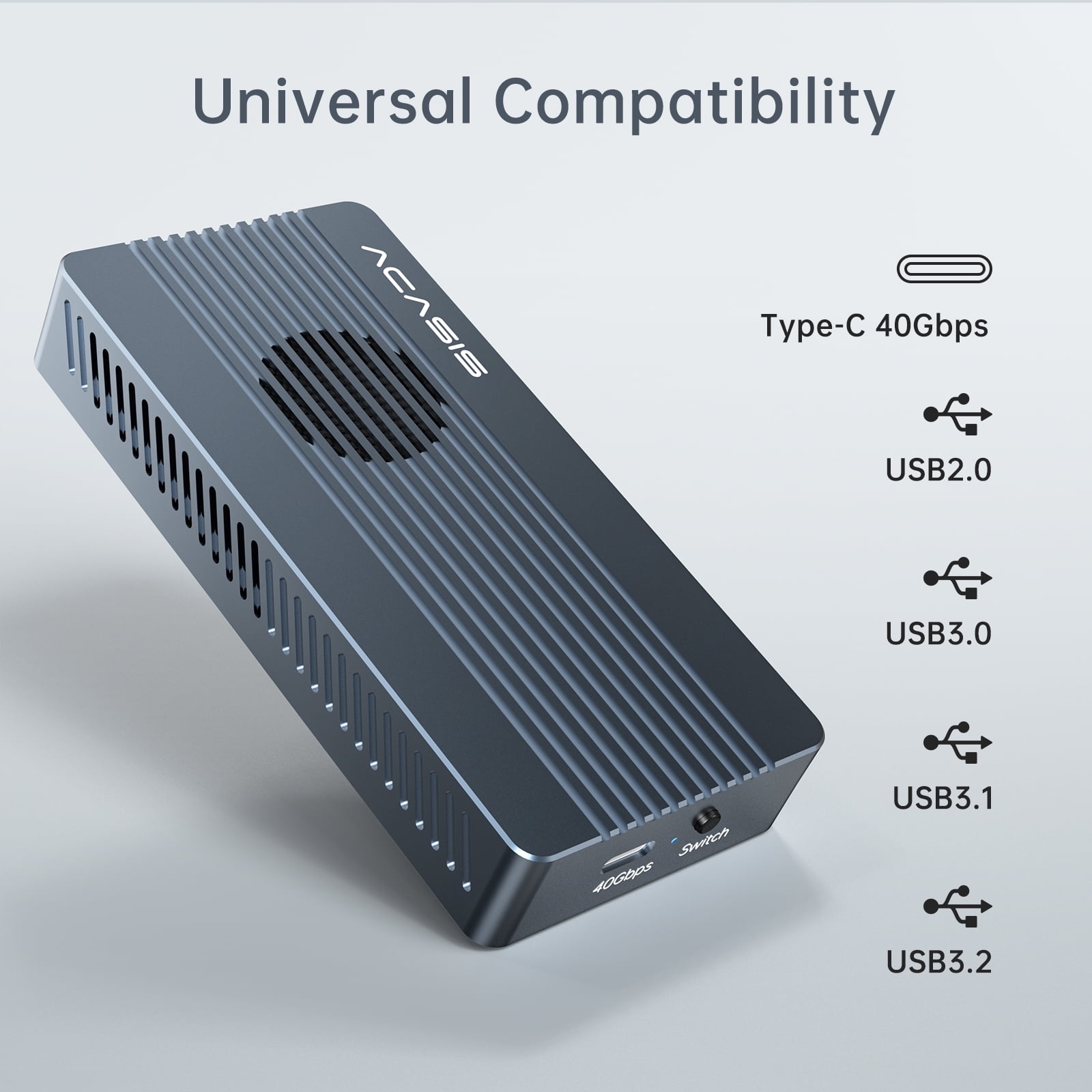
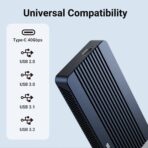
This case appears to be one of the (if not THE) most inexpensive TB4/USB4 enclosures on the market. That might be because they claim the controller chipset does not support standard USB 3.2 connections – it has to be connected to a Thunderbolt or USB4 port. If anything happens and you need to get data off an SSD in this enclosure, you won’t be able to connect it to a computer that lacks those ports – regular USB (3.2 or 2) won’t work. I can live with that. Bottom line – so far, this case is delivering, and I’m happy with it.
HappySumo –
Great Performing SSD Enclosure, quiet and cool
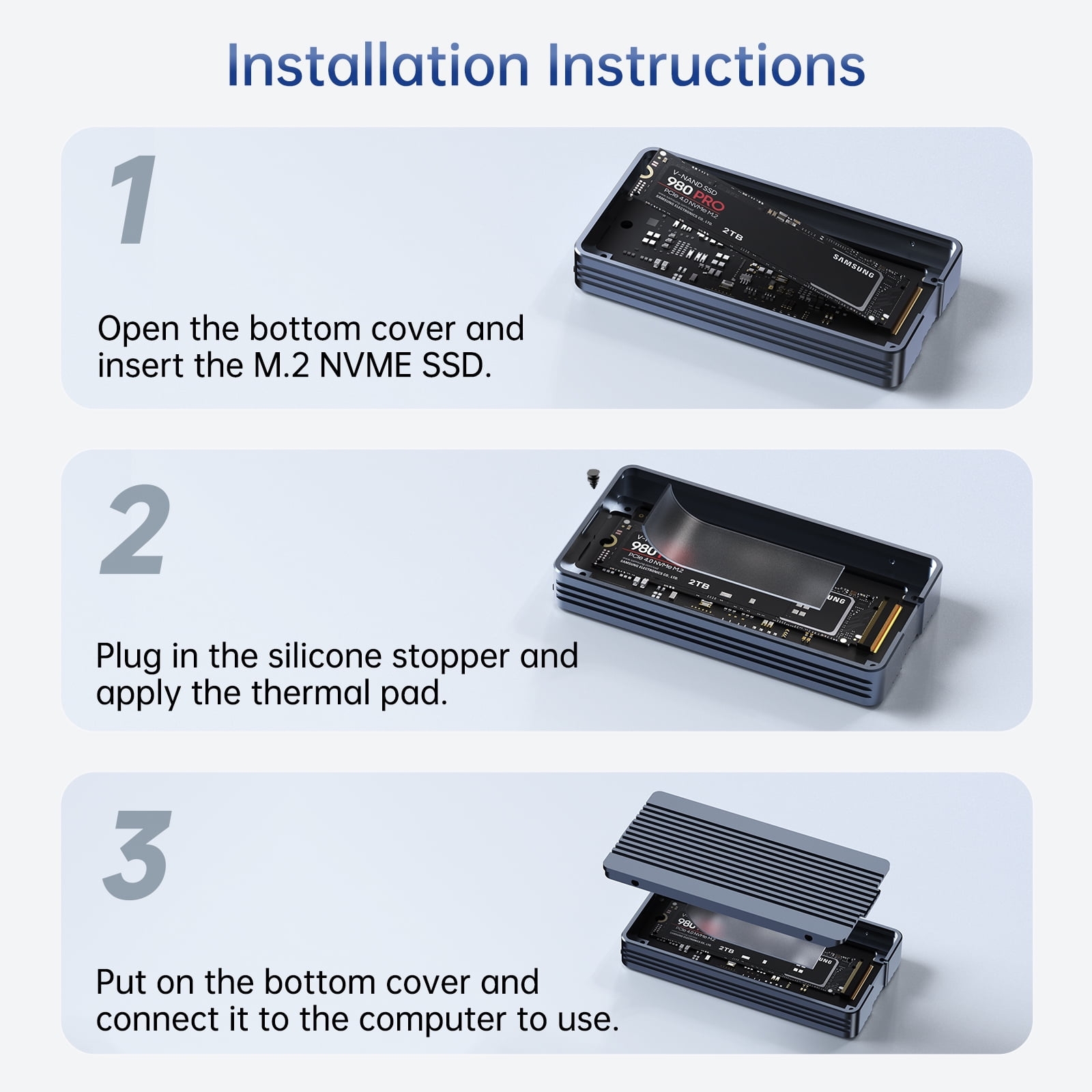
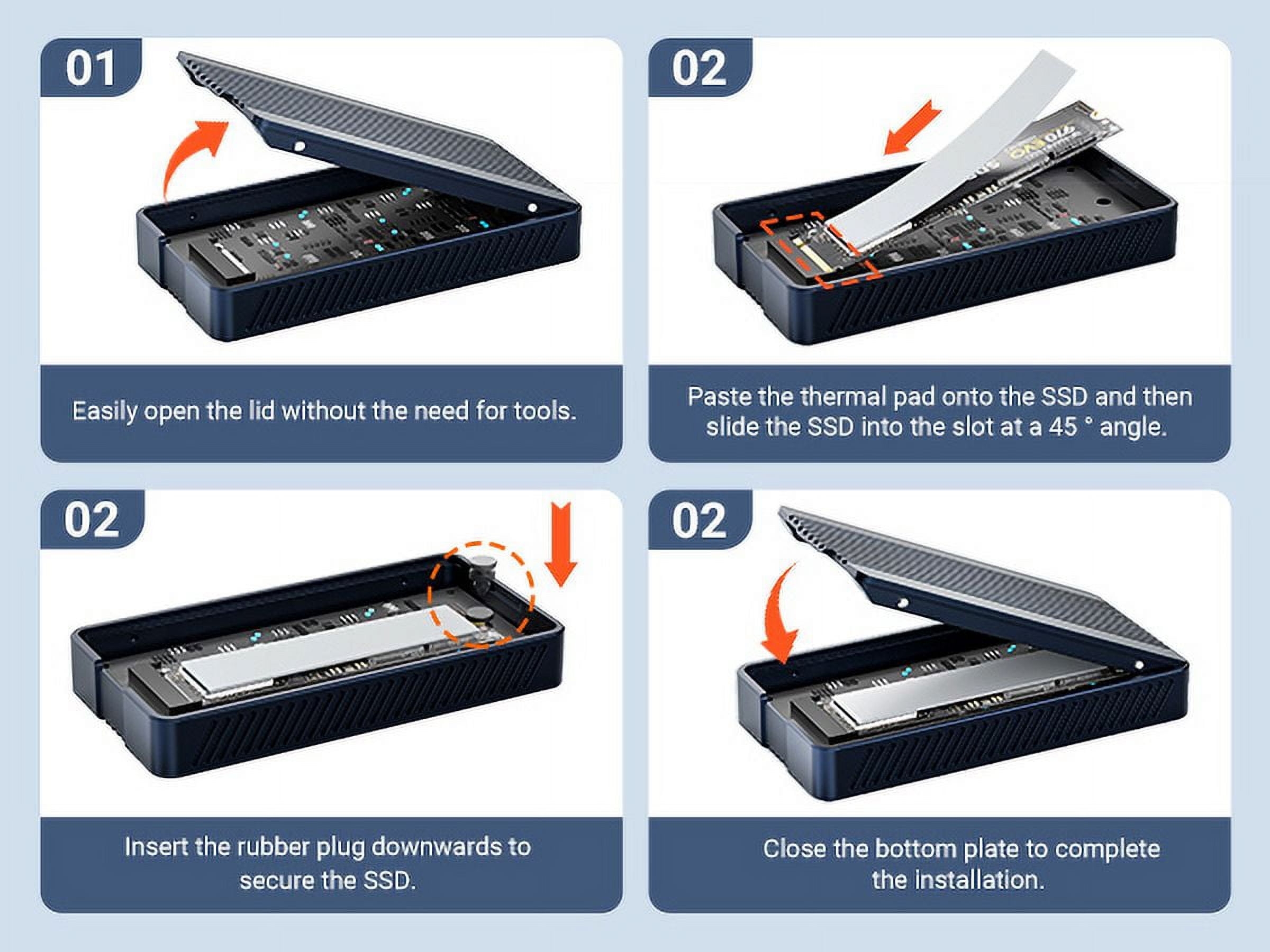
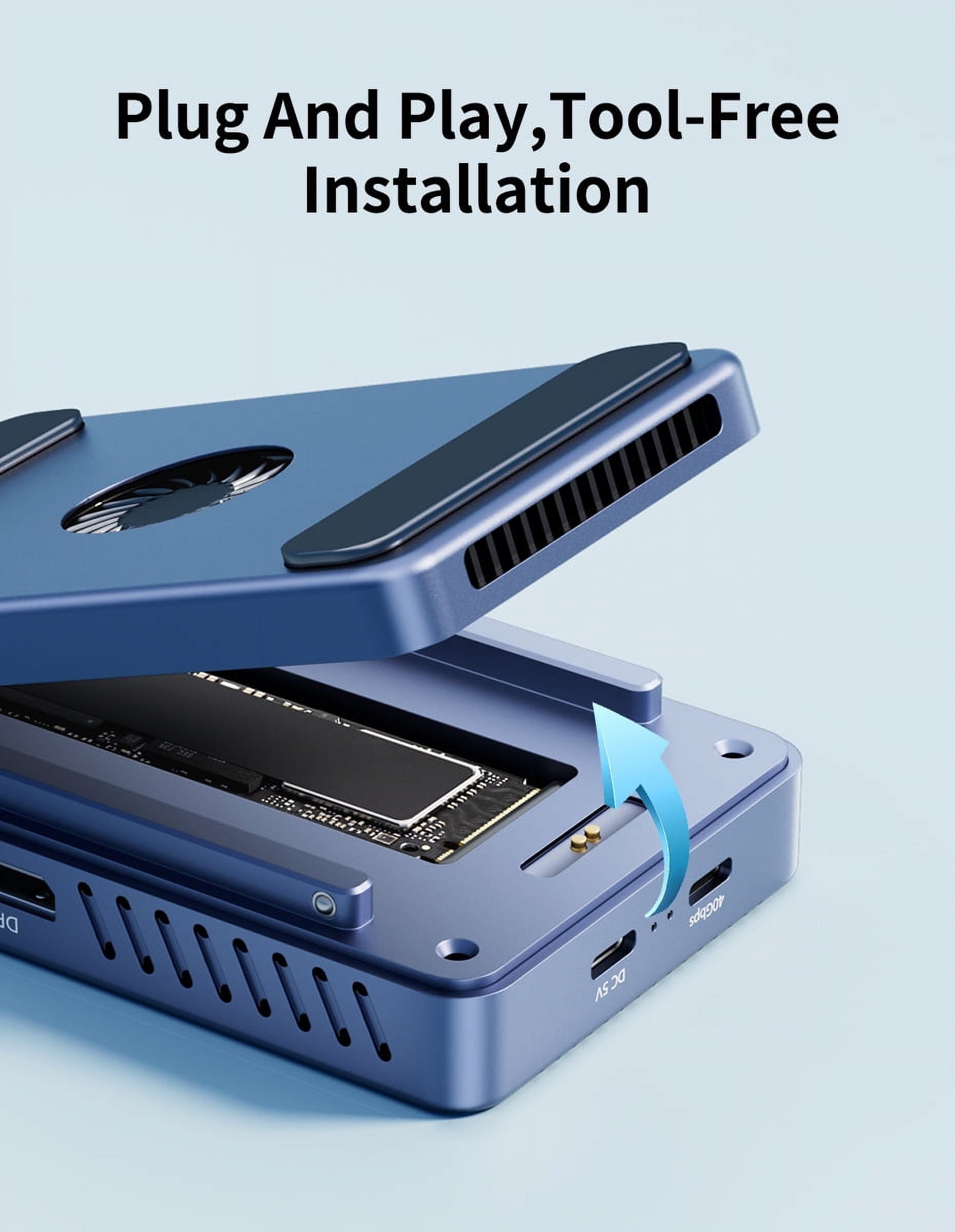
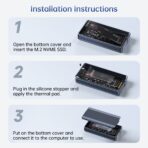
I bought this SSD enclosure paired with WD_Black SN7100X 2TB to go with my new Mac Mini M4. Installation was easy, although there is lack of instructions on how to apply two thermal pads (1.0mm and 0.5mm) and how its fan switch works. I reached out to Acasis Support and received timely response as below.
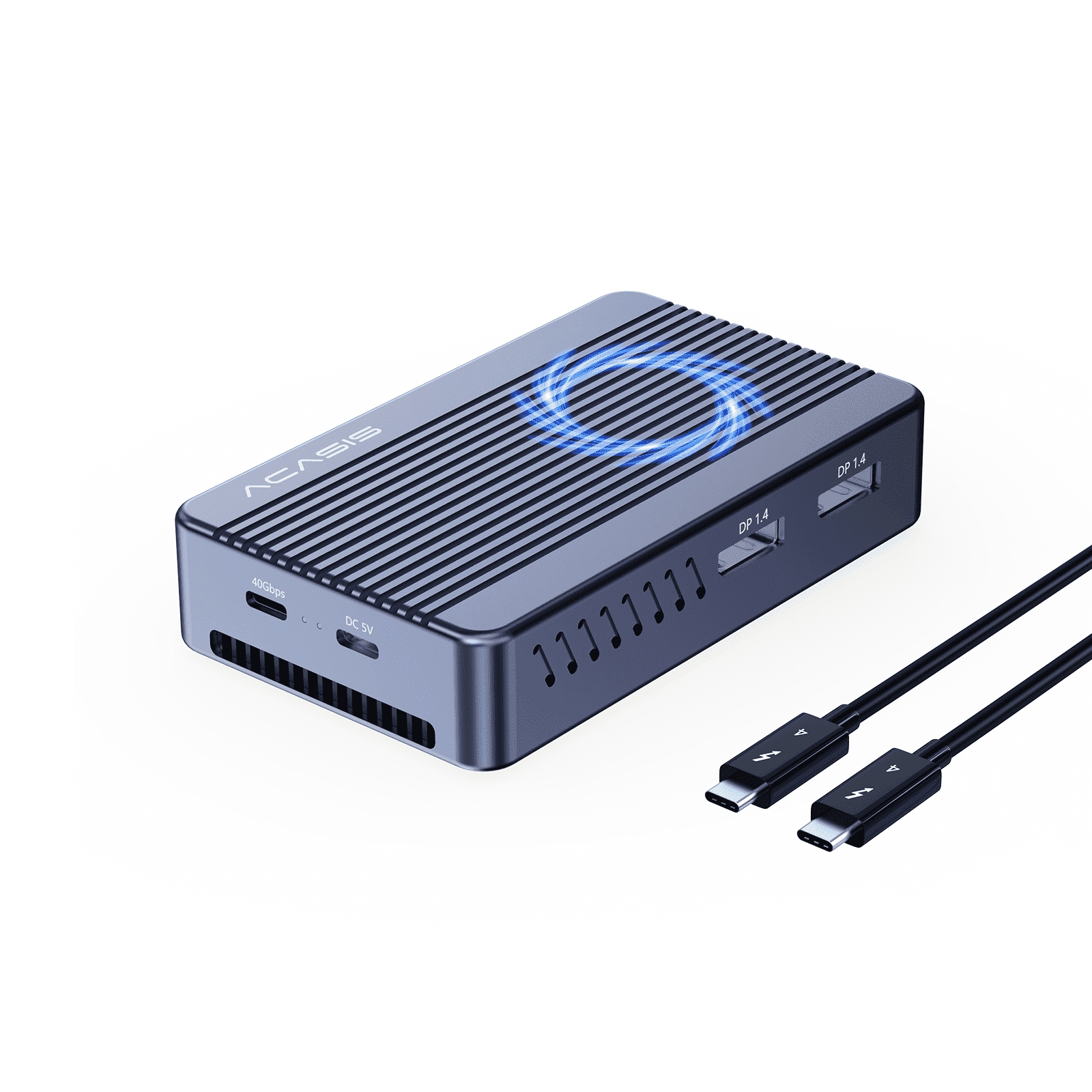
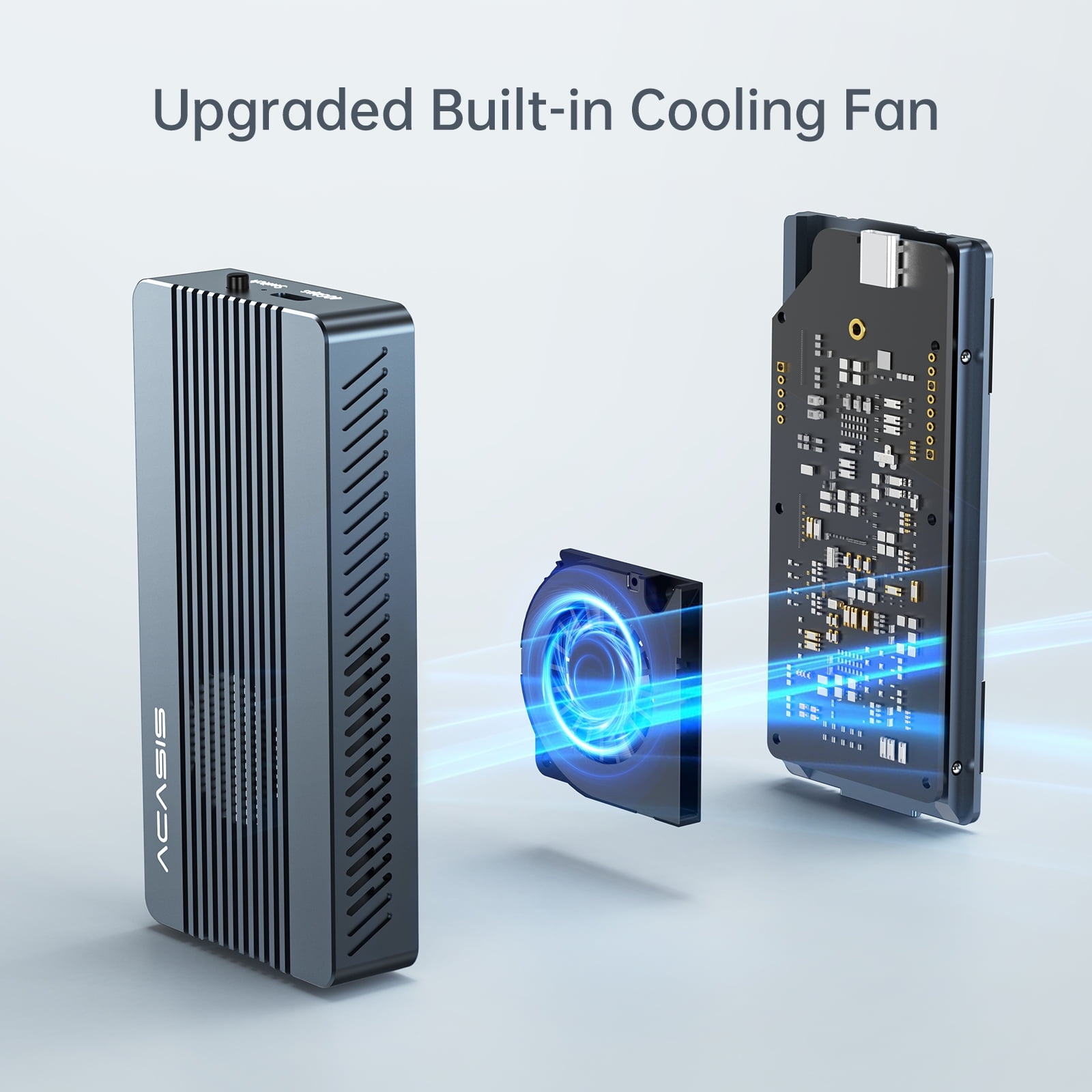
Unless I am running some data intensive transfer applications, I typically leave fan off as it is running ~30 degrees Celsius, way below its temperature threshold before throttling IO performance. Hence, it runs quietly in the background. Even with fan turned on, the fan noise is very minimum. I measured IO speed using BlackMagic Disc Speed Test app and I was able to get close to 2600 MB/s on write and 2800 MB/s on read.
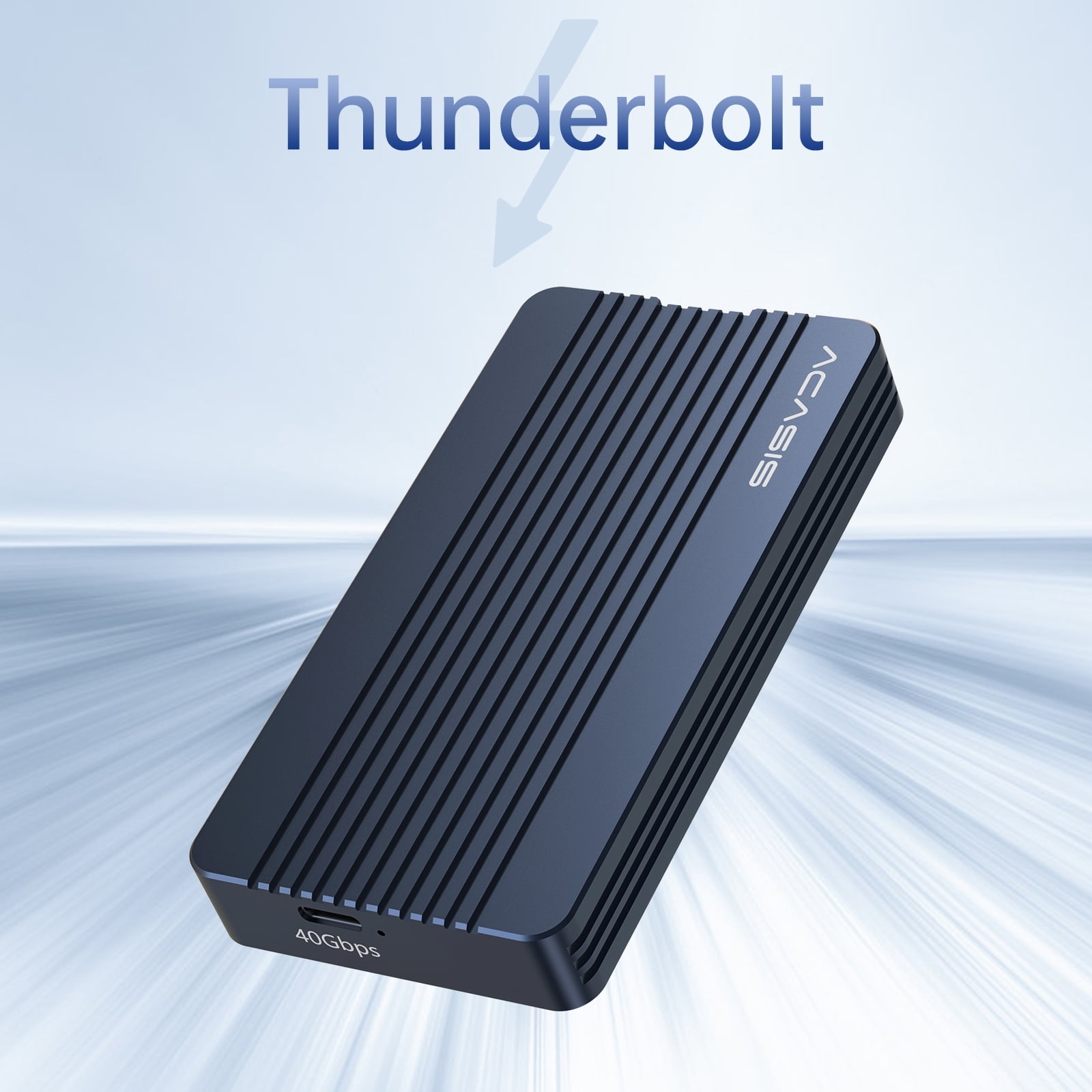
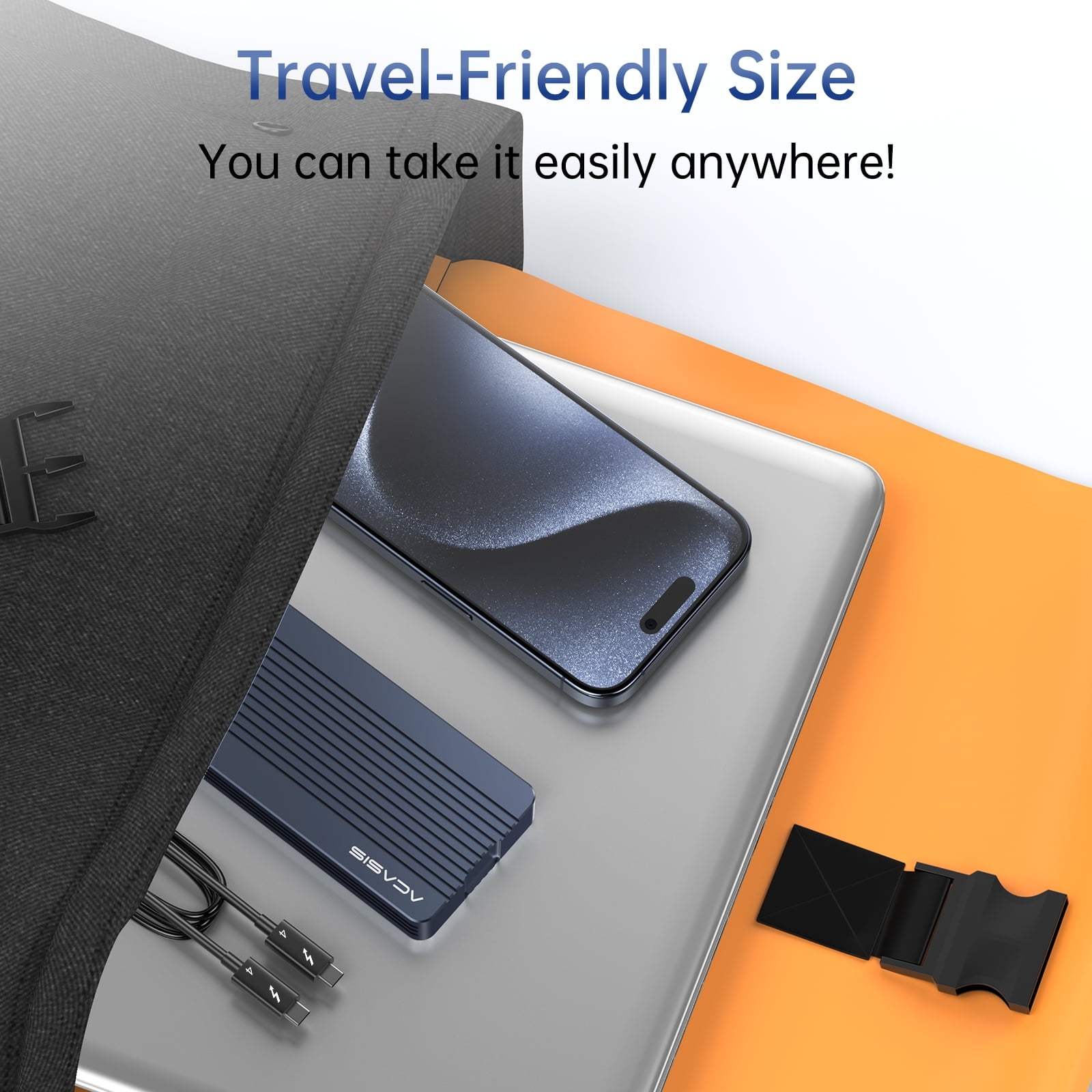
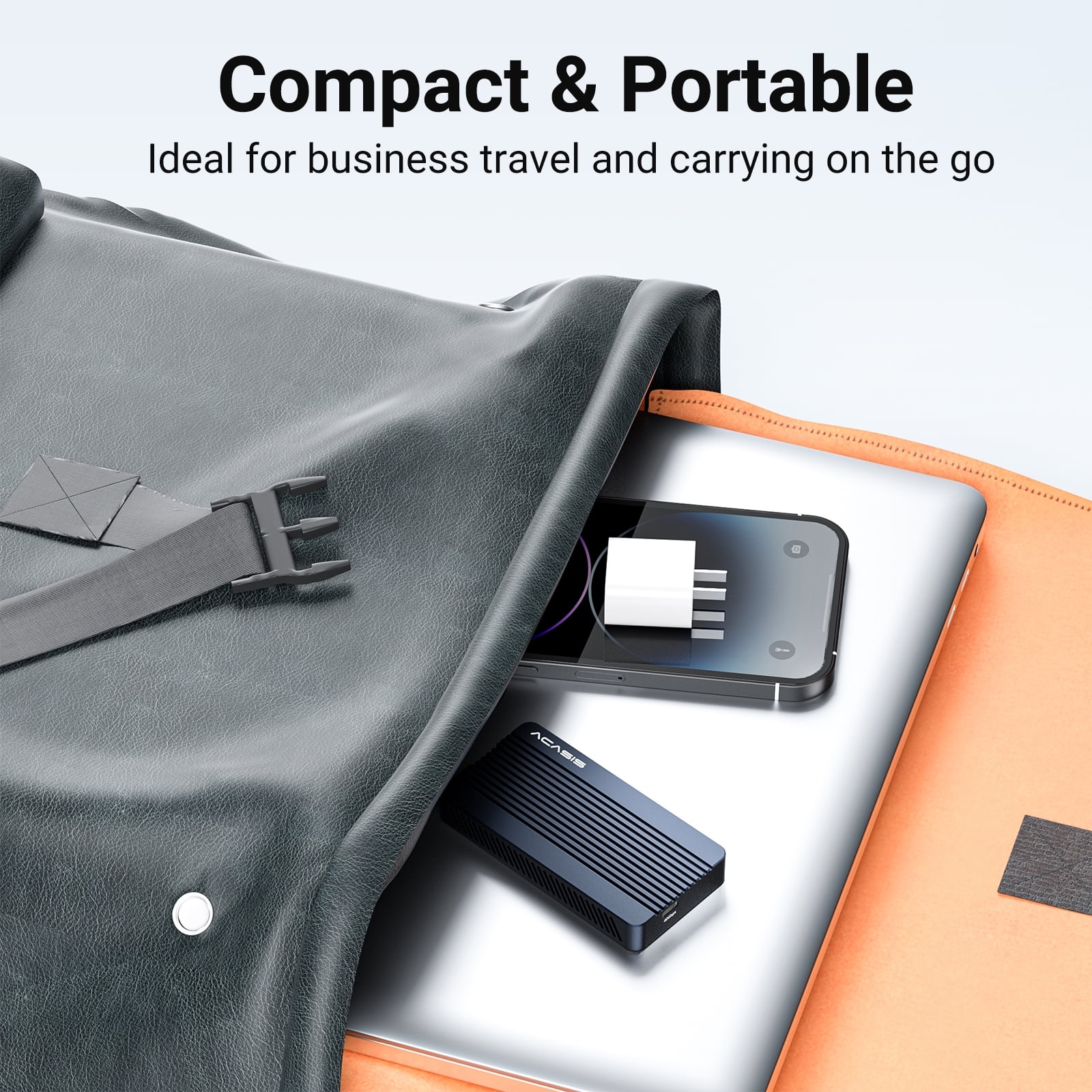
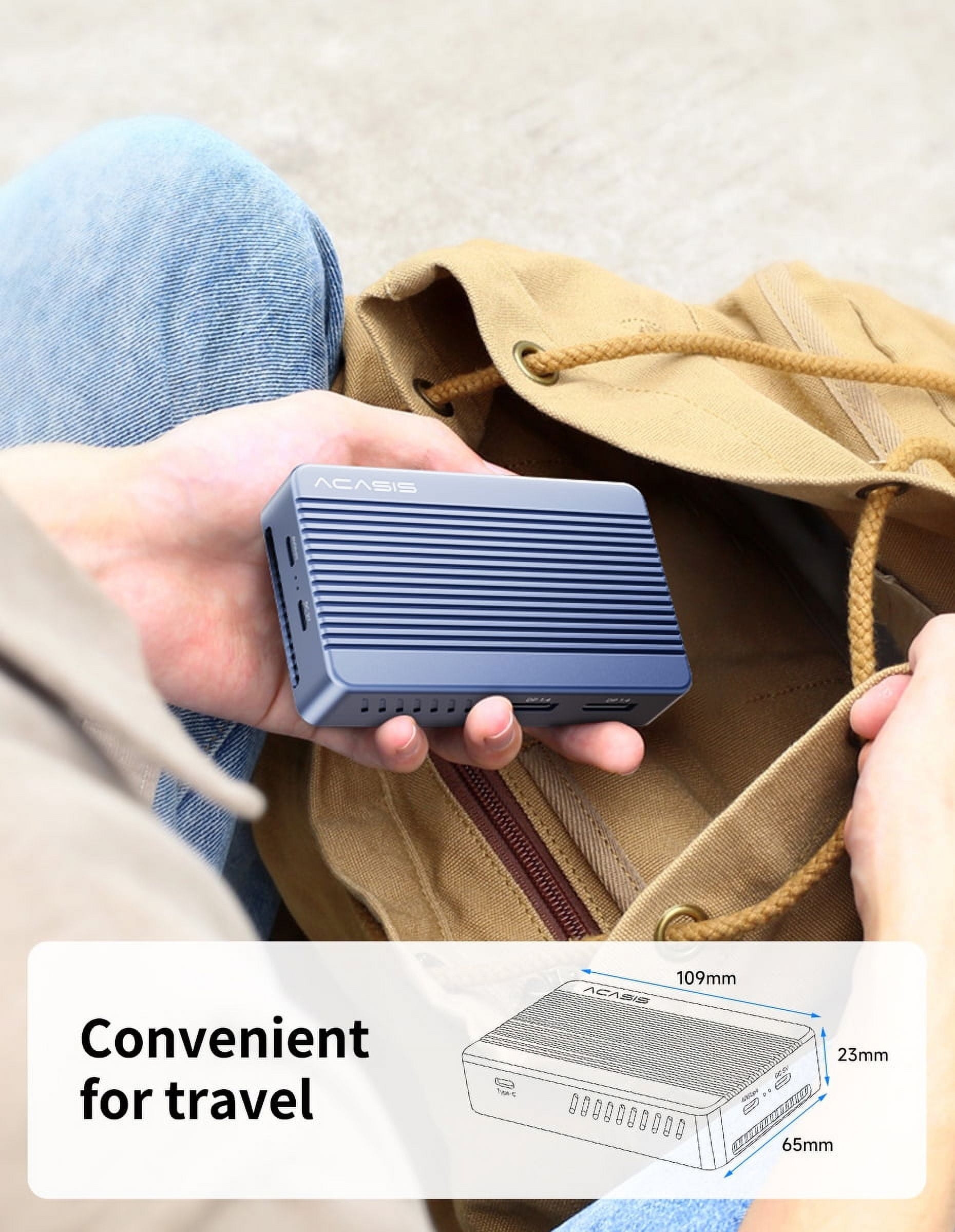
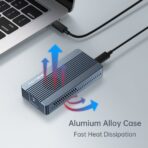
Its form factor is quite small and very portable. Its aluminum body is well constructed.
Instructions:
1. Regarding the Thermal Pads (0.5mm %26 1mm):
Our recommended and most effective method is to use only one thermal pad, placed on top of the SSD. This transfers the heat directly to the enclosure’s metal casing for optimal cooling.
The purpose of providing two different thicknesses (1mm and 0.5mm) is to accommodate SSDs of varying thicknesses. You should choose the pad that best fills the gap between your specific SSD and the top cover to ensure good contact and heat transfer.
2. Regarding the Fan Control:
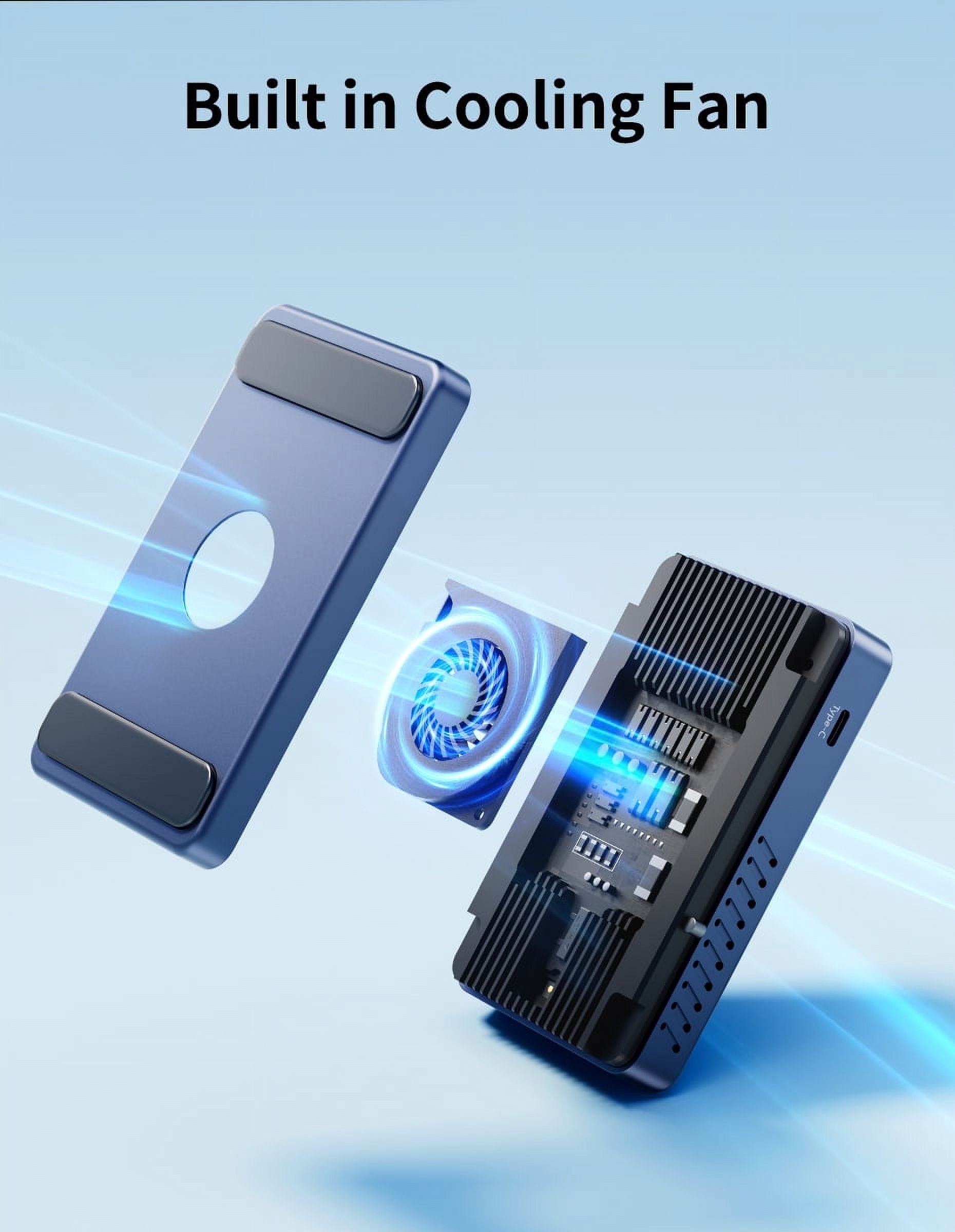
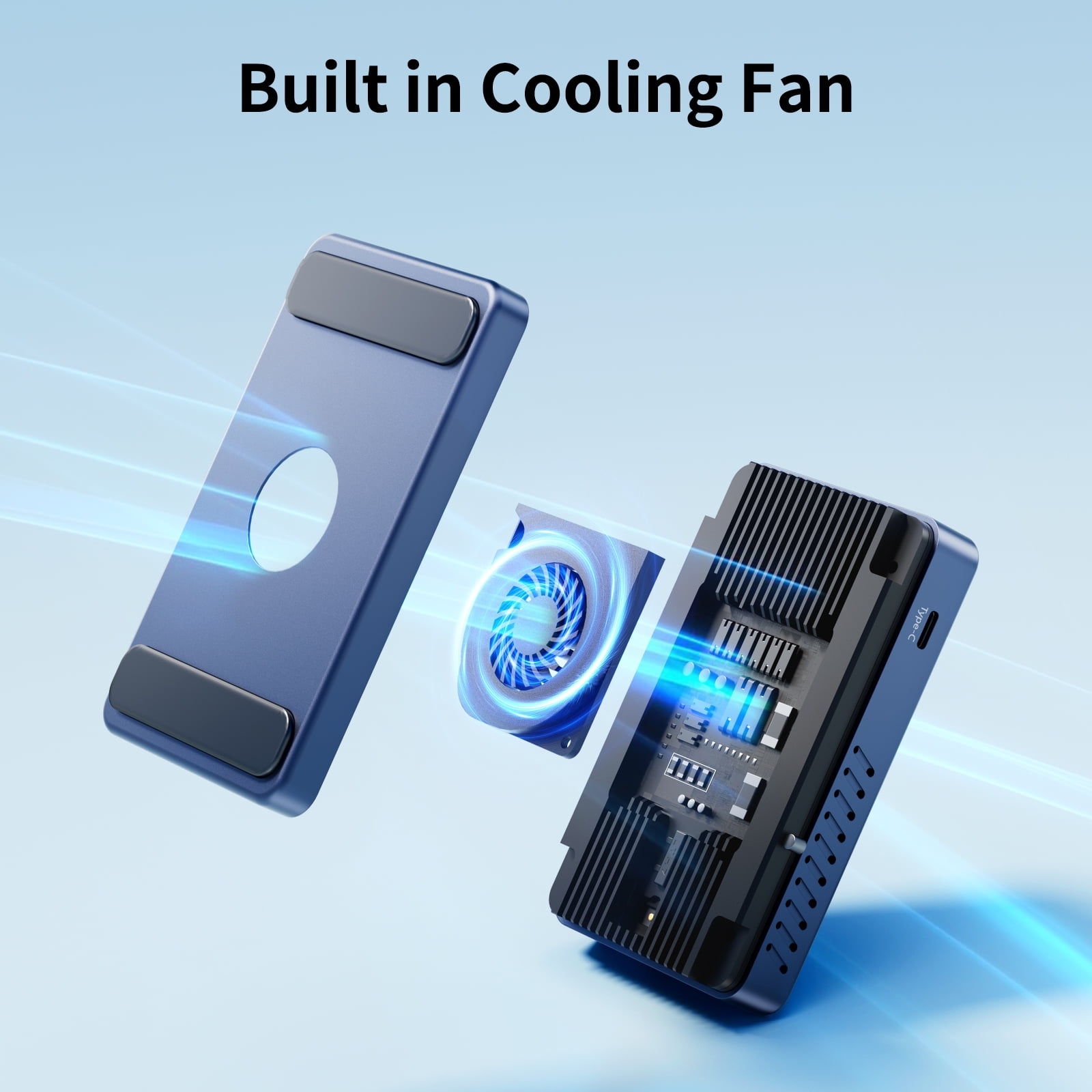
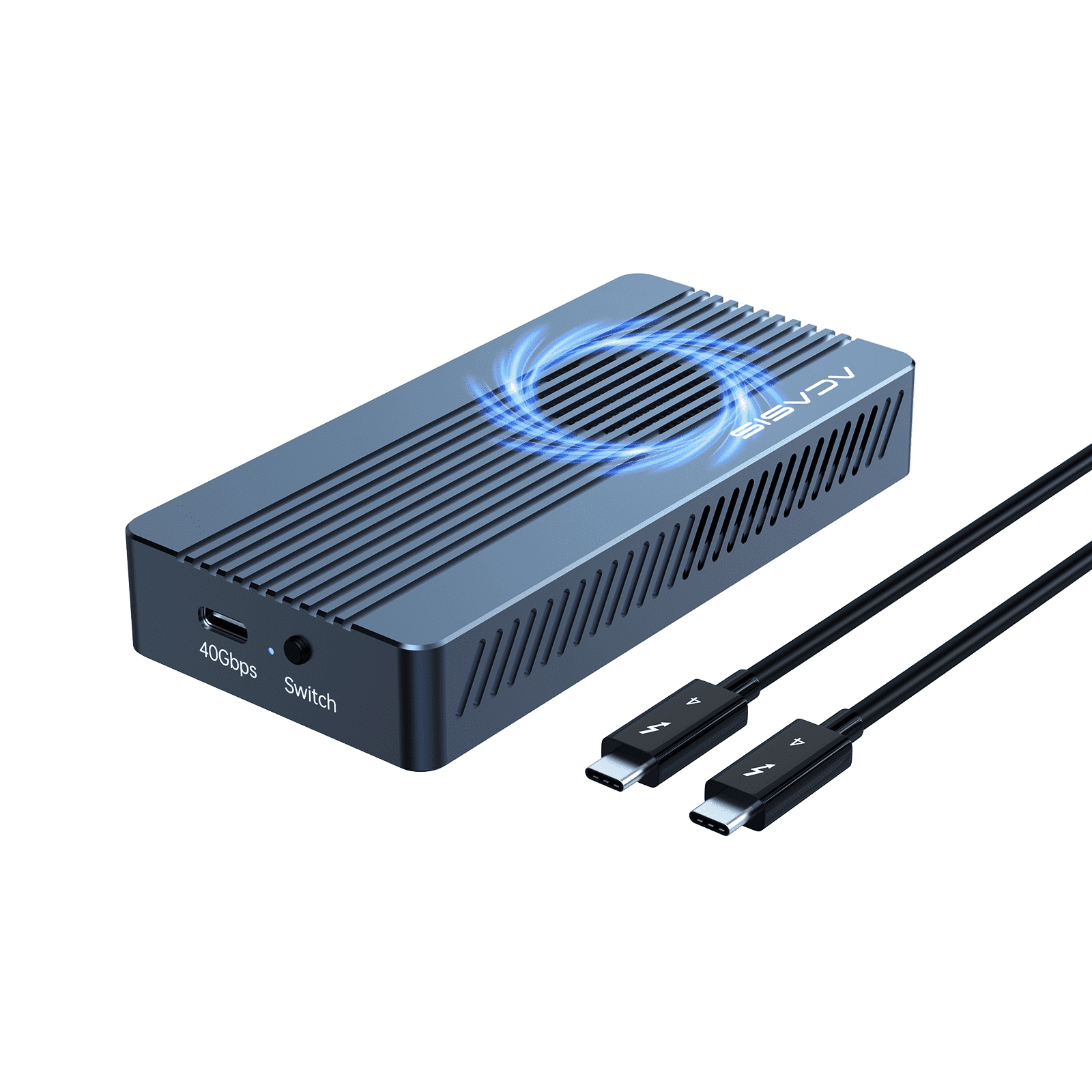
The fan does not turn on or off automatically based on temperature. It operates in a manual mode:
Upon first use, the fan is defaulted to ON.
You can manually switch it off using the fan switch if desired.
Important: If you turn the fan off during first time use, it will remain off by default during your next power-on. You will need to manually switch it on again if you want it to run.
Cappy –
Best one I’ve used yet
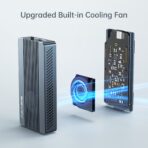
The fan keeps this thing so unbelievably cool. You could probably carry it in your pocket after immediately unplugging it.
Wendell –
Best nvme enclosure ever purchased. Superior A-Z
A all the way. Well built. Everything you need is included plus extras if you ever change the nvme inside the enclosure. All metal construction. No tiny parts or screws easily dropped. Great for drives that run hot. Full thunderbolt speeds.
Keith –
documentation slim, seems good value for money
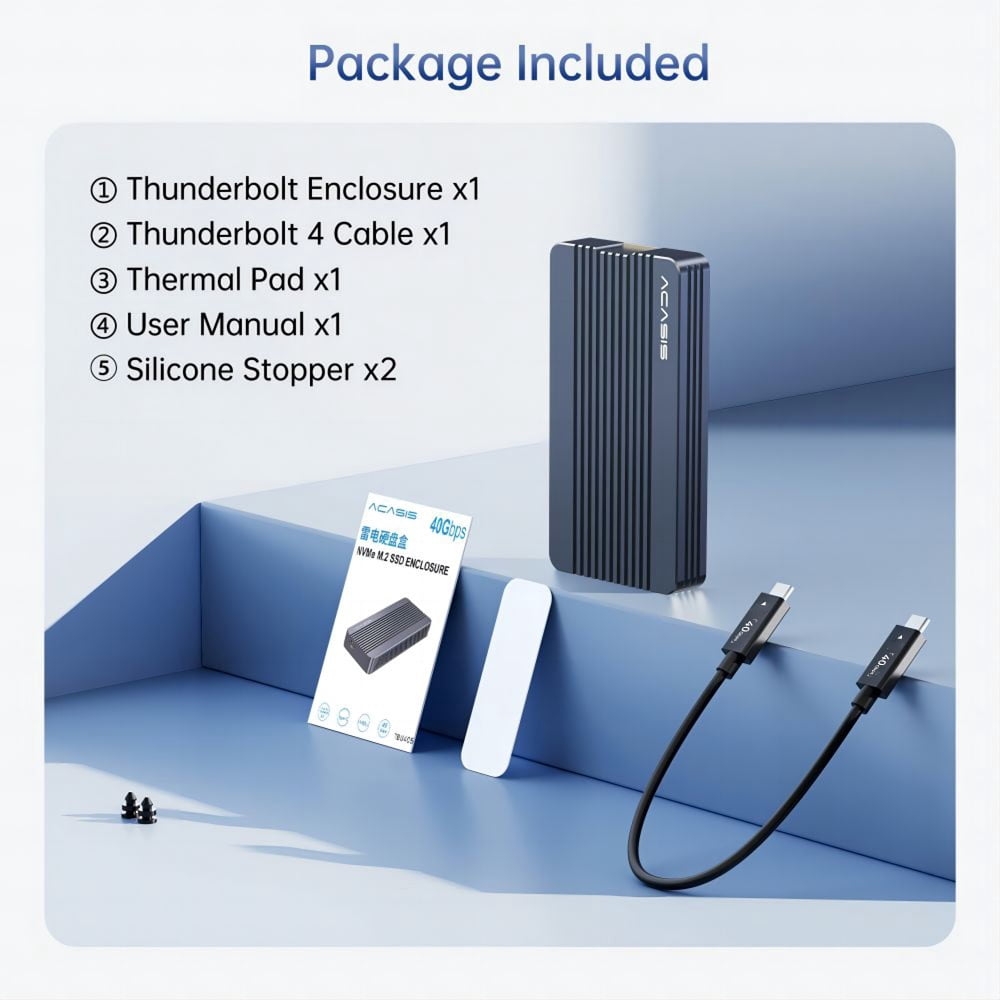
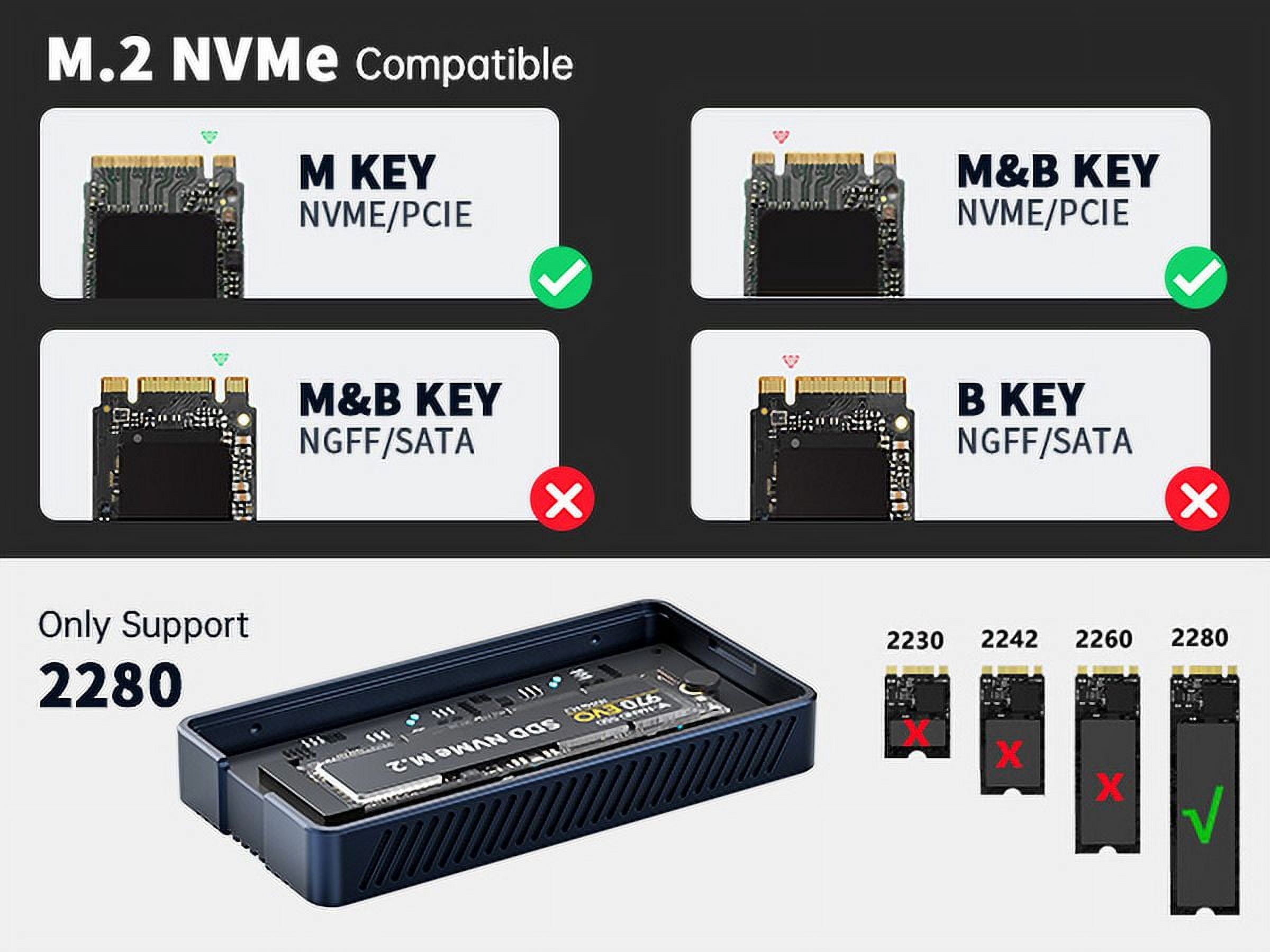
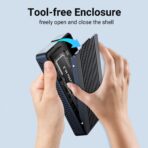
To use in Windows 11, I had to create a volume in “Disk Management.” After that, seems plug-and-play, and seems to me to be good value for money for a disk this speed. I got the non-fan version for $48. It came with a USB cable, plus a thermal pad and what seemed to be adapters for smaller SSD cards; there were no instructions for use of the thermal pad and adapters, but there were simple printed instructions for insertion of the disk, which was easy and tool-less. I’ll buy this enclosure again if I need another external SSD.
Ed –
Put my old ssd in here and use it as a second steam library. It only has as much space as you put into it. Very out of the way and stays cool for long periods of time.
Randy –
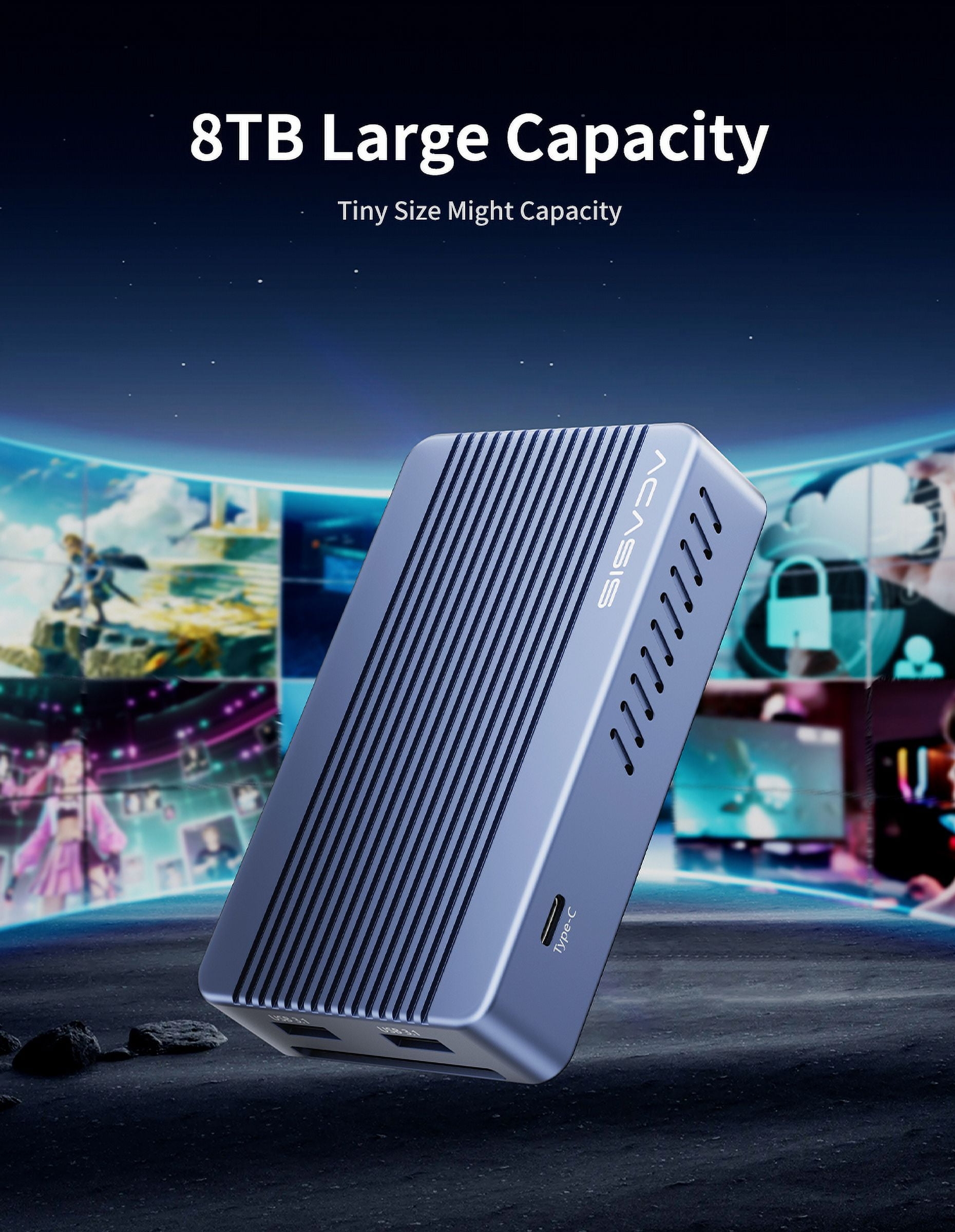
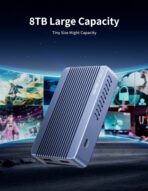
The item was list as having an 8TB NVMe drive installed in the docking station and for the price looked like an exceptional value. When it arrived there was no drive. My attempt to contact the seller was worthless as they didn’t understand basic English and the responses made no sense. I returned the product and got my money back.
Greg –
Beautiful Unit – Abysmal Non-Existent Tech Support
Beautiful unit, but utterly abysmal lack of instructions. contacted tech support to no avail, they simply just never bothered to have communicated back. Was unable to get this thing to work, so now will be trying to send it back.