

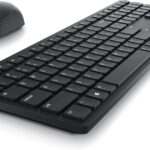

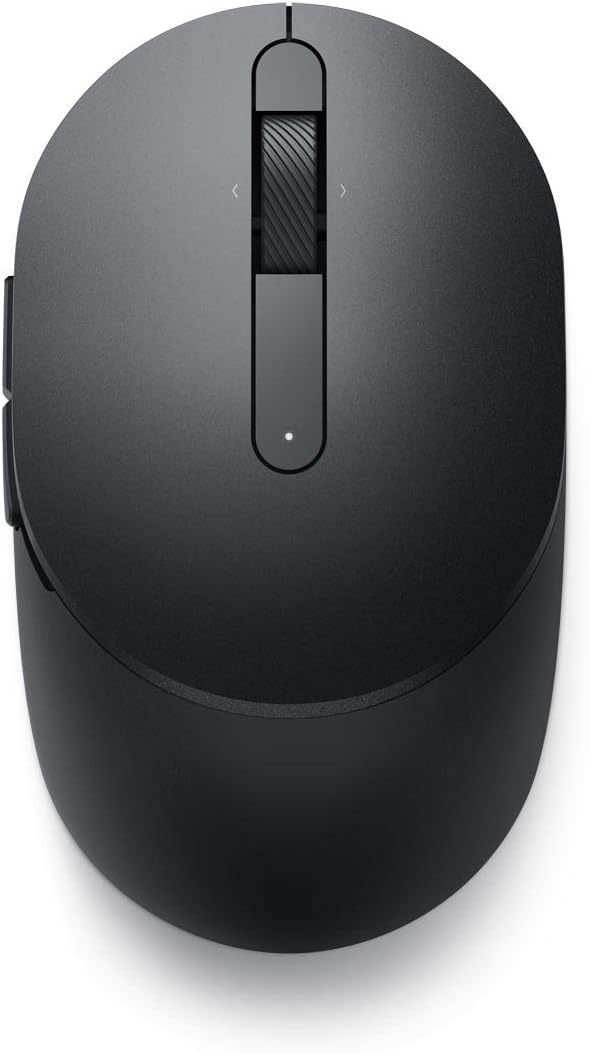
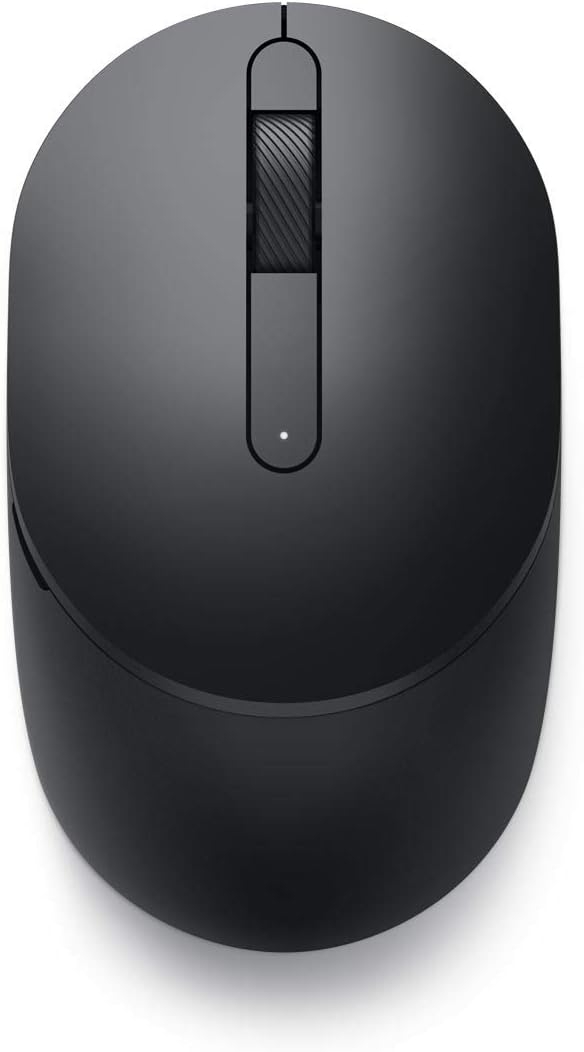
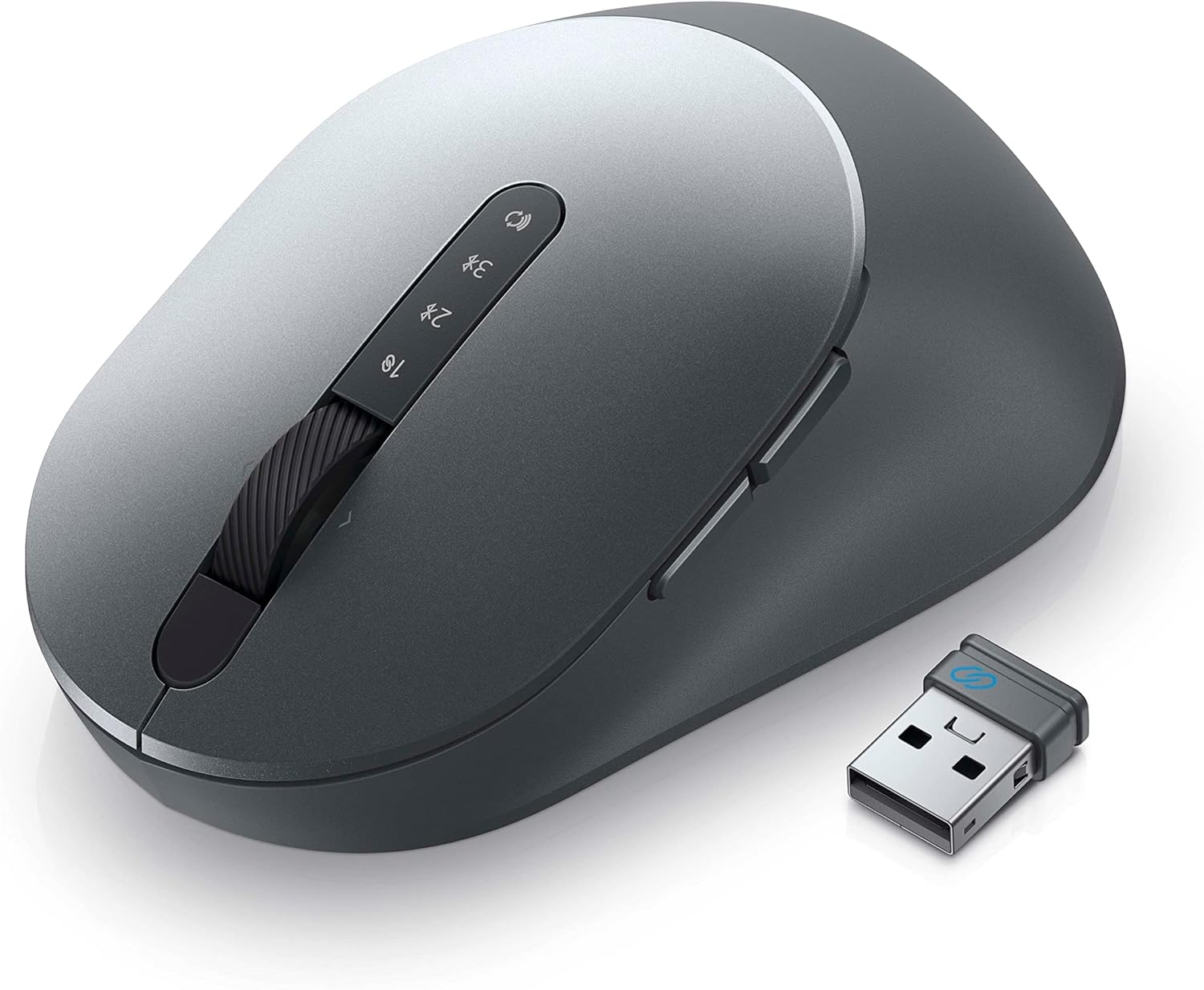
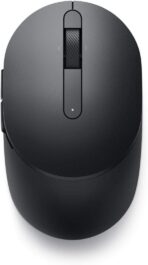
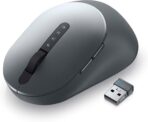

Connect seamlessly and customize easily with the new Dell Mobile Pro Wireless Mouse – MS5120W.
From the brand
From the manufacturer


Connect seamlessly
The dual-mode connectivity incorporates a 2.4GHz wireless and a Bluetooth 5.0 connection so you can pair and connect to almost any PC via your preferred mode.

Easy Pairing
Pair your mouse to your Windows laptop via Bluetooth instantly using Microsoft Swift Pair, so you do not need to configure in Windows settings every time. This mouse is also compatible with a variety of operating systems, including Windows, Mac, Chrome, Linux and Android.


Built to last
Work for up to 36 months on a single battery — that’s three times longer than previous-generation models — and forget about having to recharge daily, weekly or even monthly. This lets you get on with your tasks smoothly without having to be concerned with battery replacements.
Related Products
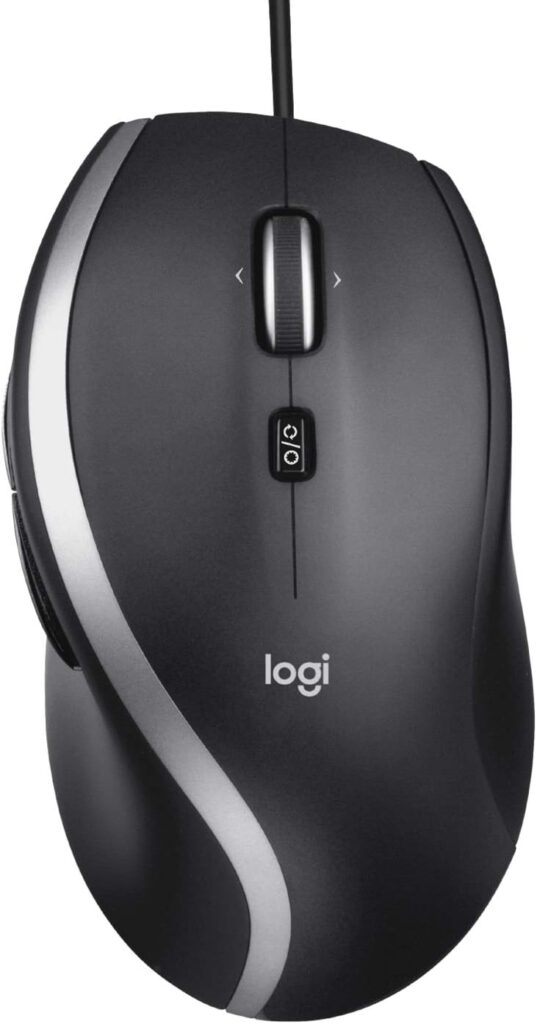
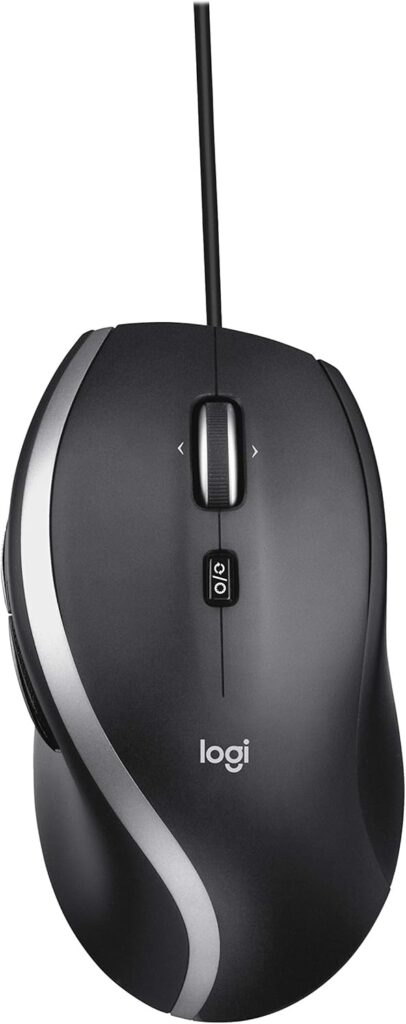
Logitech M500s Advanced Corded Mouse with Advanced Hyper-Fast Scrolling & Tilt, Customizable Buttons, High Precision Tracking with DPI Switch, USB Plug & Play
$31.99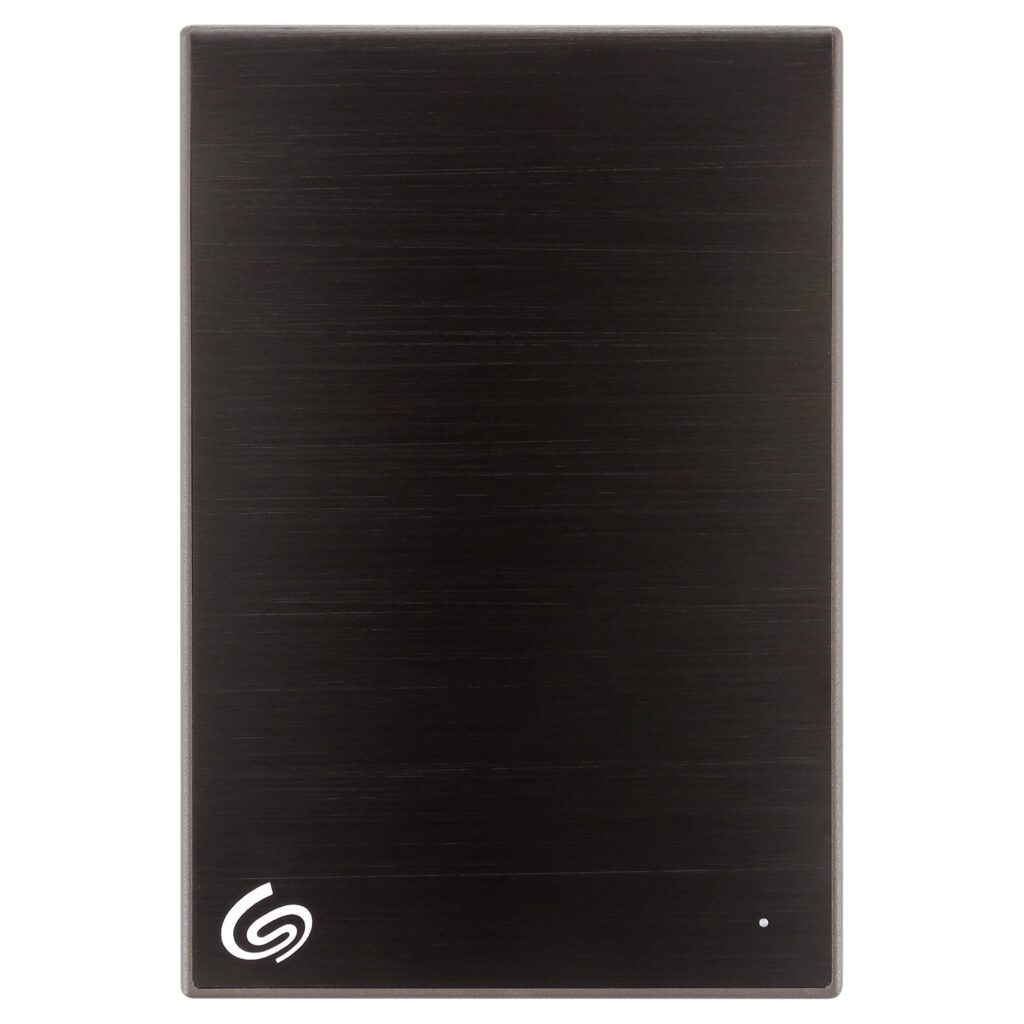
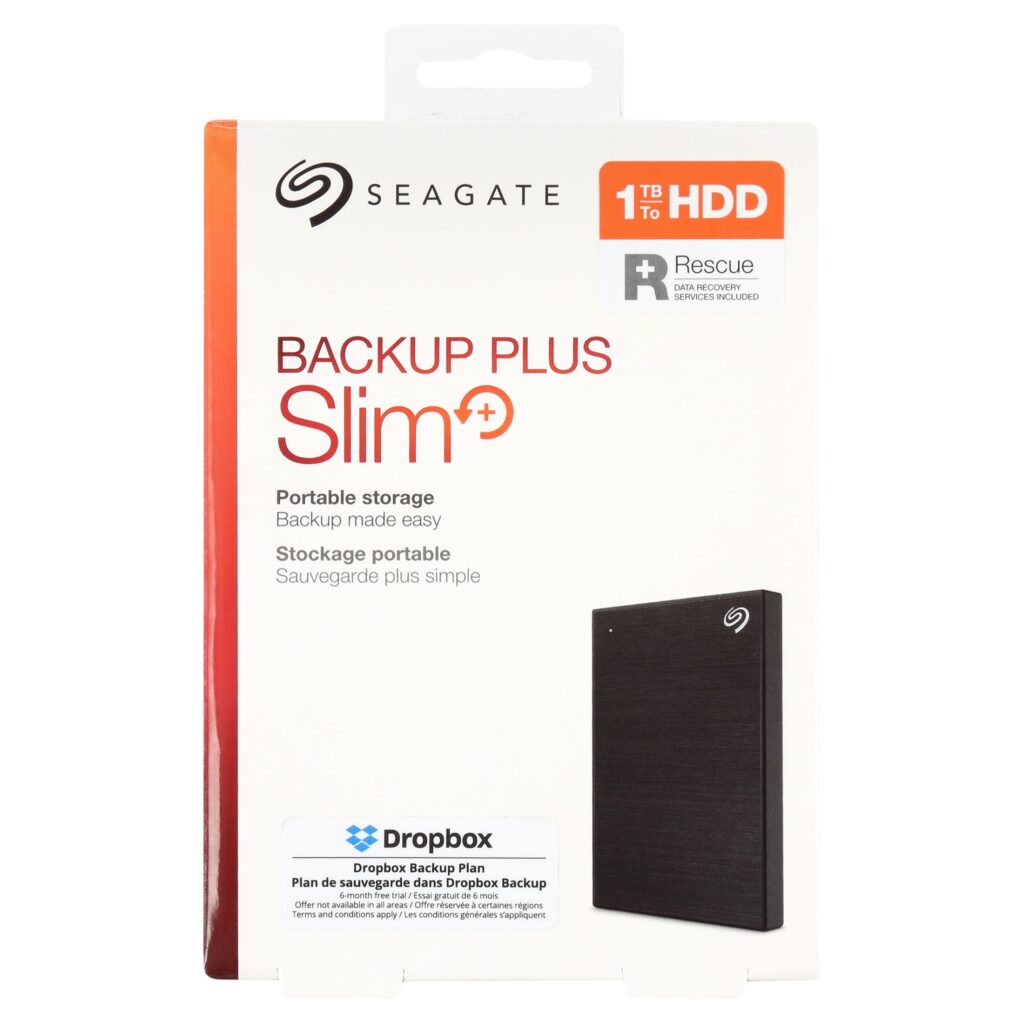
Seagate STHN1000400 1TB Backup Plus Slim Portable Drive USB 3.0, Black
Original price was: $79.99.$59.00Current price is: $59.00.
Jeff Paranay –
The Bluetooth mouse I use at work started to disconnect randomly. Cleaning, batteries, remove and reinstall… nothing fixed it. I looked around on Amazon and bought the Tecknet based on reviews. What a mistake! I wrote a review on that one. Terrible mouse. Avoid it. I didn’t even waste my time to return it. It felt good to throw it in the trash.I like Dell equipment. My work laptop is Dell. My gaming PC is Dell Alienware. Love them. So, I spent about 30% more on this Dell mouse and I love it. One AA battery so it is not heavy. Slightly beveled sides (wider on the top) so it’s easy to pick up if needed. Very comfortable in the hand and is symmetrical so it’s great for left handers too. I called it a wireless mouse because it works with an included USB dongle or with your native Bluetooth. The dongle stores inside if not used. Easy to set up – follow the instructions because there is an option to link to Bluetooth or the dongle. You can switch between the two, indicated on the bottom. The power switch is good. I only turn it off when it’s in my backpack. On the desk, it sleeps and wakes seemlessly. The optical sensor on the bottom works onall surfaces and there is no red laser to blind you when you look for the switch. You can adjust the dots per inch sensitivity for your needs. This helps me for drawing sketches with the mouse. There are buttons. The usual left, middle, and right. The middle button is a wide scroll wheel, and it works as left and tight tilt, too. Two thumb buttons (for right hand use). All buttons are configurable through the provided application. I’m not using them for anything yet, but it’s a nice option.All-in-all I highly recommend this inexpensive wireless mouse for every day use. I have an expensive Alienware wired gaming mouse specificly for gaming use. But for work documentation, occasional CAD use, surfing the web, this is my new favorite. Dell MS5120W.
Amazon Customer –
Works as expected
Bob B –
Good mouse for Dell laptops. Runs on a AA battery. Connects via either Bluetooth or a USB dongle (dongle stored in the mouse). Switches to control which connection and on/off on bottom of mouse. Battery saving timeout switches mouse off after period of non-use. Two buttons and scroll.
Kindle Customer –
I have been buying cheap wireless mice for years and then wondering why the wheel isn’t scrolling in any web browser. I finally tracked it to the wheel sensors in those cheaply made mice including the Logitech I just replaced. Once I installed this mouse the control and function of all the buttons and wheel is so much better and scrolling is no longer an issue. And the best part is the price was just about the same as the supposedly best in class mice that just failed to perform. Great job Dell. BTW I’m not heavy gamer so there are way more expensive mice on the market for those folks. For my uses, this mouse does it all.
LS –
Wow, easy to pair, but poor instruction—had to go on line to find “how to”.
Robert –
Love this mouse. So many mice on the market are too small (made for a baby hand). or so large, uncomfortable and over priced I’m glad I found this, perfect size for my hand for my desktop. I use this on my iMac. I would prefer this was rechargeable battery. I use it daily and haven’t had to replace the battery yet. If I have to replace the battery once a year, i’ll be happy.I also find that the scrolling wheel is a little sensitive to dirt. I have had a coupe times where the wheel doesn’t work, a through cleaning and it works again. I hope the next iteration takes this into consideration and better designs a “dirt resistant” center wheel.
Industrious Wife –
Simple and performs flawlessly.
mg –
Workes very well if you enjoy a mouse and I do. Matched to Dell laptop.
Amazon Customer –
Excelente!!!!!!!!!!!
Excelente calidad, diseño, materiales y funcionalidad.
Saeed Zain –
Best mouse
Best mouse