



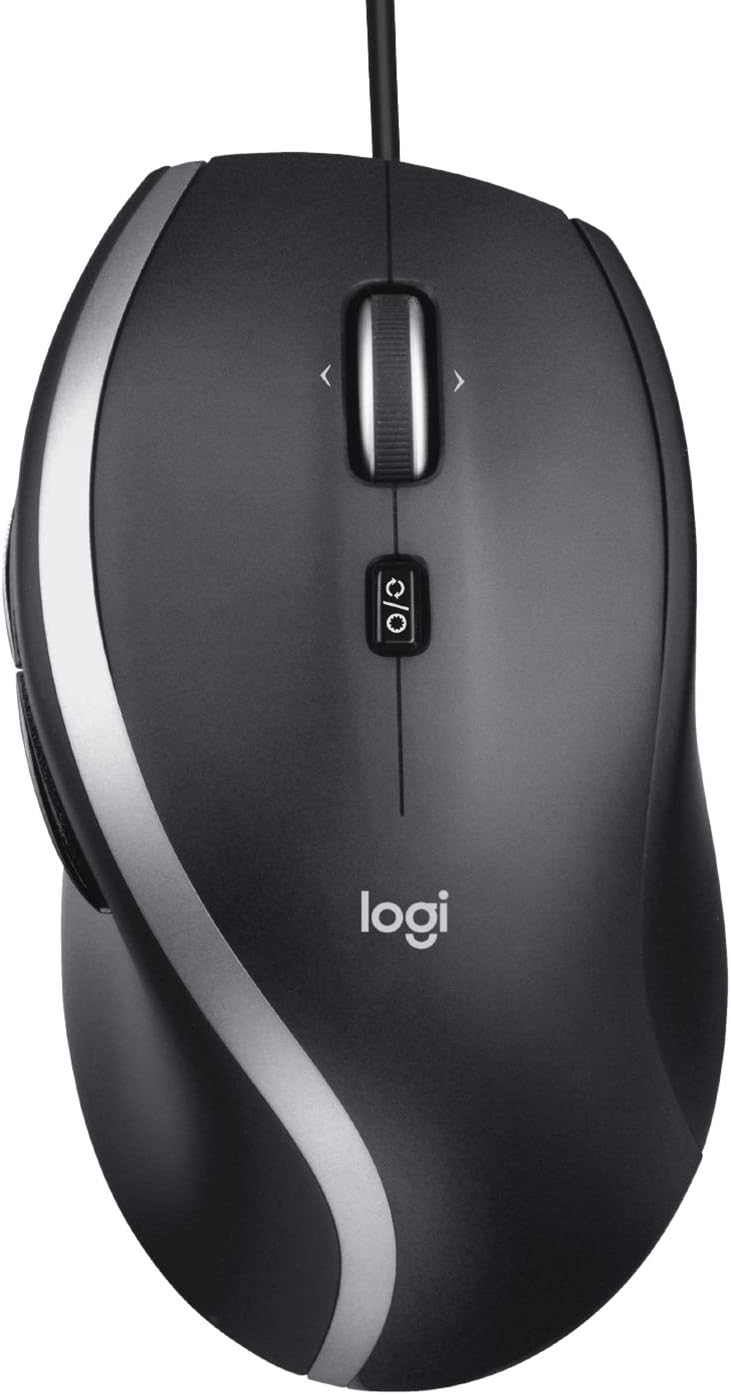
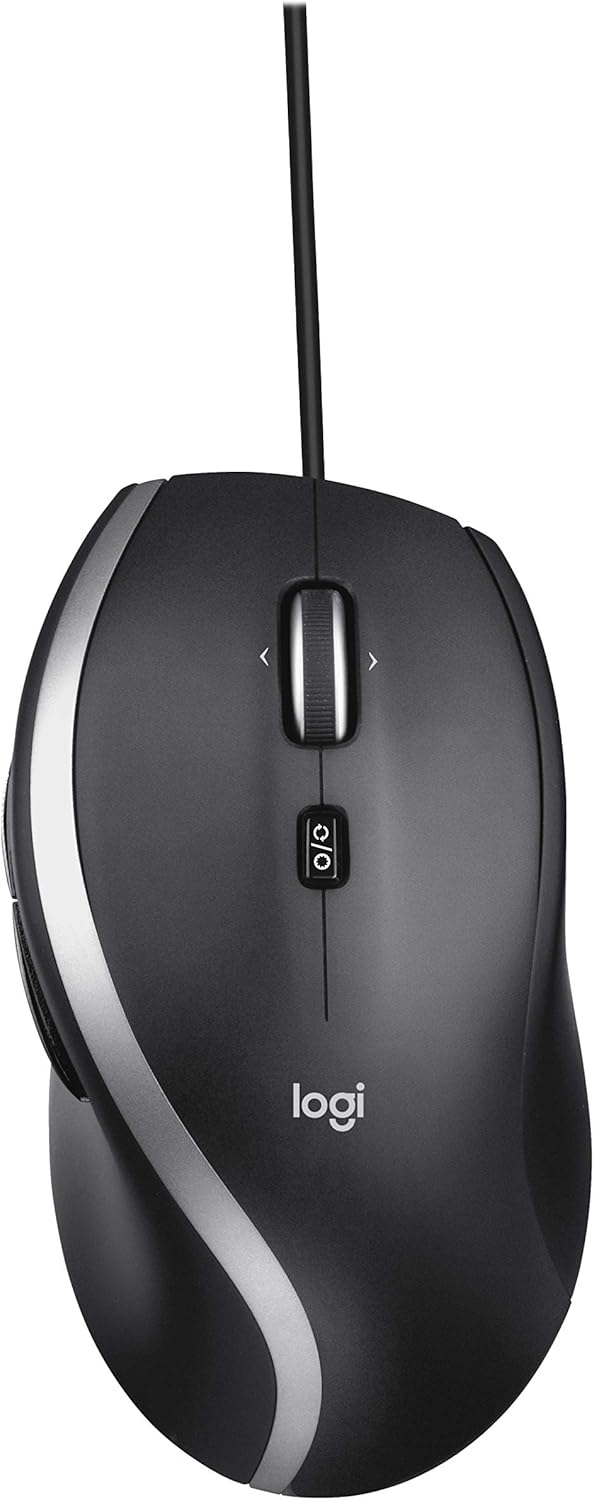


The Logitech Advanced Corded Mouse M500s with hyper-fast scrolling for increased productivity. A nearly frictionless scroll wheel lets you fly through long documents and Web pages with a single flick. Or switch to click-to-click mode for precise, line-by-line navigation of lists, slides, images, and menus. Now with 400-4000 adjustable DPI for fast and ultra-precise cursor control. Soft side grips and a contoured design give you more support and control. The 7 customizable buttons let you move through Web pages and navigate your photo albums with ease. Plug-and-play USB works right out of the box.
From the manufacturer


Advanced Corded Mouse M500s
Advance your productivity
Meet Advanced Corded Mouse M500s, an advanced corded mouse with hyper-fast scrolling, customizable controls, and a sculpted design for long hours of comfort and productivity.

System Requirements
- Windows 7, Windows 8, Windows 10 or later
- Mac OS X 10.5 or later
- Chrome OS
- Linux Kernel 2.6+

Related Products
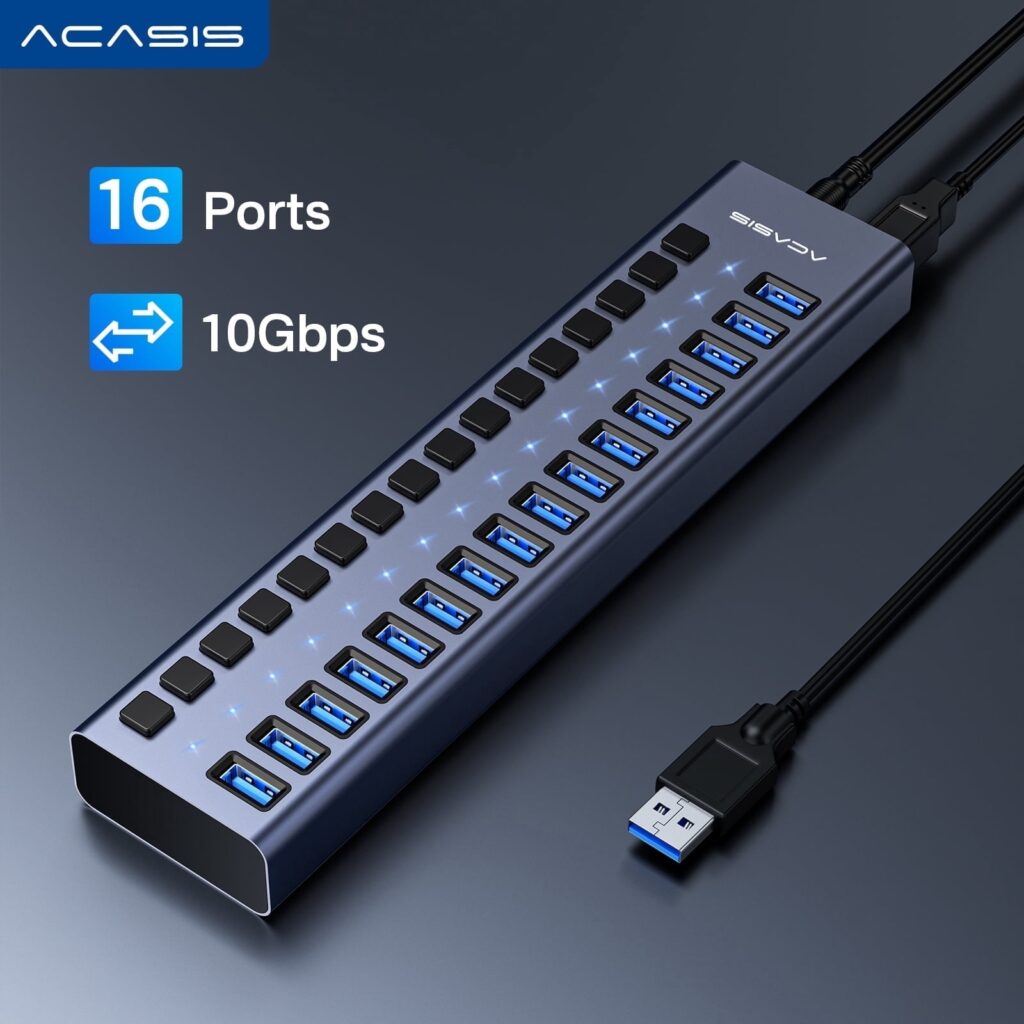
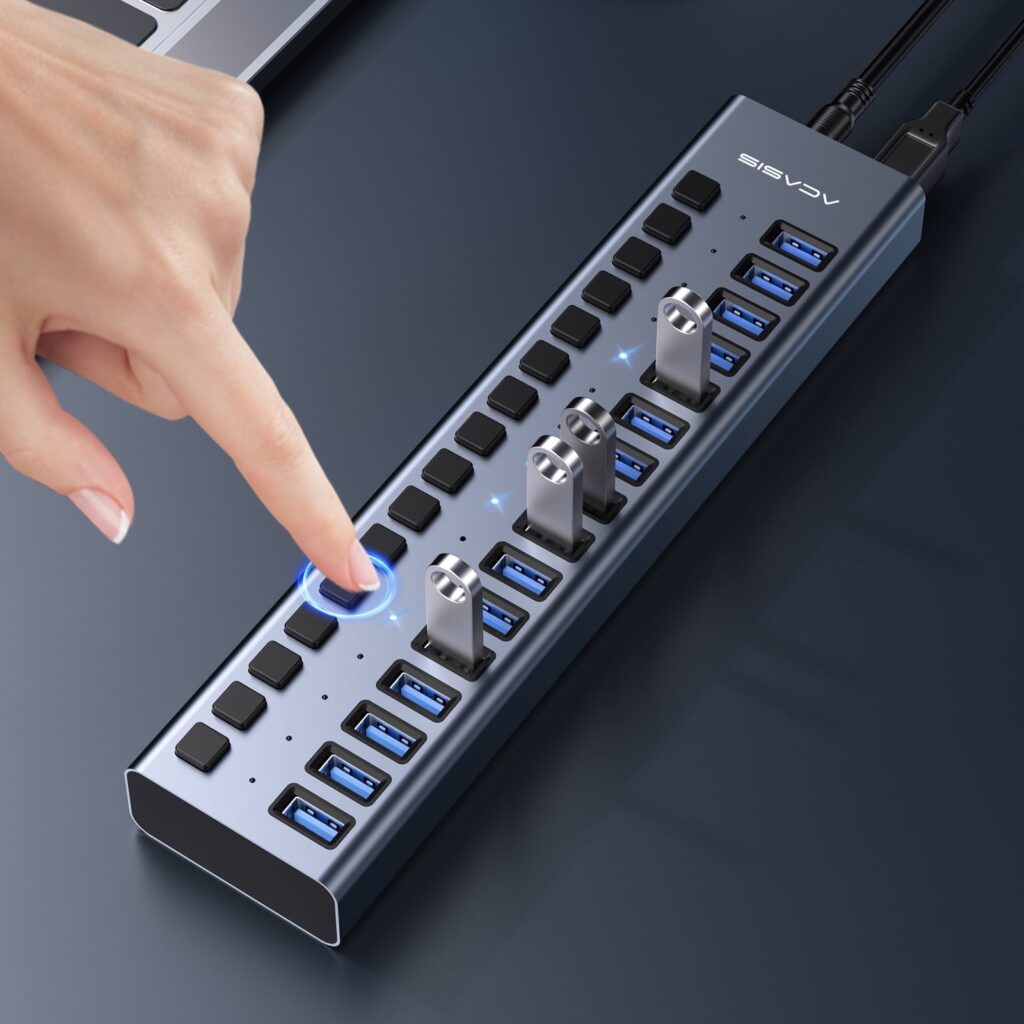
ACASIS 16-Port Powered USB 3.1 Hub – 10Gbps High-Speed Data Hub with Aluminum Housing & 96W Power Adapter, for PC, Laptop, Printer, Camera and More
Original price was: $64.99.$54.99Current price is: $54.99.
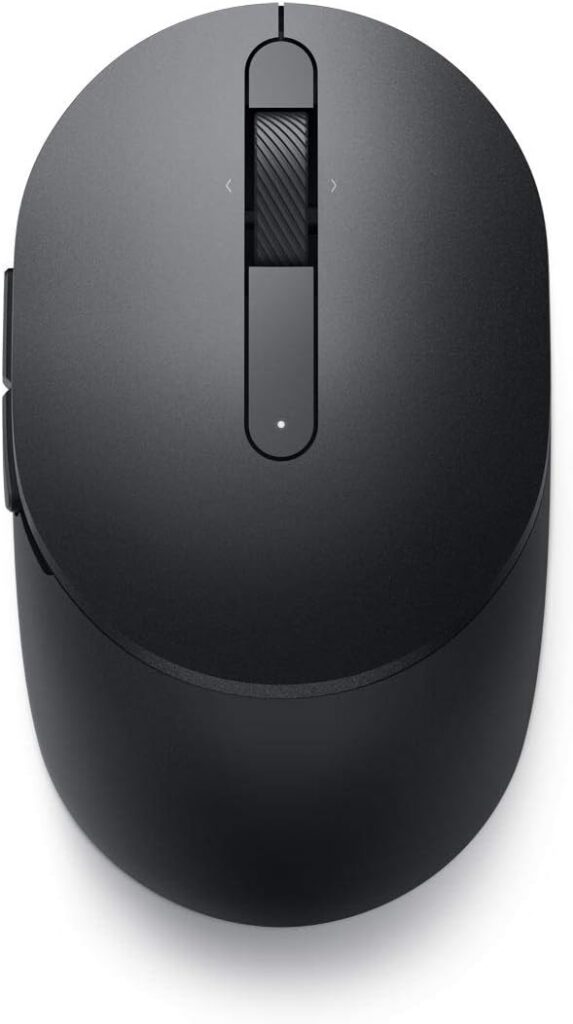
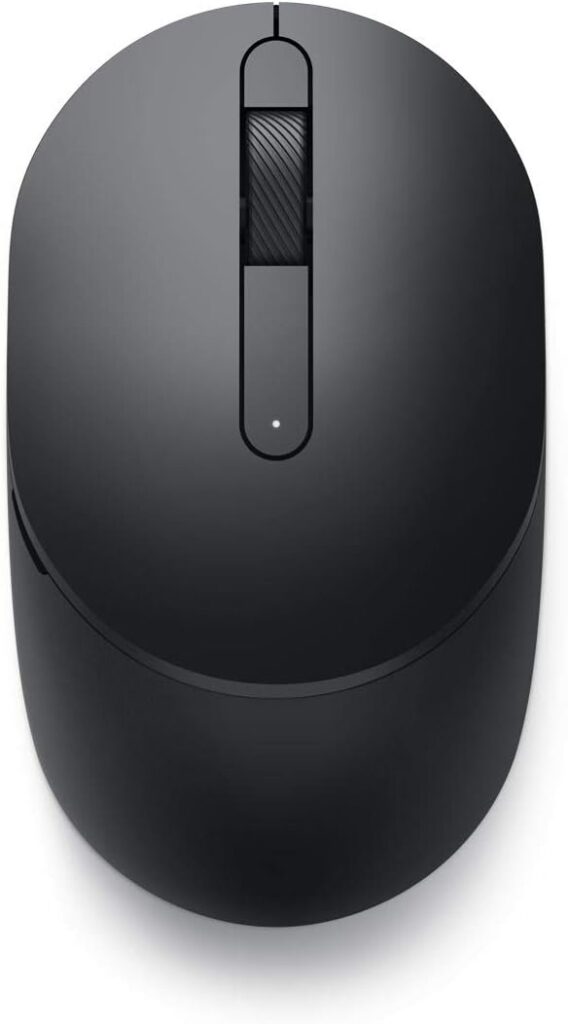
 Black - MS3320W
 Titan Gray
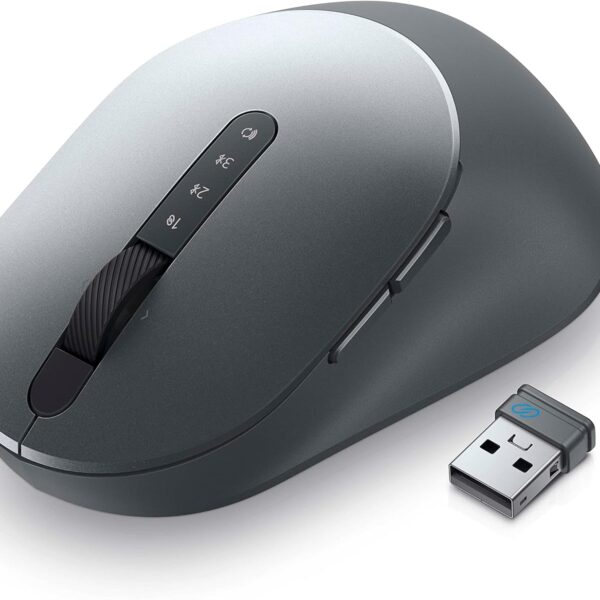 Titan Gray - MS5320W
Dell MS5120W Mobile Pro Wireless Mouse – Wireless 2.4GHz, Bluetooth 5.0, Microsoft Swift Pair/Dell Pair (Windows 10 & 11 only), Optical LED Sensor – Gray
Price range: $24.97 through $39.99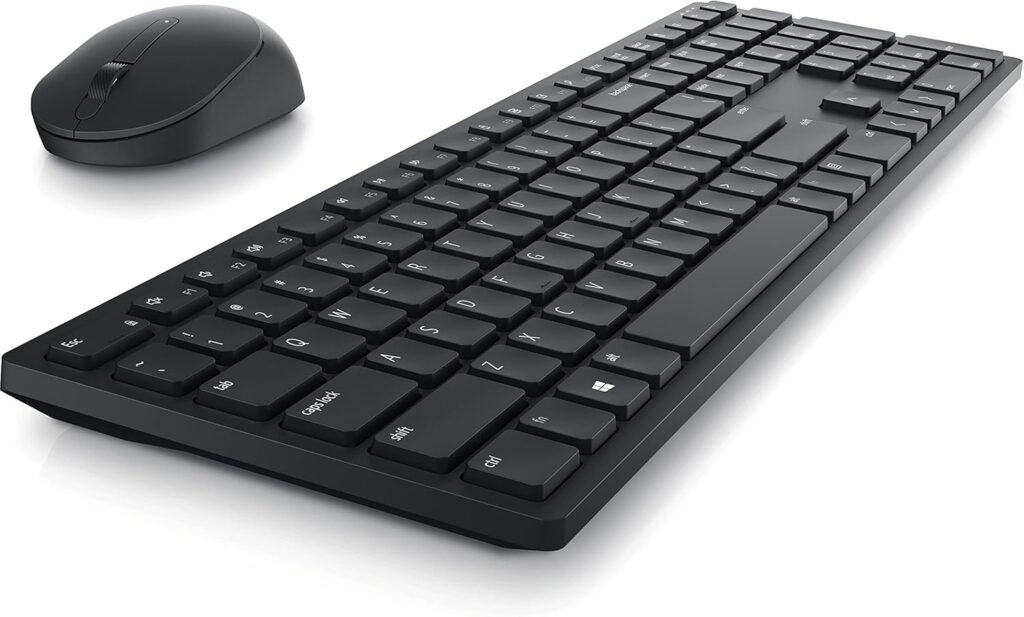
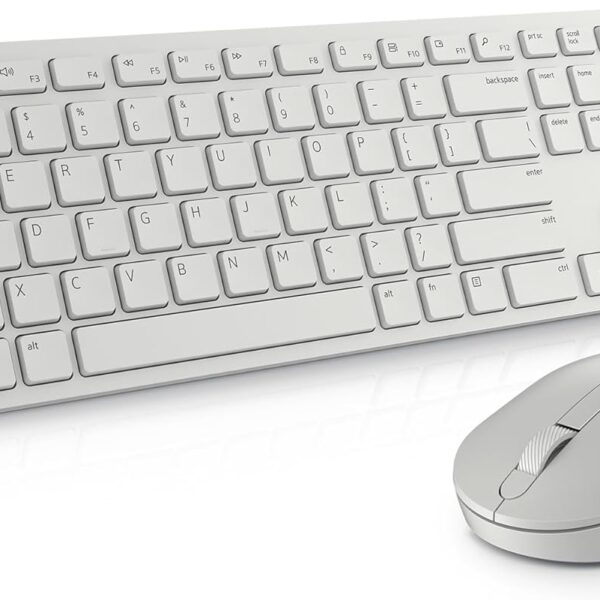 white
white
Sheryol A. Rae –
Very good product and easy to use
E.B. –
I love not having to charge my mouse or replace dead batteries. This one works every time, always. I never have to think about it or do anything to maintain it.The functionality is fantastic. I love the feel of the wheel (and of the whole mouse).
MD –
First of all, I want to be fair. Logitech is the only mouse brand I’ve ever used, therefore, I have nothing to compare it to, but I must say a few words.Fit and grip are great for my big right hand. And because it’s a laser mouse, accuracy isn’t an issue either. So, you might be wondering, why am I writing a review?Simply this, I will never use a wireless mouse, as I once did, but the problems started almost immediately. 1, connectivity. Doesn’t work on all work surfaces! 2, interference from other electronic equipment. Everything is electronic these days, so if you happen to be on a cell phone, for example, or another household appliance is running nearby, the mouse will “forget where it is!” 3, batteries! Batteries aren’t cheap anymore, and when they run down, the signal is lost. Connectivity again, and this is called Lag!So, I believe in wired keyboards and wired mice! And I think Logitech makes a great brand. Never had any problems with their equipment. Done!
Avery –
At last an upgrade for my favorite mouse! I got the original M500 mouse back in 2007 and used it right up until this arrived! Its amazing how much better this is than my old trusty mouse. I have stuck with this design for so long due to it fitting my hand and multi-grip style well and not causing cramps and pain that more ambidextrous and gaming mice cause. I work with computers all day for work and all night for my hobbies, so comfort comes first for me.Gaming performance is a huge leap forwards over the old 800dpi laser sensor of my old mouse even when ran at the same 800dpi. Though i do have to give that it is not intended for gaming. It is utterly amazing to me how much easier it is to play precision classes in Overwatch and games where pin point mouse accuracy is required! Being able to set higher DPI’s is a nice feature, though the software to do so is incredibly frustrating as it obfuscates everything. Additionally it makes no mentions on what the native dpi of the sensor is, and if its even adjusting the sensor dpi sampling instead of just changing a multiplier like window’s mouse speed setting.Mouse build quality is alright, i have used far better mice but they also were two to three times more expensive than this mouse. For the price, i find this mouse really hard to beat. The infinity scroll toggle is a mushy mess, but it is functional and the rest of the buttons feel solid and clicky. The cord is rather stiff and gets caught on stuff easily, I really wish it used the higher quality plastics that the original 2007 model had used or was braided. It’s bad enough i am asking myself if I should spend the money for a good wireless mouse…Overall, an easy 4/5but that last star is worth considering if you use the mouse for anything other than office work and are not on a tight budget
Pete Jordan –
I have been using this mouse for years and it is great for my needs. I needed a new one as the little pads are finally worn off and I’m not sure how good getting new pads was for this model, so I opted to get a new one.Ordered it this morning and already using it before lunch…
krr711 –
This is a very fast mouse. This covers three screens in three inches of side-to-side movement. The Corsair model took six inches. This is the 3rd or 4th model I have had in 12 years. It is so fast, I wouldn’t change for any unit I have found yet. Good luck! And thanks to Logitech for making such a durable mouse.
JT –
If there is one thing I hope that comes from this review is that MAYBE Logitech might take note but I highly doubt it. This mouse isn’t inexpensive as others are. I don’t mind paying for a quality item if it delivers. This does not.I have been buying this model for years because of it’s ergonomic design and quality performance. I’m speaking of the ones made in the past. Best of all, this model is ideal for those with rheumatoid arthritis.Since I have been buying this particular model, most of my mice performed beautifully. Not the last two. When the last mouse died prior to purchasing this one, I became skeptical because it didn’t last long. Therefore, I took out a warranty with this. I’m glad I did since this one turned out to be worse than the last one.It may have its ergonomic design but what good is that if the mouse doesn’t work properly? The mouse acts erratic. Part of the time, it doesn’t highlight; the buttons don’t work properly. They don’t do what they’re supposed to. For instance, holding the upper left side button to highlight or move a document frequently fails. I clean it periodically yet that doesn’t seem to resolve things. Sometimes it suddenly it starts working again out of the blue. I’ve tried everything to fix it but nothing has worked. This latest mouse is a disaster and not worth the money! I’m glad I purchased the four year warranty on it but we’ll see if they honor it or if it gets fixed. I’m not holding my breath. Will update if the warranty isn’t honored.Because we are currently facing economic hard times, I strongly recommend not wasting your precious money on this.
Gerrie Chamberlain –
Good product
Yvan –
At last, a worthy replacement for the Logitech Mouseman
TL;DR if you are looking to replace an old Logitech Mouseman M-BA47 and are looking for a wired mouse, this is the one.The good:- I finally found the perfect replacement for my old Logitech Mouseman M-BA47 from decades ago. I don’t know if it’s exactly the same shape and size but if it’s not, it’s extremely close. (update: it is not. it is a bit shorter in length and height, but overall not enough to be aware of the difference after a few weeks). And the only reason I replaced my old mouse is because the plastic legs under the buttons are so worn out that they cannot click the Omron microswitches correctly anymore. Hopefully this new mouse will last as long as the old one it replaced, i.e. more than two decades.- The sides of the M500s are made of rubber, like my old M-BA47.- There is one more side button compared to the M-BA47.- You can easily switch between clicking and smooth for the scrollwheel via a mechanical button right under the scrollwheel itself.- I finally switched to an optical mouse (yes, the M-BA47 uses a ball) and this new mouse works fine on the generic foam padded blue fabric mouse pad I already have.- Like my old mouse, this one “just works” with macOS, no special driver required. You may need to reconfigure some buttons (#3 and higher).The bad:- Unlike my old Logitech Mouseman M-BA47 which worked fine when connected to one of the USB ports of my Apple aluminium keyboard (A1243), this one does not. Upon plugging it in, I received a notification about the device requiring more power which means I had to connect it directly into my Mac mini.UPDATE: for some reason I’m not getting the “more power needed” warning anymore and the mouse works fine in either USB port of my A1243 keyboard.The major differences:- The side buttons are at the top of the side, unlike the single side button of the M-BA47 which is at the bottom. It’s also near impossible to only hit the front side button while holding the mouse. As a bonus, though, it means I will be able to hold my thumb lower on the mouse which is probably a plus, ergonomically speaking.
Tommy Gunn –
Quality product!
Very happy with the mouse performance. Feels very fluid while moving on desktop and screen. Extremely comfortable in my hand. High quality!!!!! Great price!